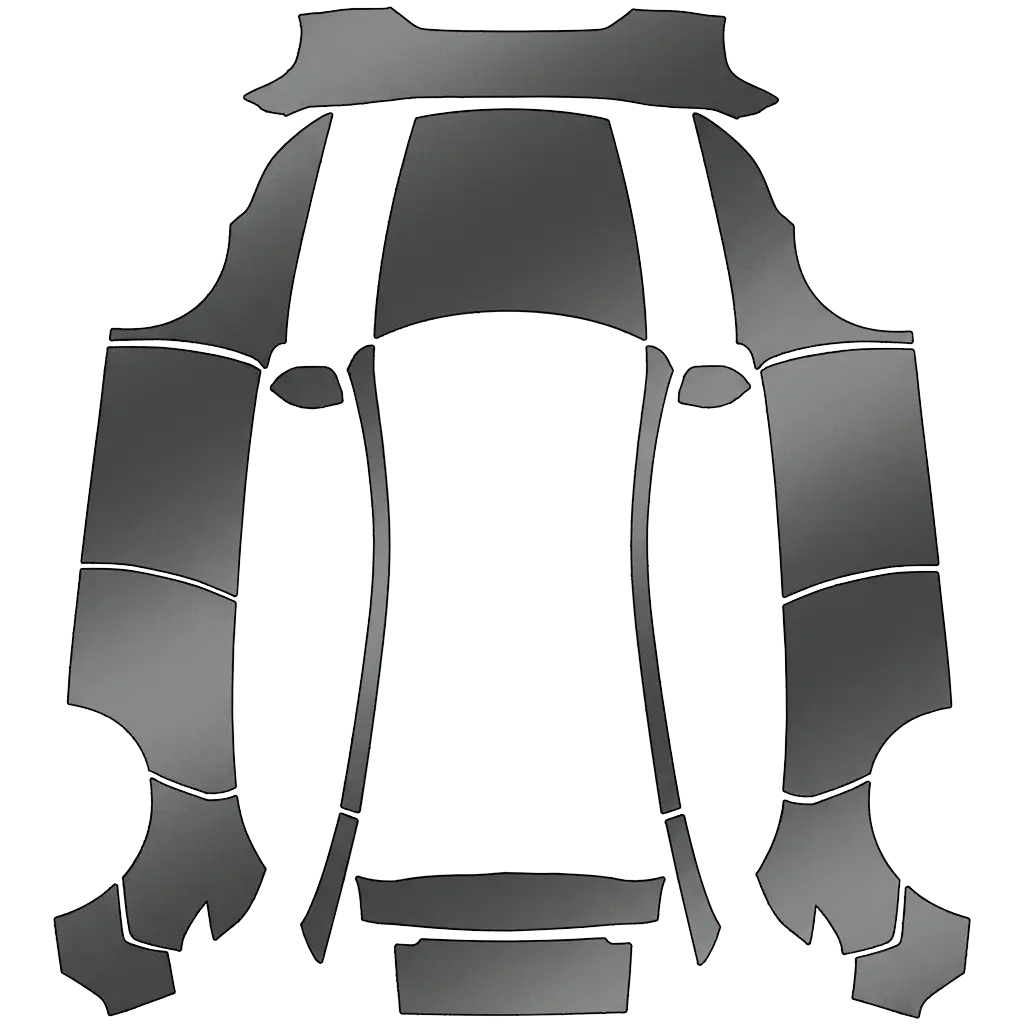
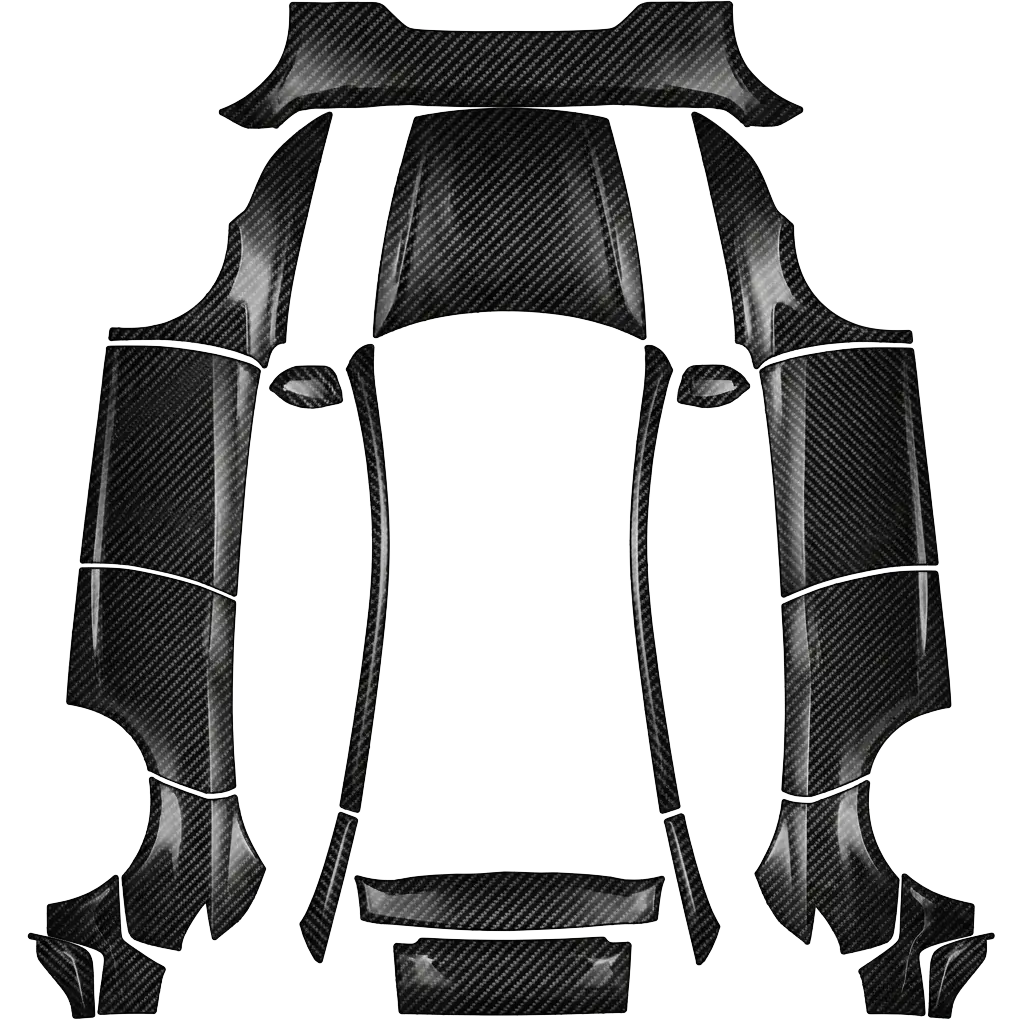
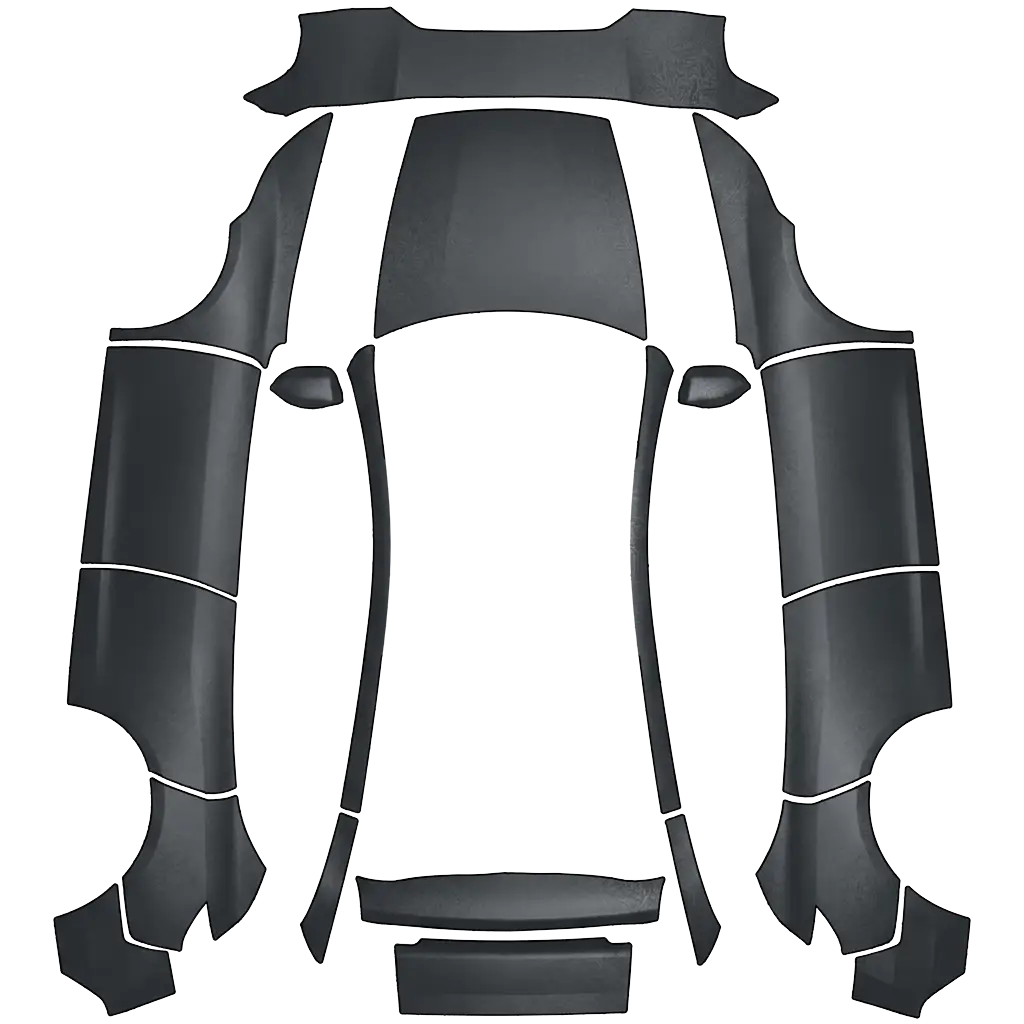
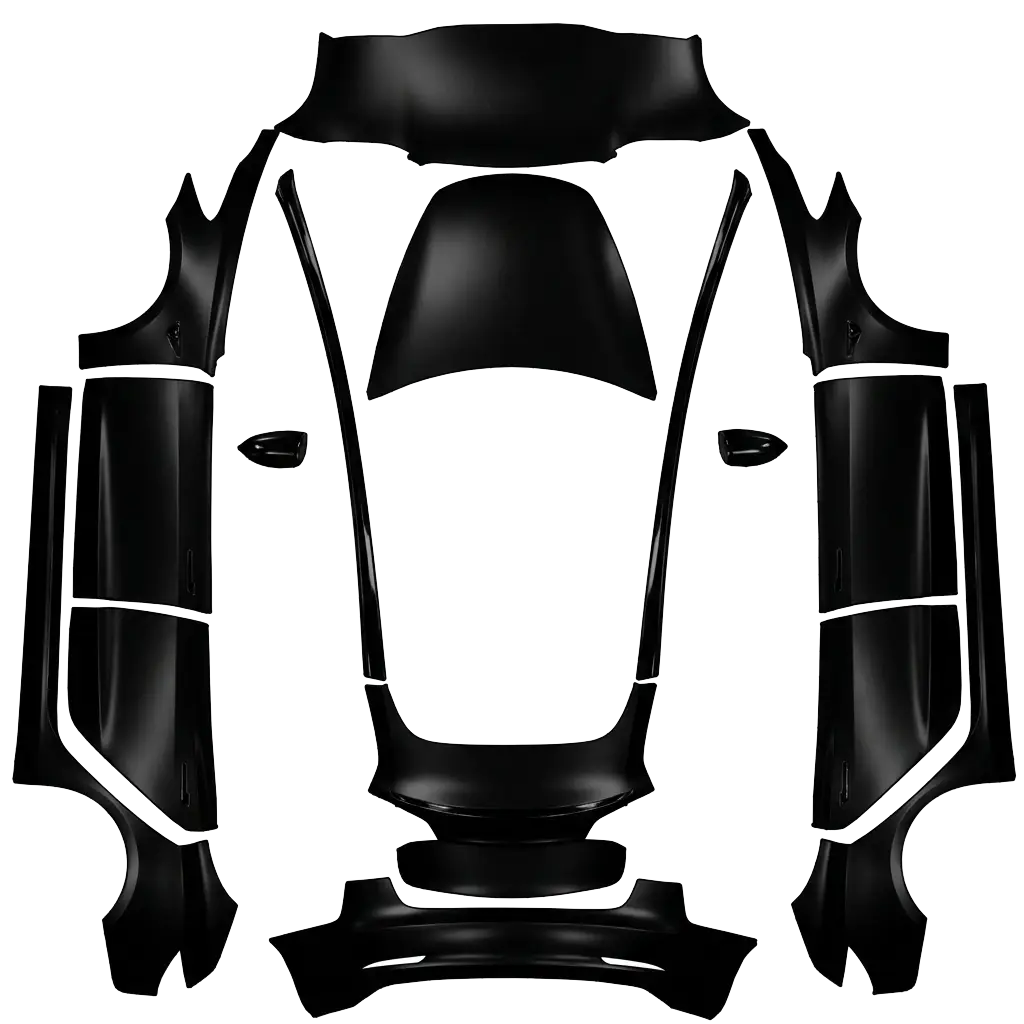
Matte wraps are about finish, not graphics. Since a Paint Shop wrap only changes the on-screen car, the "matte" look has to come from color and contrast rather than from a real clear-coat.
11 designs in the gallery · free PNG downloads · every file fits the Paint Shop template for its model.
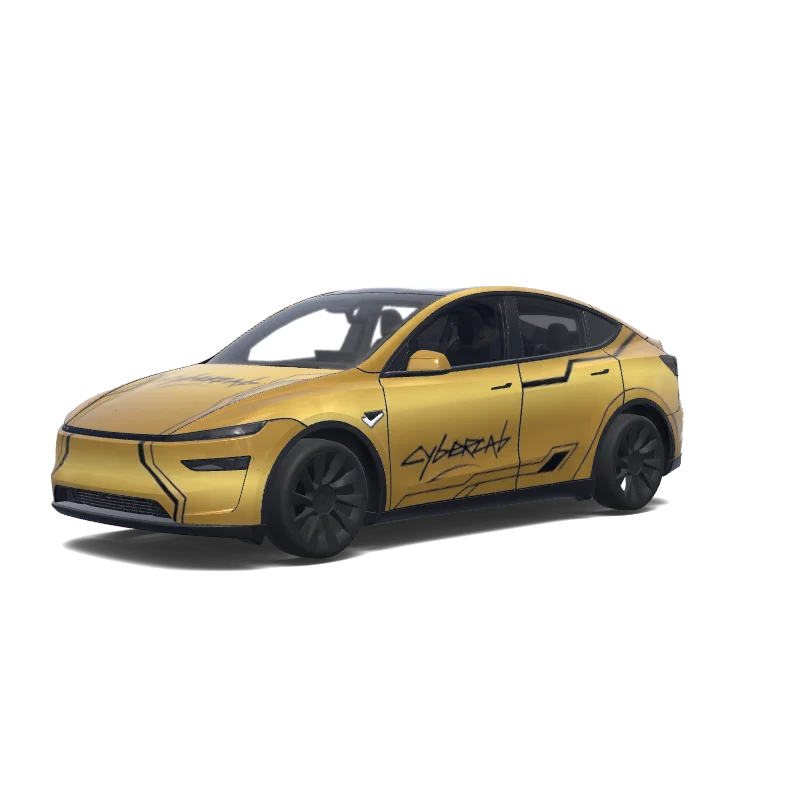

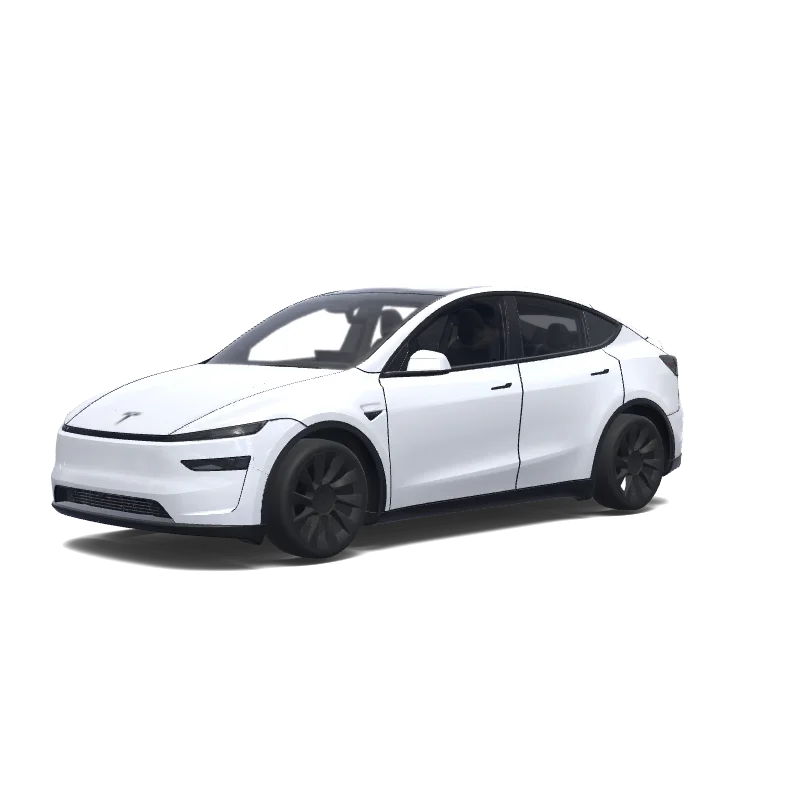
Model Y (2025+)
Use the uploaded photo as a strong visual reference. Extract its colors, textures, pattern language, and overall aesthetic. Generate a Tesla Paint Shop vehicle wrap for the selected model. Fill the UV template areas cleanly, preserve transparent and non-template areas, and output a complete wrap PNG suitable for 3D preview and download.
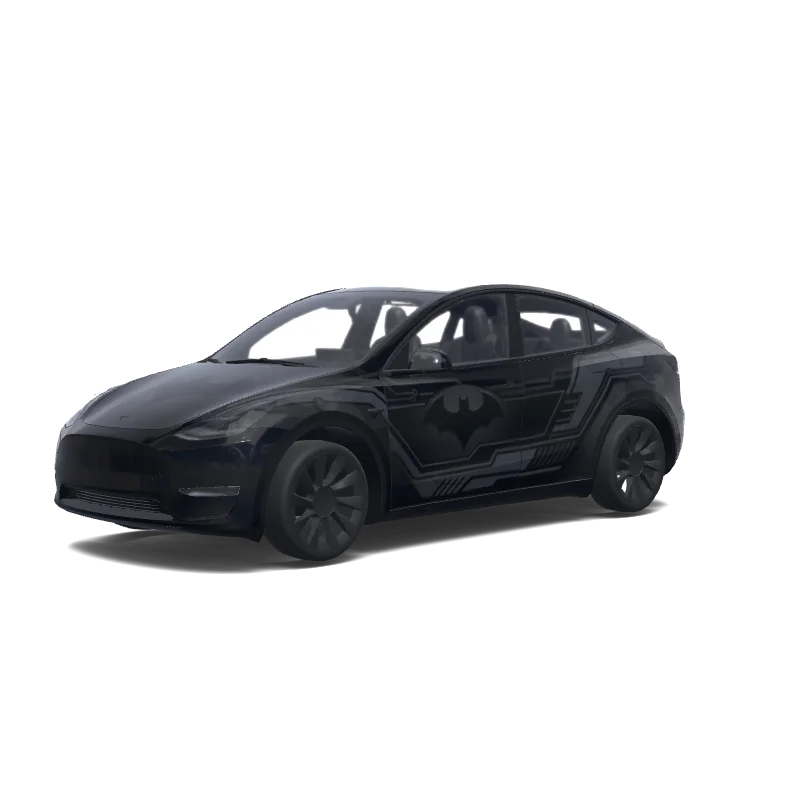
Model Y
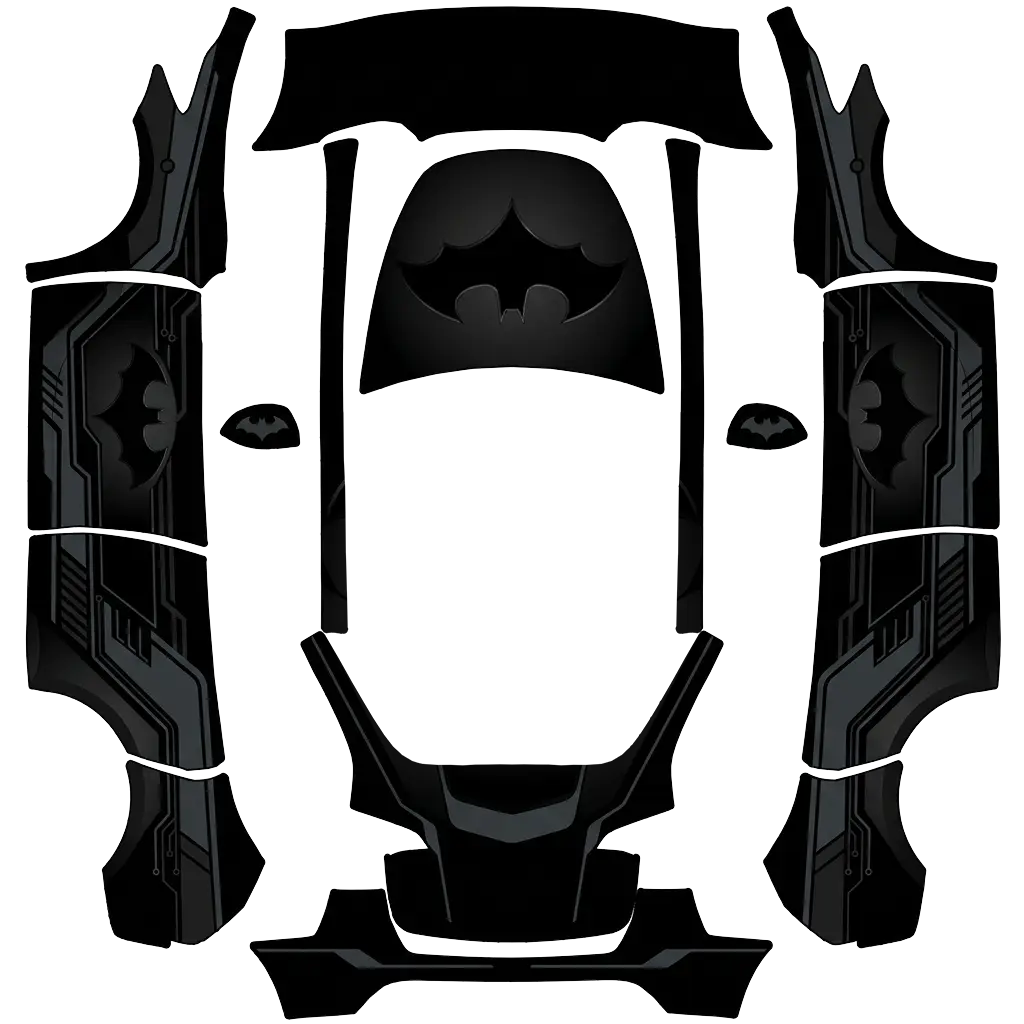
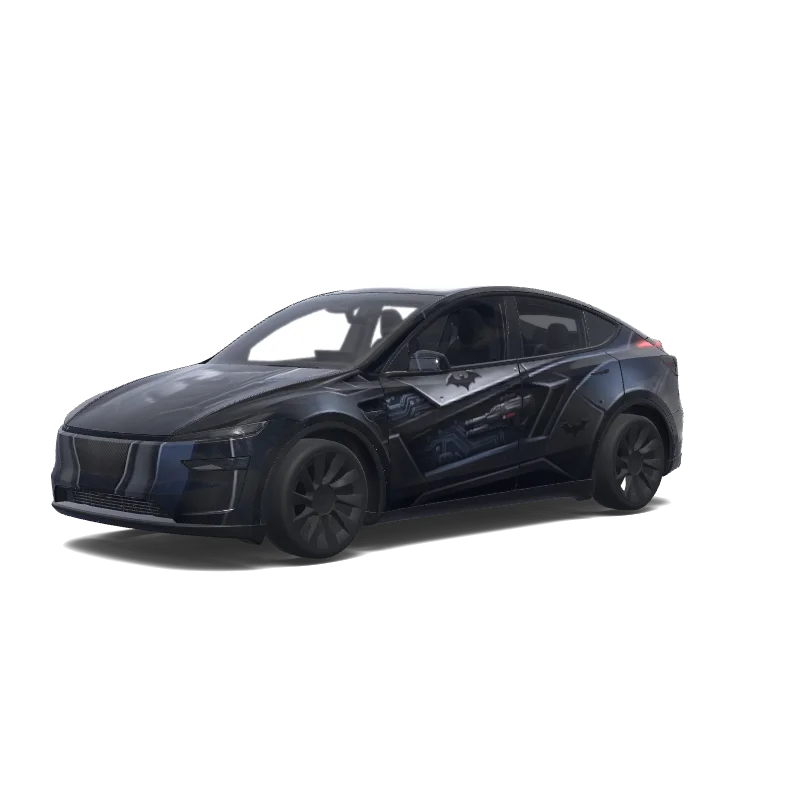
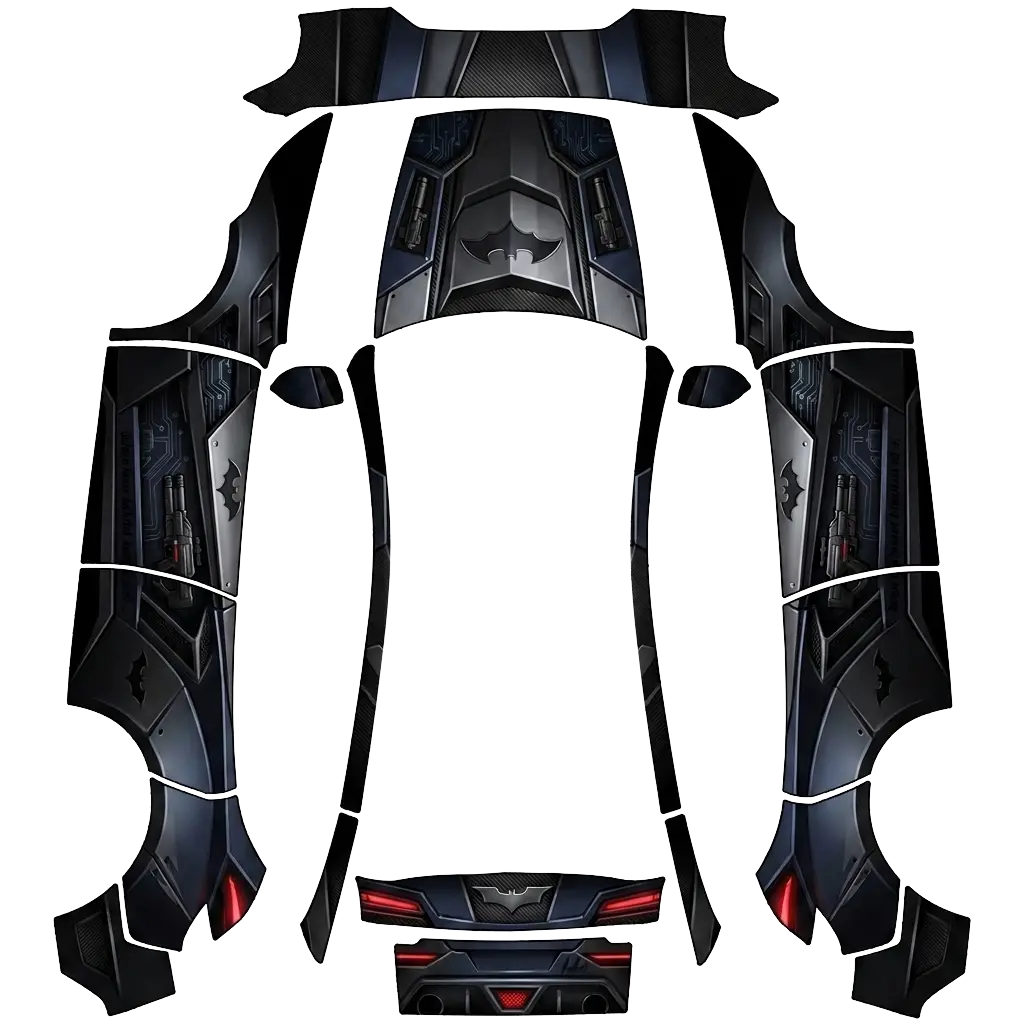
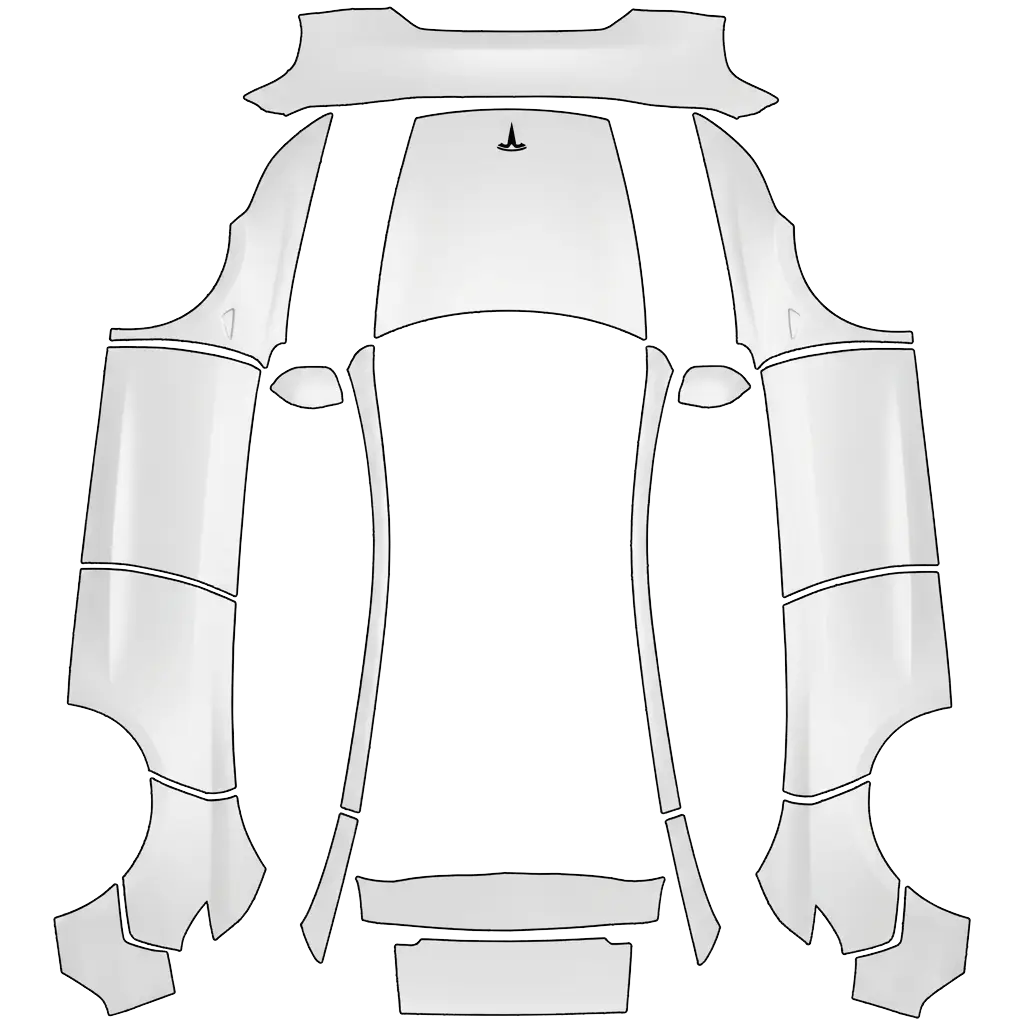
Erstelle eine hochwertige Batman-Folierung für das gesamte Tesla Model Y. Das Fahrzeug soll als Grundfarbe tiefes MATTSCHWARZ haben. Auf der Motorhaube muss ein großes, deutlich sichtbares BATMAN-LOGO mit der typischen Fledermaus-Silhouette platziert werden. Das Batman-Logo darf auf keinen Fall fehlen. Design: * Grundfarbe: Mattschwarz * Großes Batman-Fledermaus-Logo auf der Motorhaube * Weitere kleinere Fledermaus-Logos passend auf den Seiten * Dunkelgraue/anthrazitfarbene grafische Akzente.
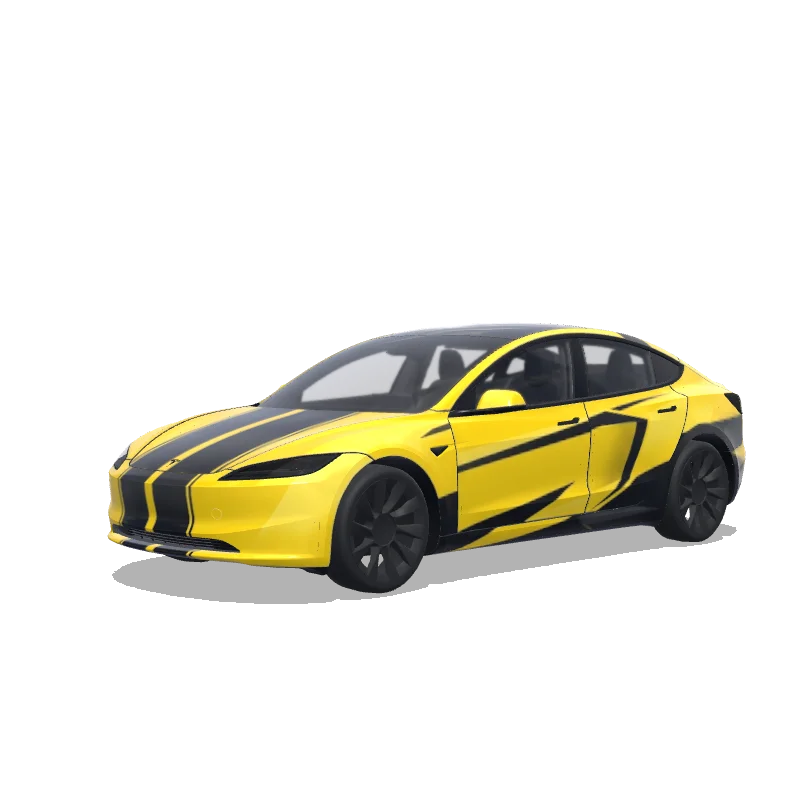

Model 3 (2024+)
Vibrant bright yellow base inspired by classic Chevrolet Camaro Bumblebee style, with bold wide black racing stripes running from hood center through roof to trunk, sharp aggressive lines. Blend in Lamborghini supercar elements: sharp angular black accents on side skirts, aggressive lower splitter graphics, dramatic black slashes on doors and rear fenders, geometric black patterns emphasizing speed and edges. Matte-gloss contrast, no logos or text, pure muscular yet futuristic aggressive muscle-. Colors: yellow.
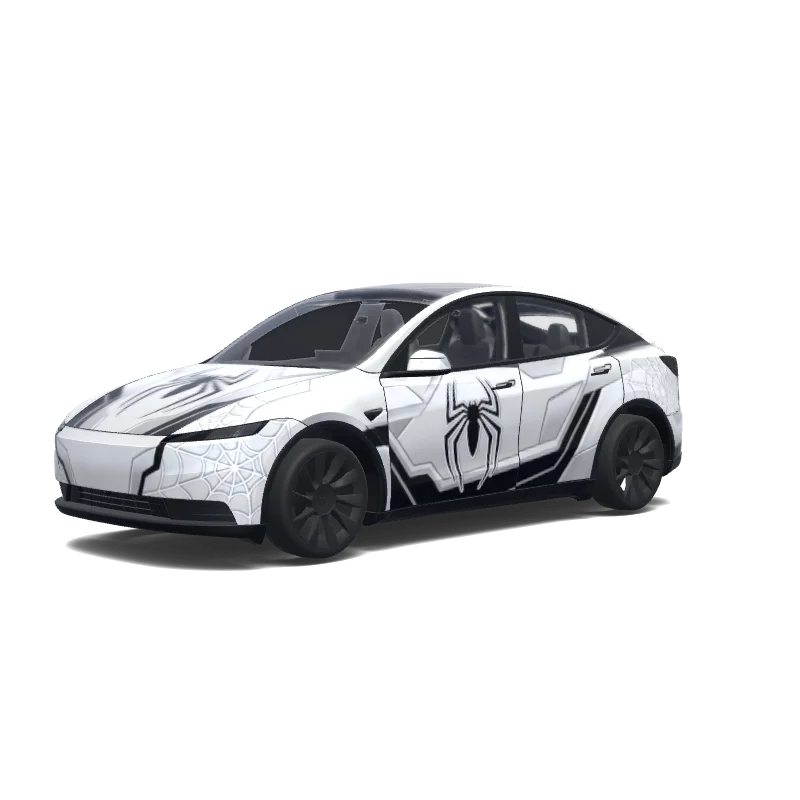

Model Y (2025+)
White and Black Spiderman themed a futuristic white spider-themed superhero suit, with the Spiderman logos. Keep the vehicle's pearl white base color and create a sleek high-tech appearance using layered matte white, gloss white, and satin silver textures. Add aggressive black aerodynamic panel lines, futuristic geometric patterns, and subtle web-inspired graphics integrated into the body panels. The design should feel like advanced technology mixed.
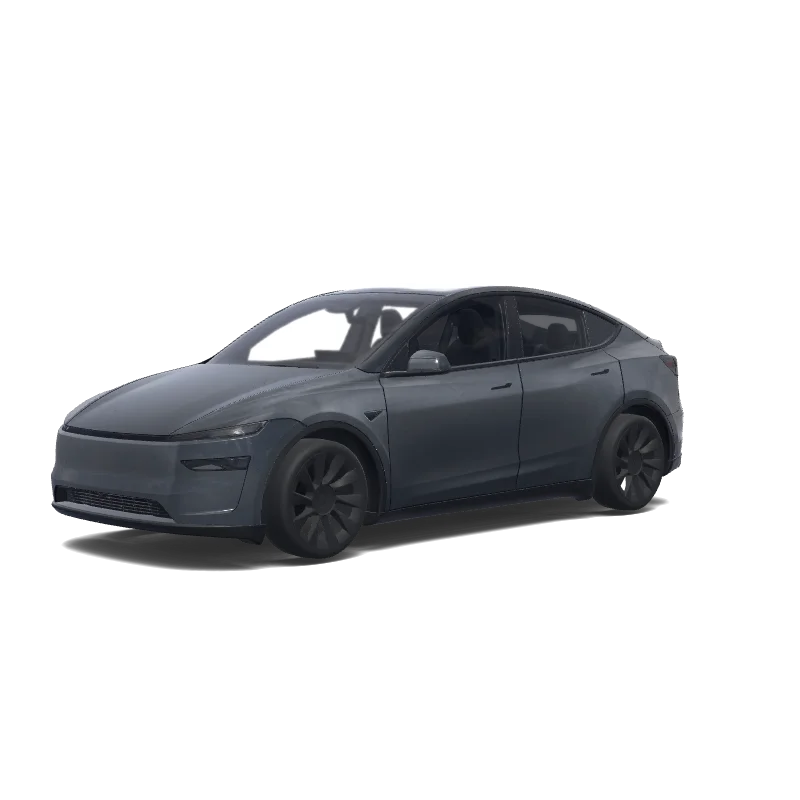

Model Y (2025+)
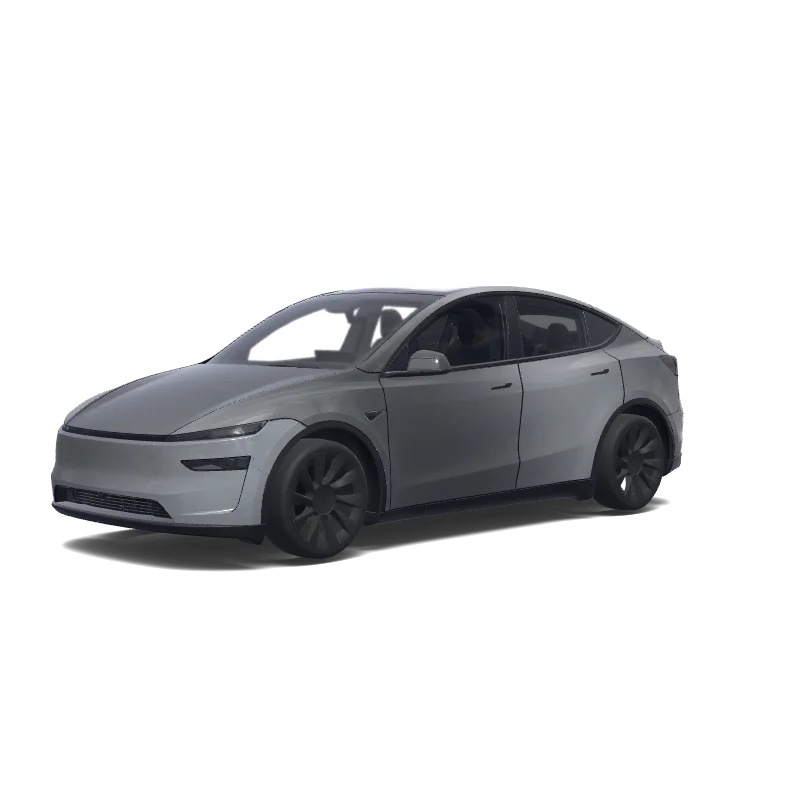
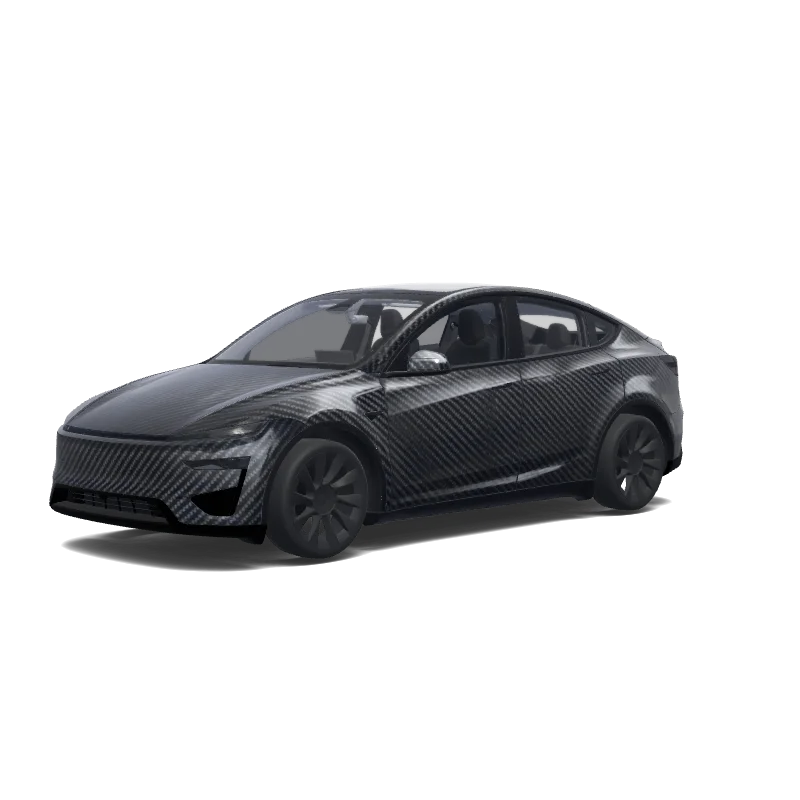
stealth gray with a frost satin full body wrap be sure to include the mirrors as well.
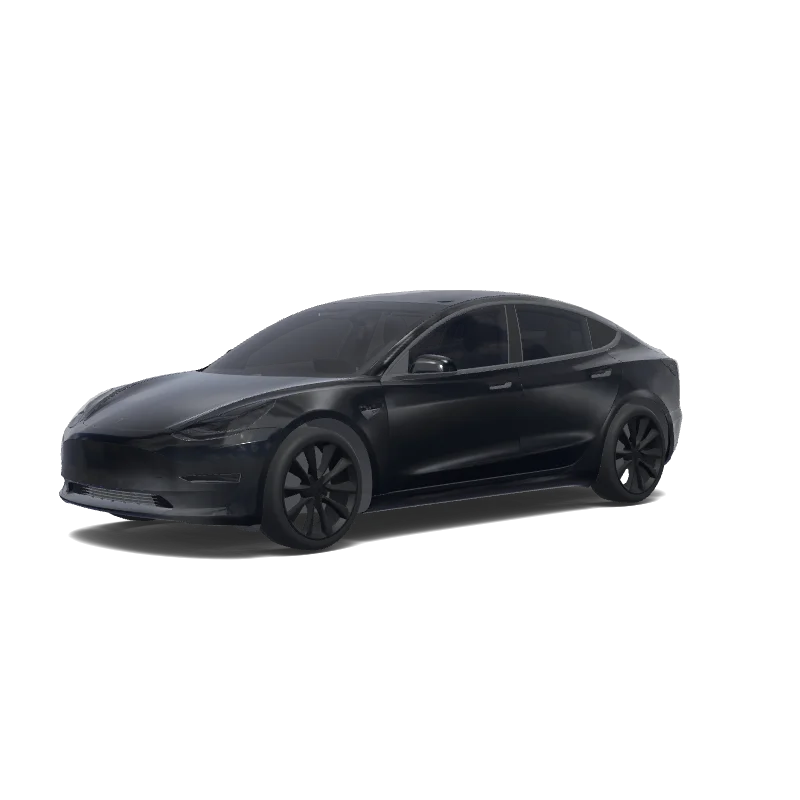
Model 3
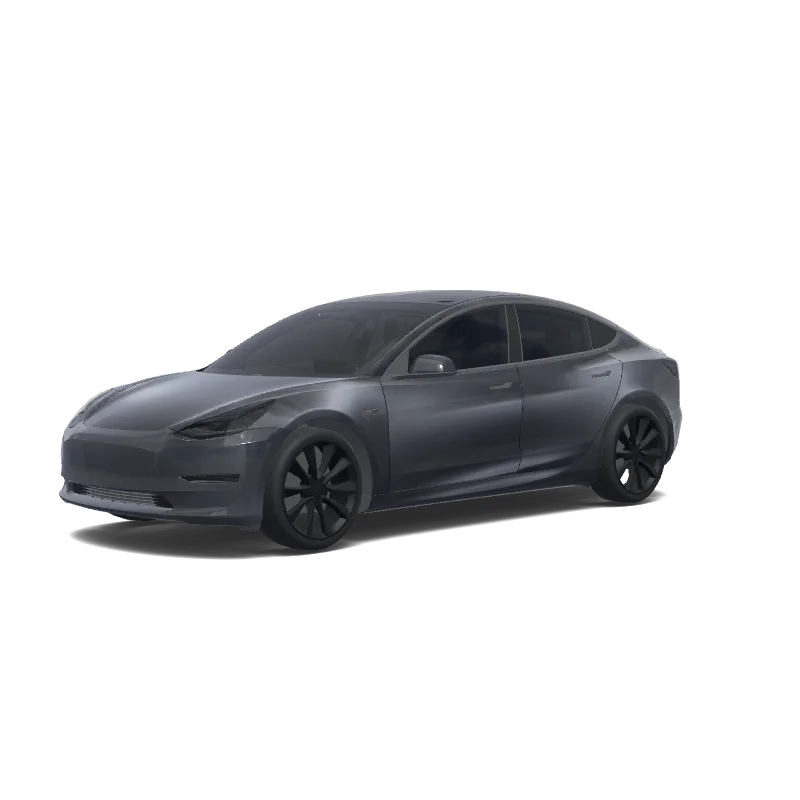
Satin black wrap. Trim and door handles black gloss. Black gloss rims. All windows tinted. Brake calipers red.
Looking for another model? Browse the full gallery or pick a model above.
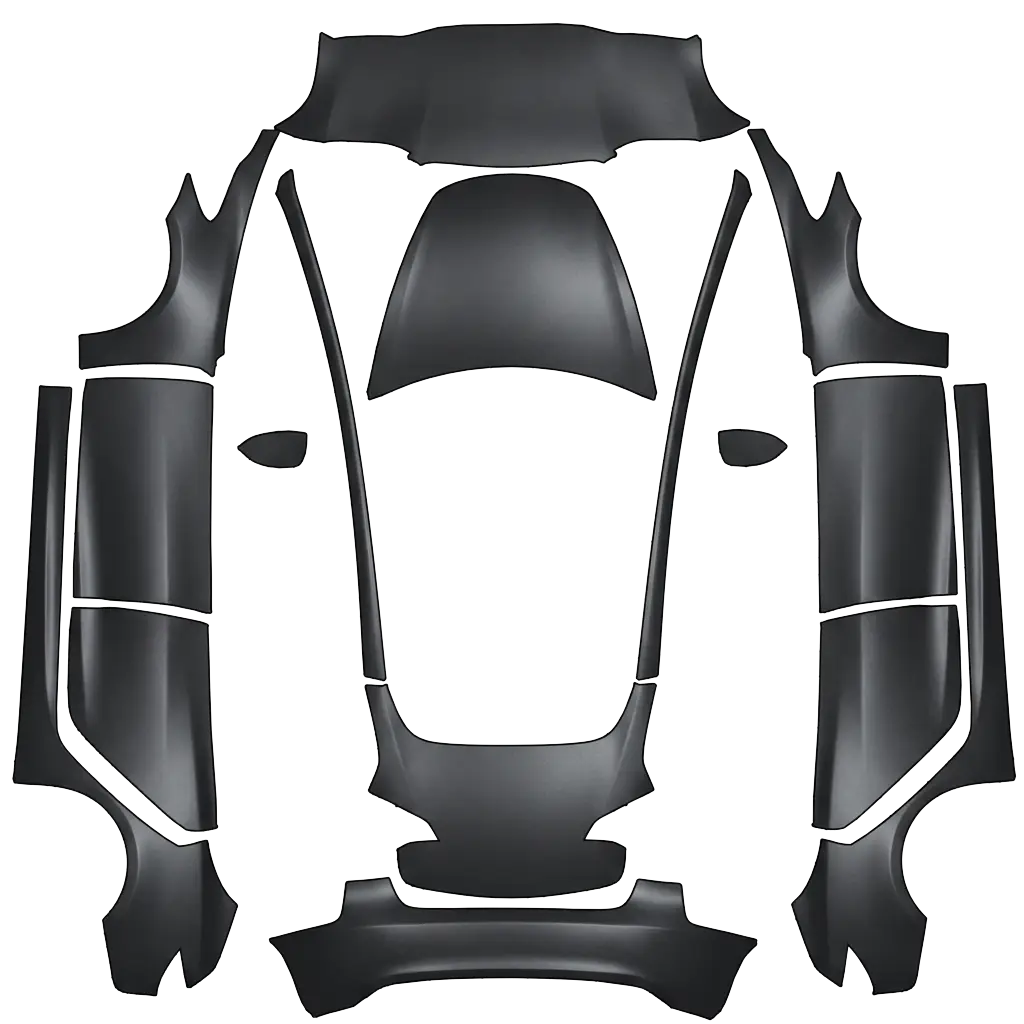
Every model has its own Paint Shop template, so a matte design drawn for one car will not fit another.
A real PNG no larger than 1 MB, with each side between 512 and 1024 px. Model 3, Model Y, Model S and Model X use 1024×1024; Cybertruck uses 1024×768. The file name must be 30 characters or fewer, using letters, numbers, spaces, underscores or dashes.
Export the PNG, then upload it in the Tesla app under Creations → Wrap → Upload (app 4.59.0 and later, up to 10 wraps), or copy it into a folder named Wraps at the root of a USB drive (up to 10), and pick it in Toybox → Paint Shop.
Yes. Open the design in the editor, adjust the panels, text or colors, and export again. The editor keeps your layers, so a small change does not mean starting over.
New to Paint Shop? Read the upload guide, check your file with the PNG checker, or start from a free design.
Comments
Loading…