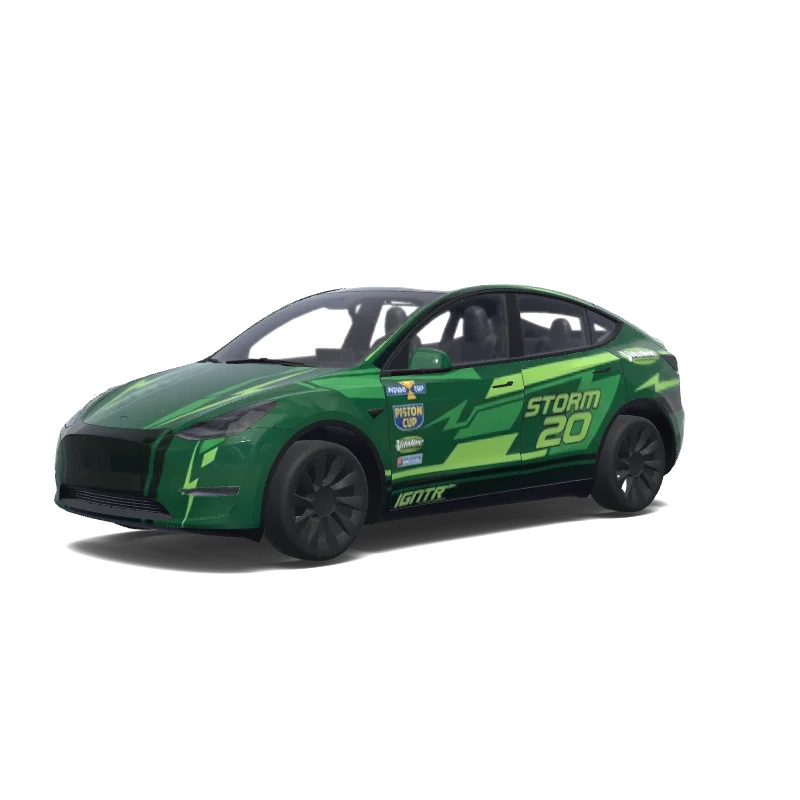
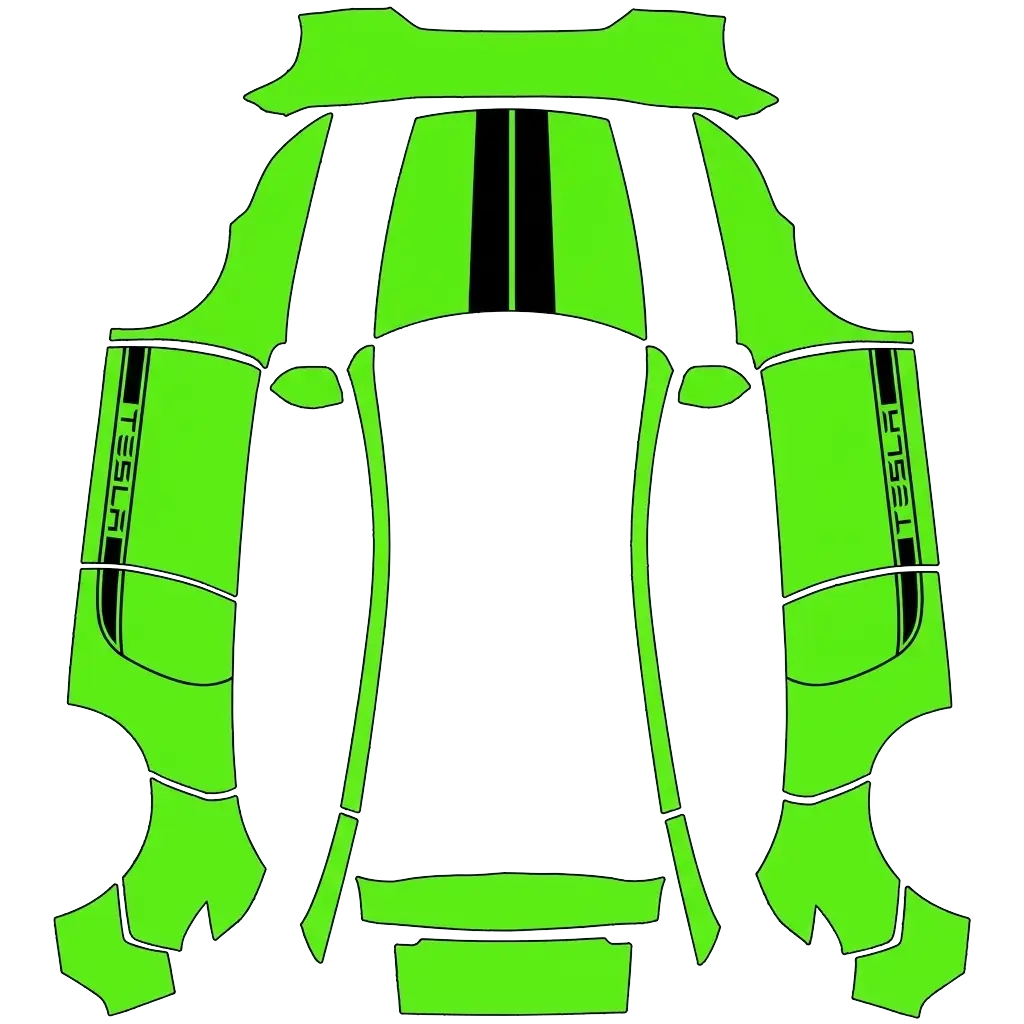
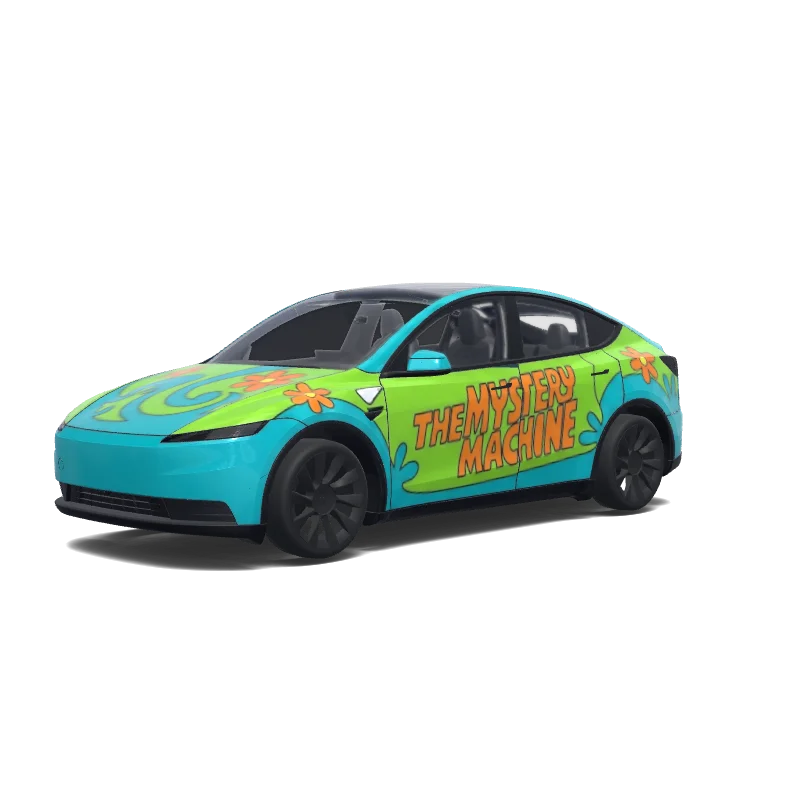
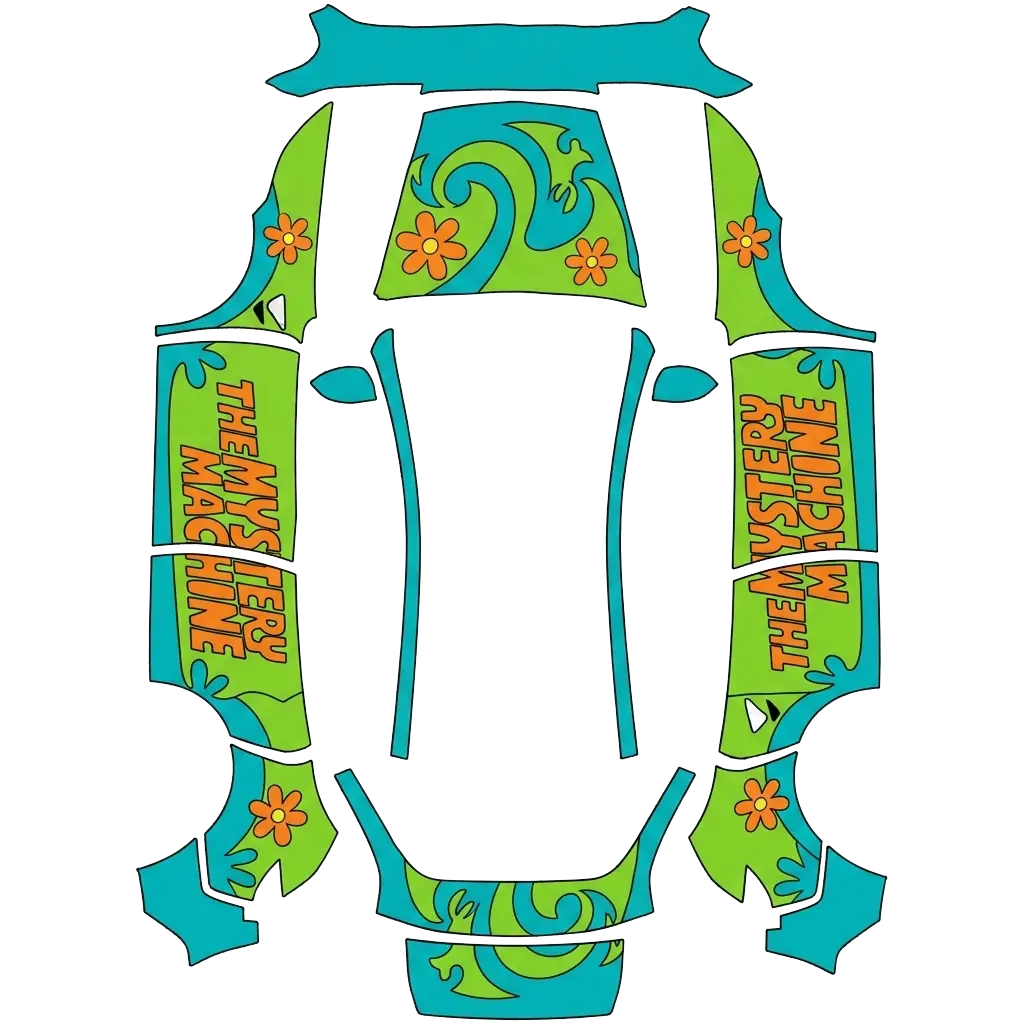
Green wraps are rare, which is exactly why they stand out: from British racing green to lime and mint.
9 designs in the gallery · free PNG downloads · every file fits the Paint Shop template for its model.
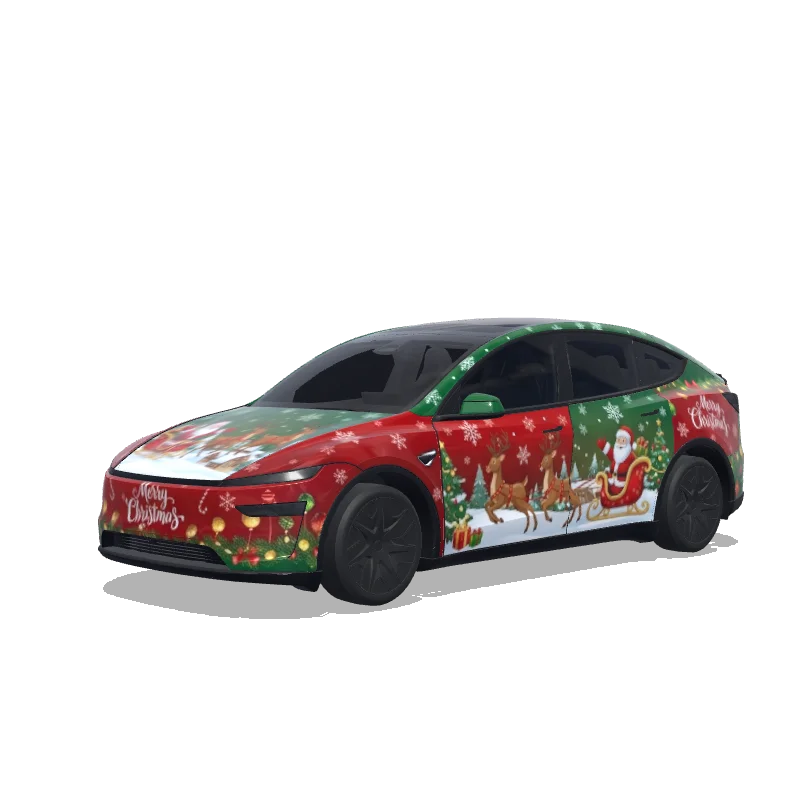

Model Y L
Festive Christmas themed wrap with red and green colors, snowflakes, reindeer, Santa Claus decorations
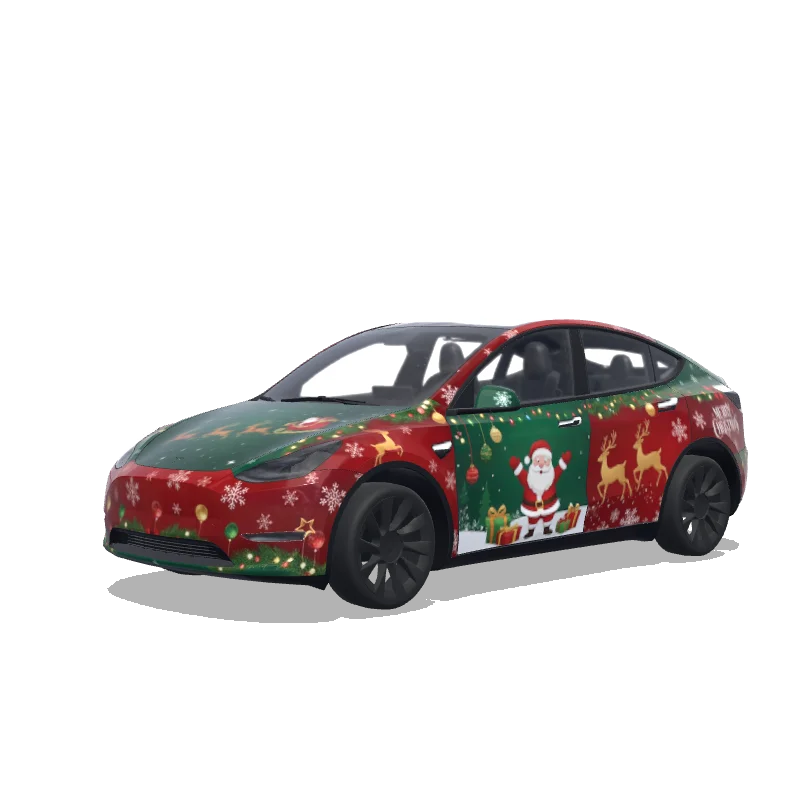

Model Y
Festive Christmas themed wrap with red and green colors, snowflakes, reindeer, Santa Claus decorations
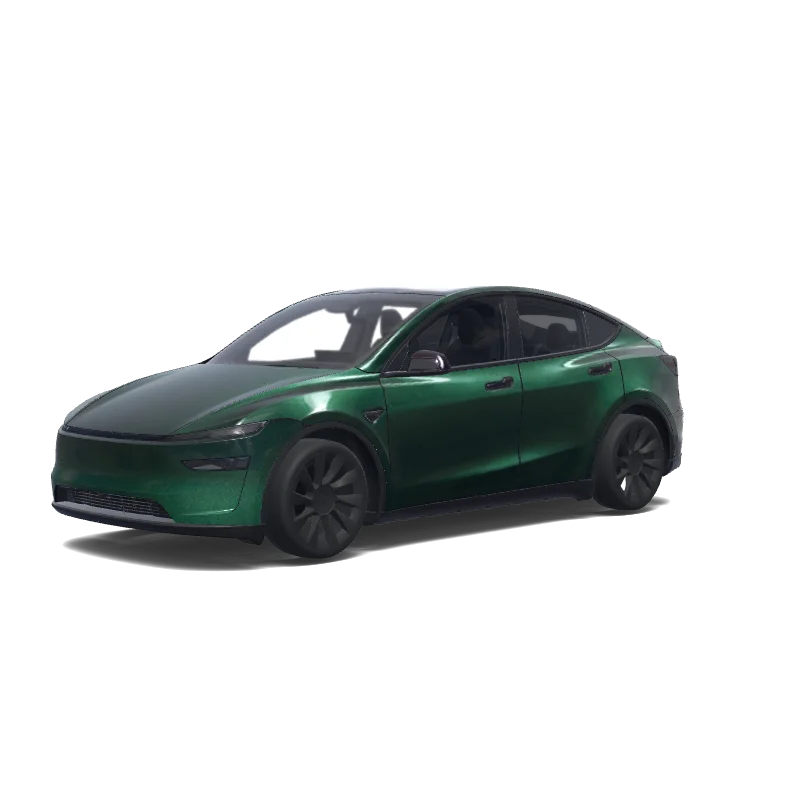

Model Y (2025+)
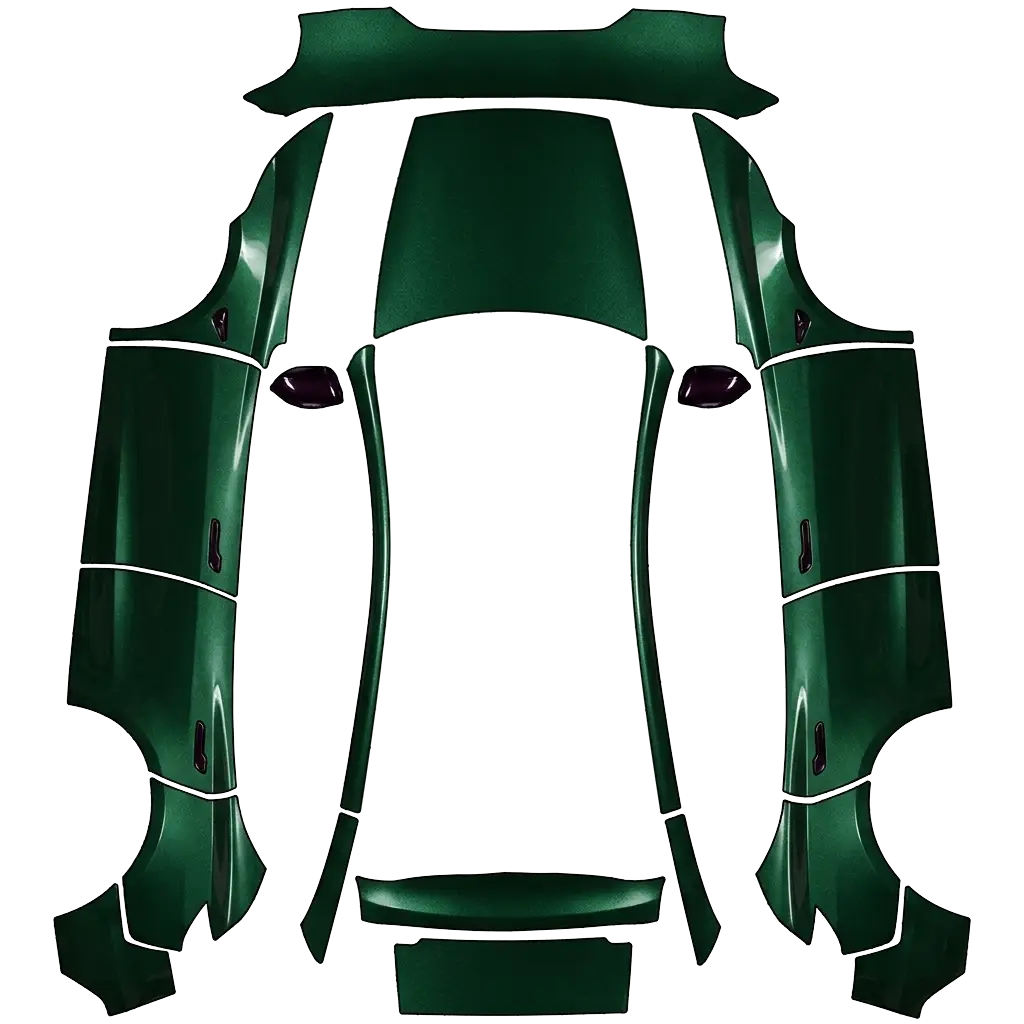
Ich hätte gerne ein sehr dunkles british racing Green metallic als Grundfarbe. Die original model 3 türgriffe und die Spiegelkappen sollen in einem sehr dunklen lila im Candy Lack Look sein..
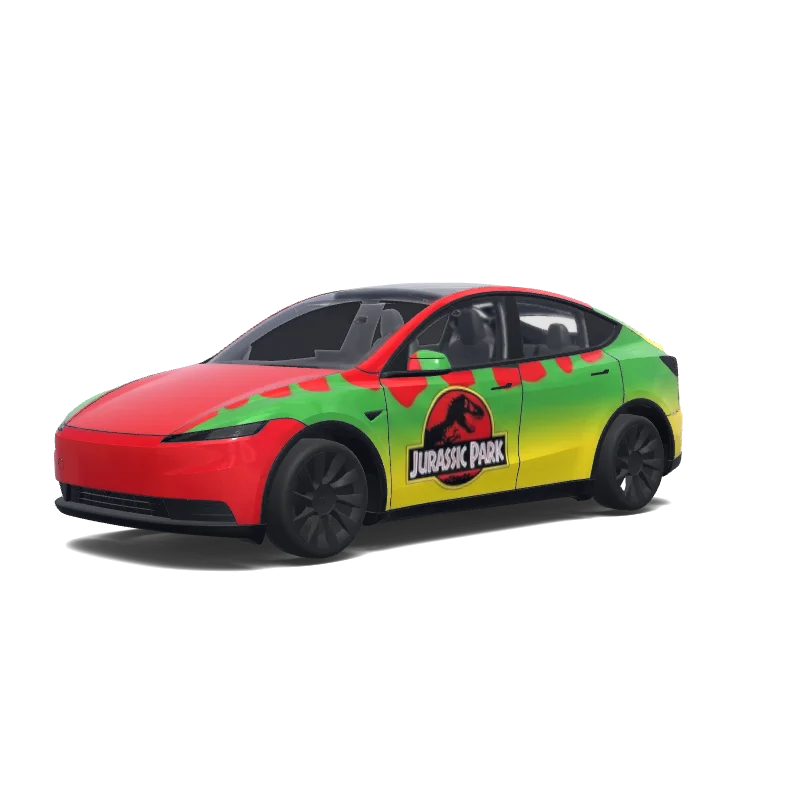

Model Y (2025+)
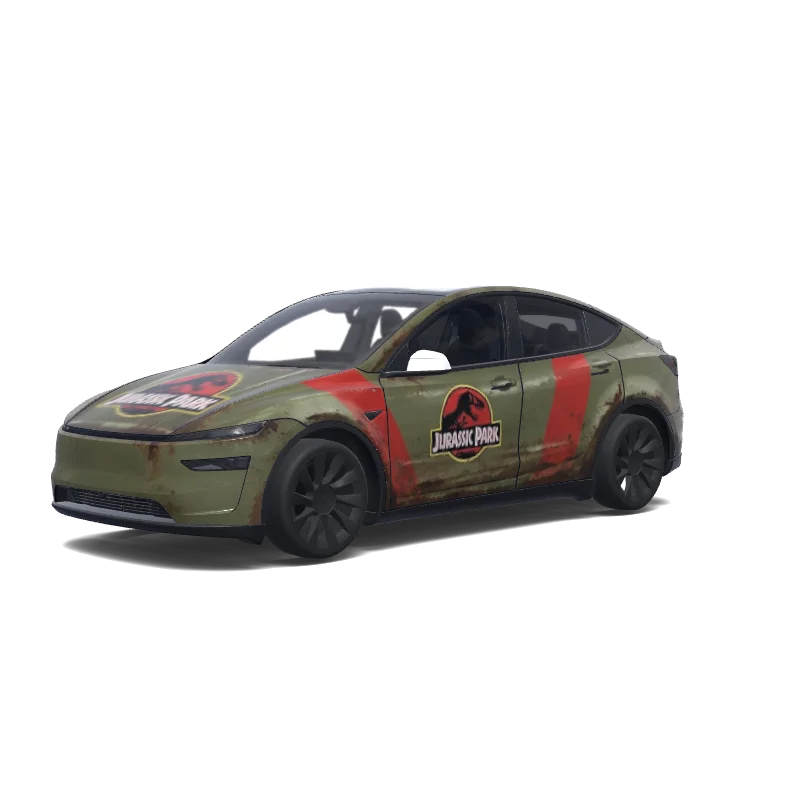
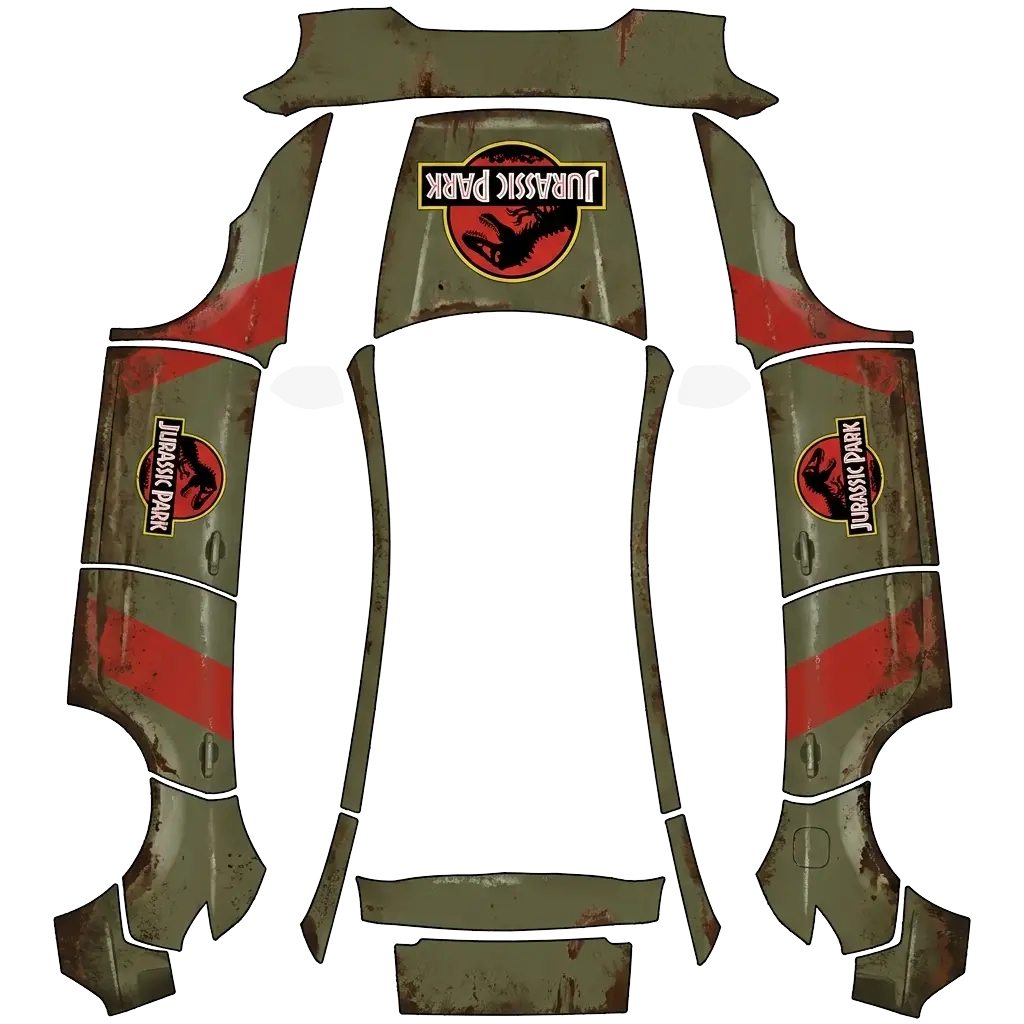
“the classic Jurassic Park car from when they drive past the t-rex. the one with red on top, green in the middle and yellow on the bottom. it is important that there is a Jurassic Park logo on the door and the text "Jurassic Park" on both sides. and a logo without text on the radiator. Need to be the actual design from the movie”.
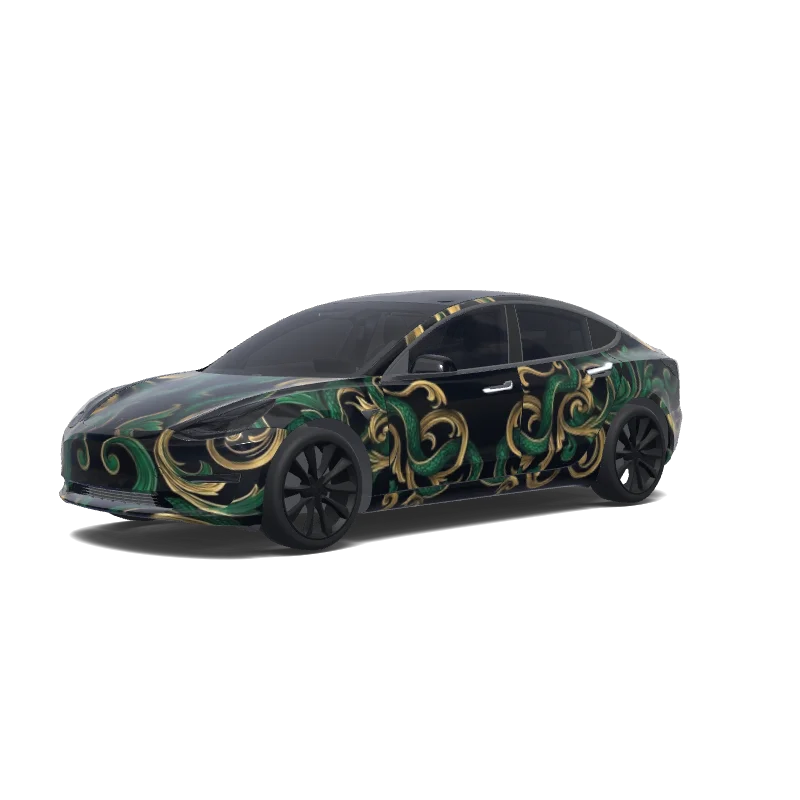

Model 3
Can you make a Harry Potter Slytherin wrap. Have the slytherin logo on the frunk, but flip it vertically so it’s facing the windshield. Also make the wrap with black gold and green theme accents.
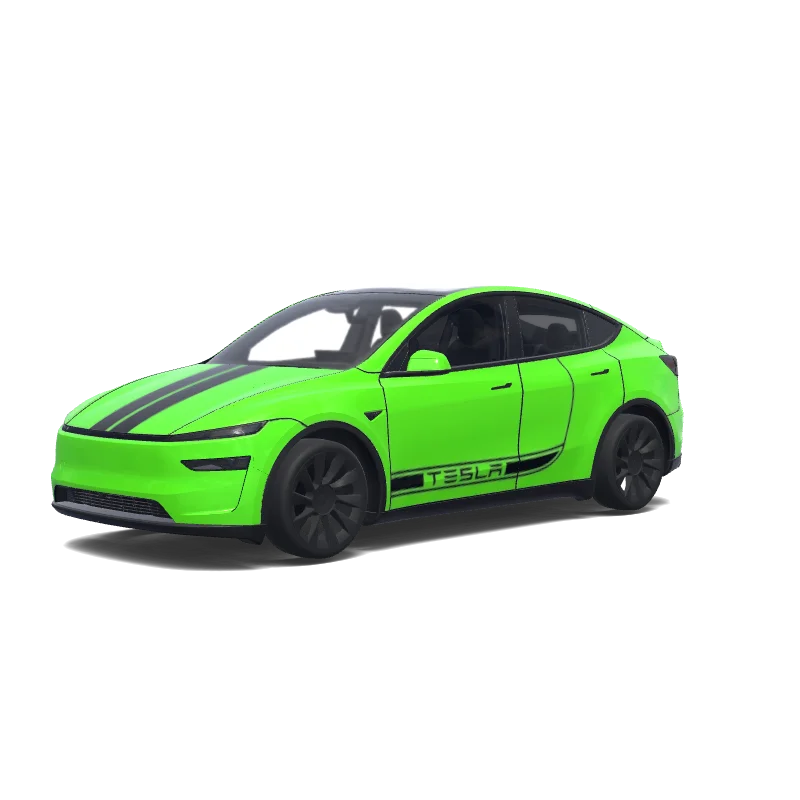

Model Y (2025+)
Use the uploaded photo as a strong visual reference. Extract its colors, textures, pattern language, and overall aesthetic. Generate a Tesla Paint Shop vehicle wrap for the selected model. Fill the UV template areas cleanly, preserve transparent and non-template areas, and output a complete wrap PNG suitable for 3D preview and download.
Looking for another model? Browse the full gallery or pick a model above.
Every model has its own Paint Shop template, so a green design drawn for one car will not fit another.
A real PNG no larger than 1 MB, with each side between 512 and 1024 px. Model 3, Model Y, Model S and Model X use 1024×1024; Cybertruck uses 1024×768. The file name must be 30 characters or fewer, using letters, numbers, spaces, underscores or dashes.
Export the PNG, then upload it in the Tesla app under Creations → Wrap → Upload (app 4.59.0 and later, up to 10 wraps), or copy it into a folder named Wraps at the root of a USB drive (up to 10), and pick it in Toybox → Paint Shop.
Yes. Open the design in the editor, adjust the panels, text or colors, and export again. The editor keeps your layers, so a small change does not mean starting over.
New to Paint Shop? Read the upload guide, check your file with the PNG checker, or start from a free design.
Comments
Loading…