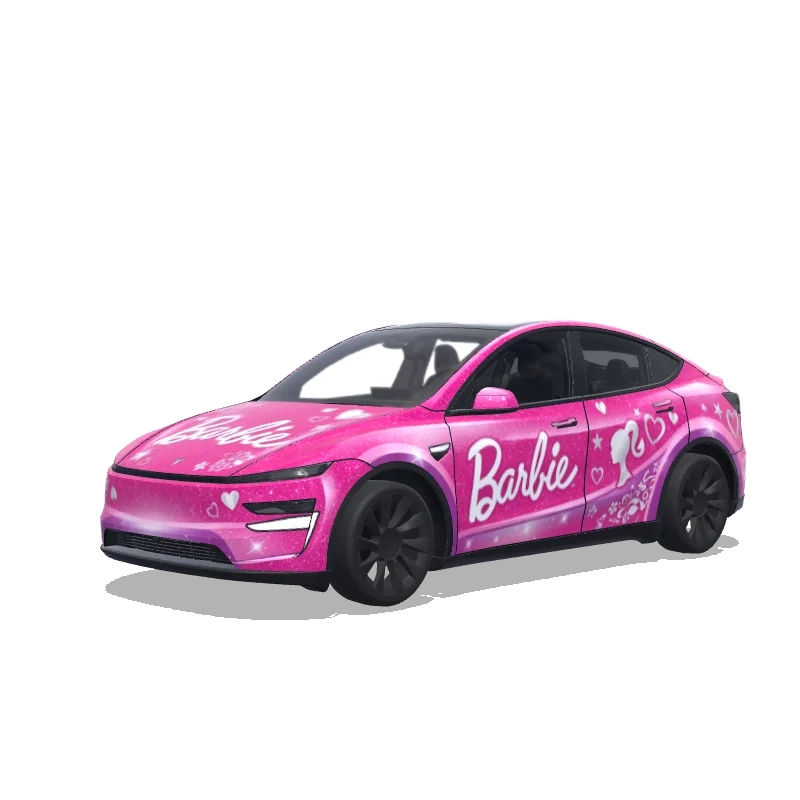
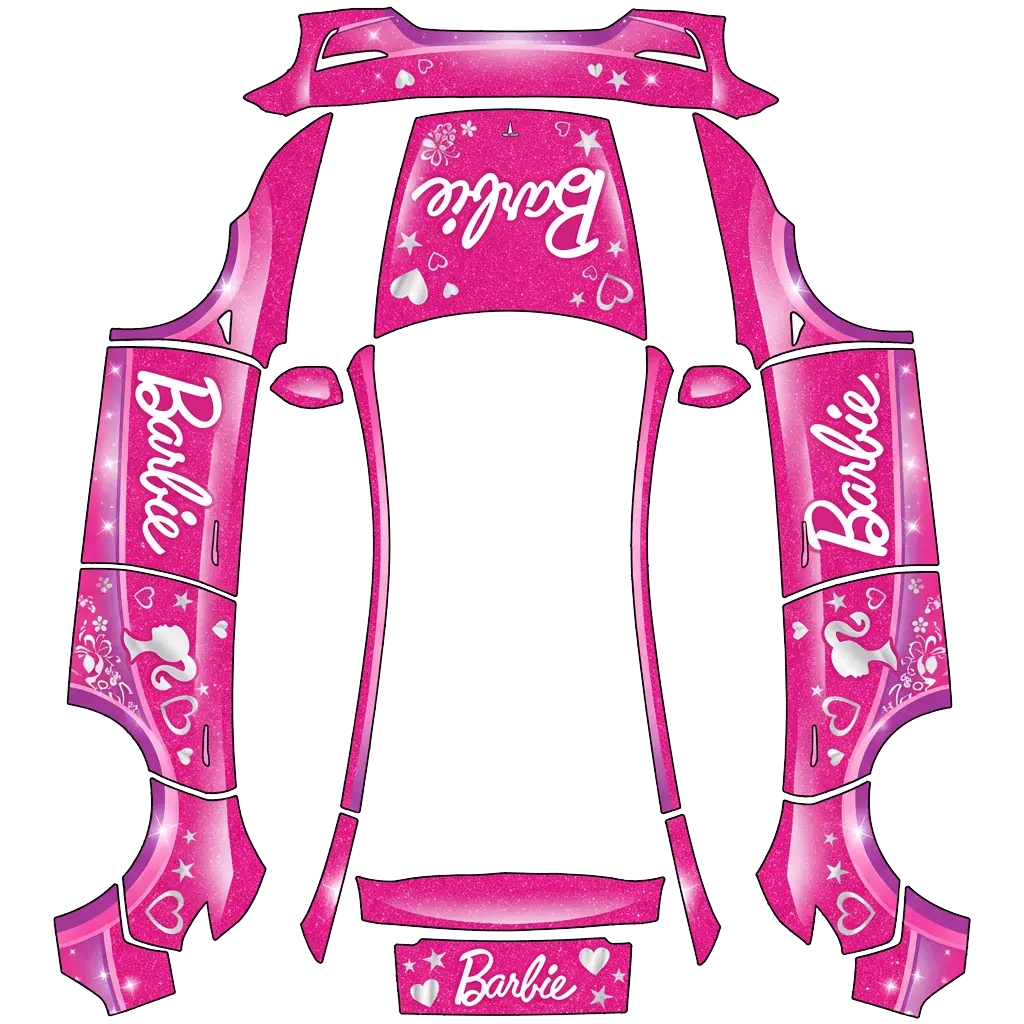
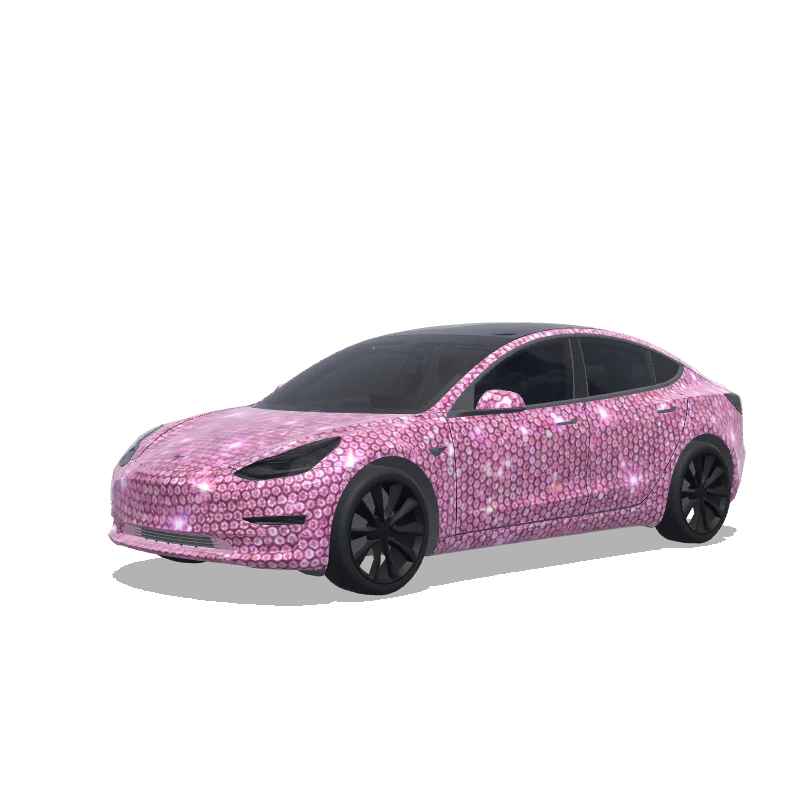
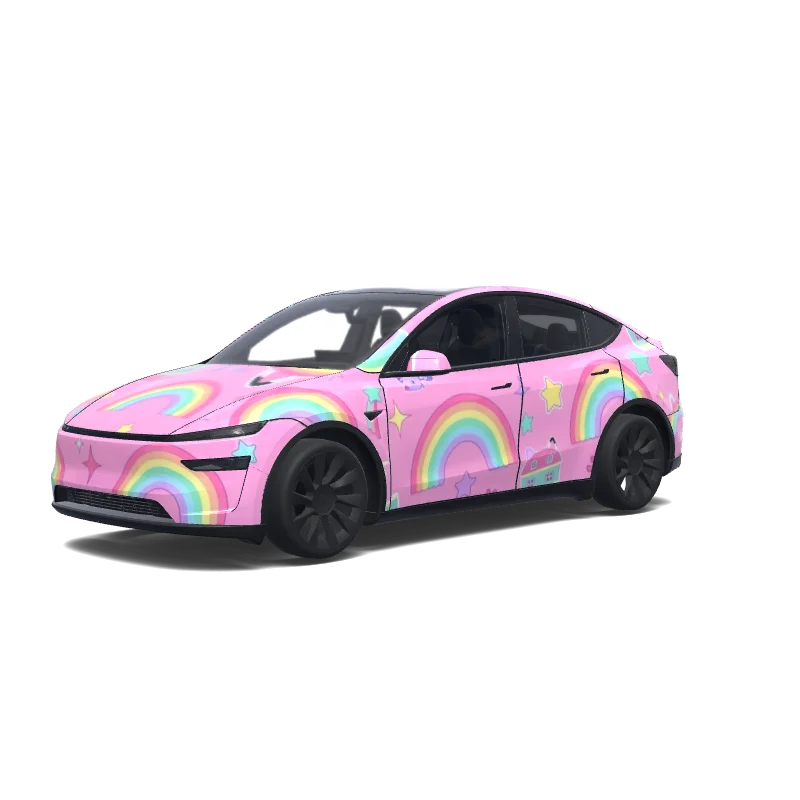
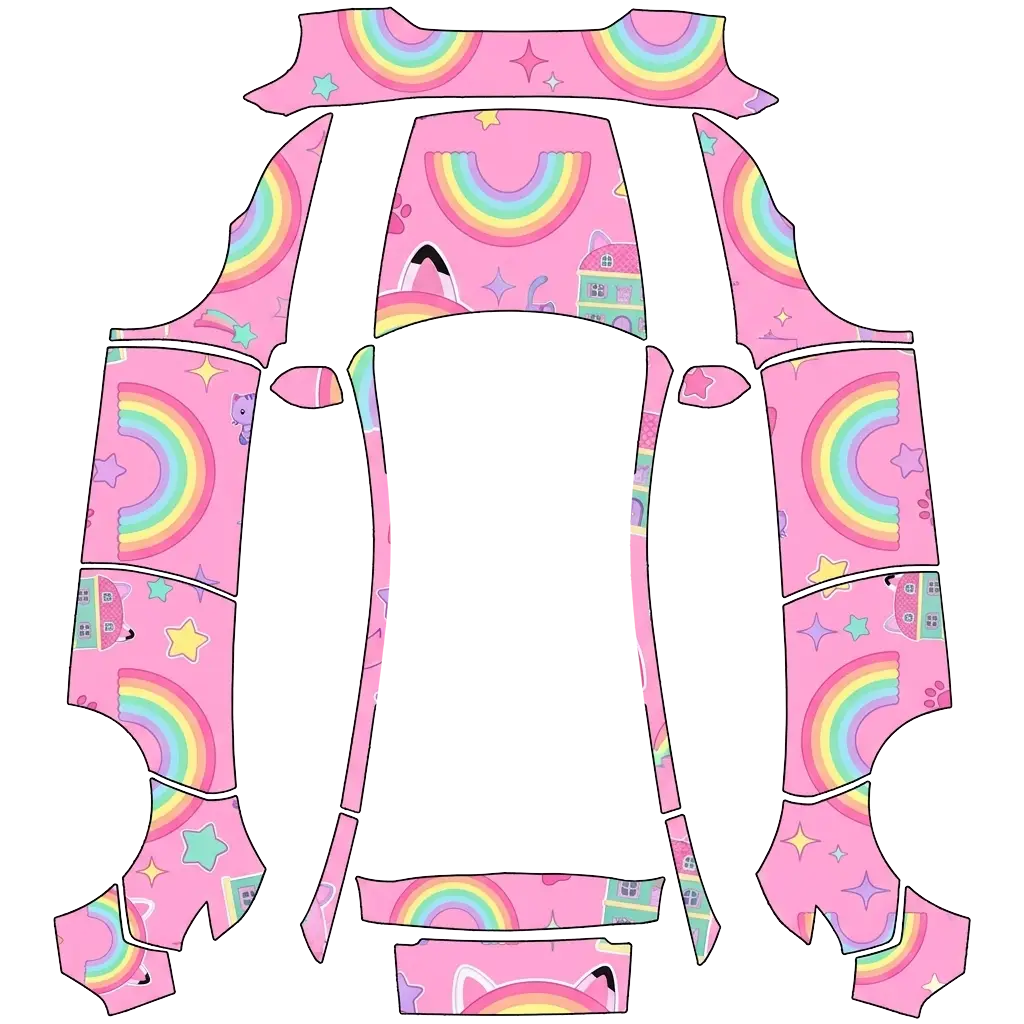
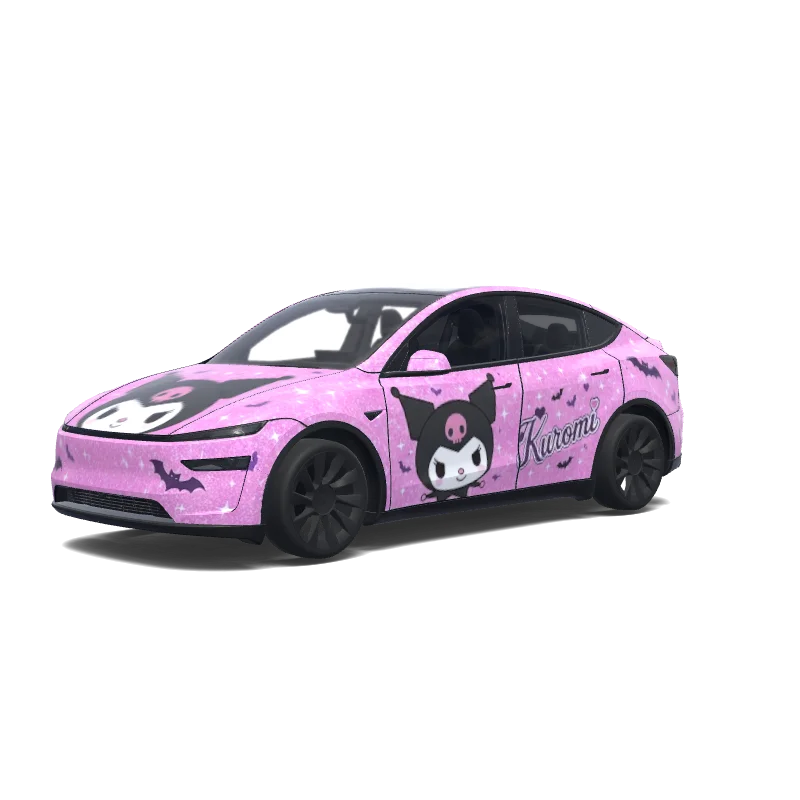
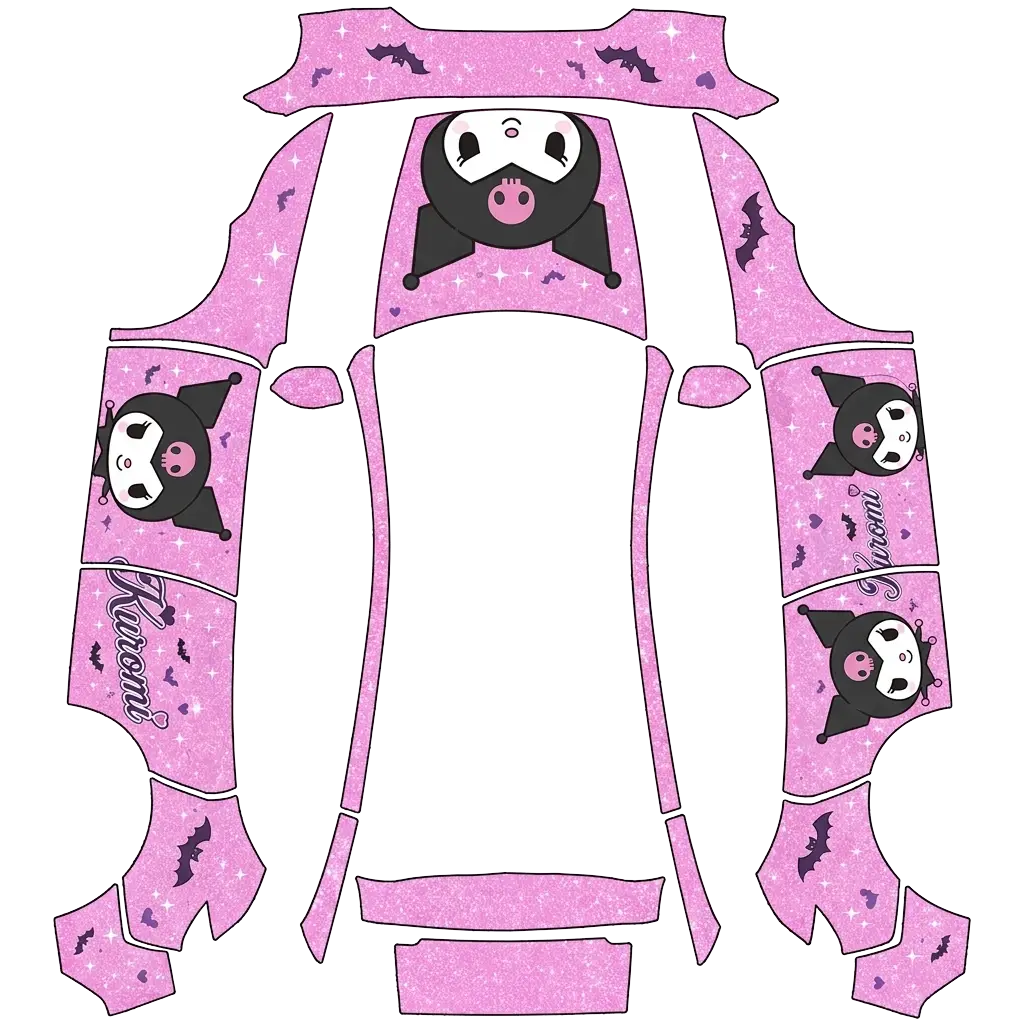
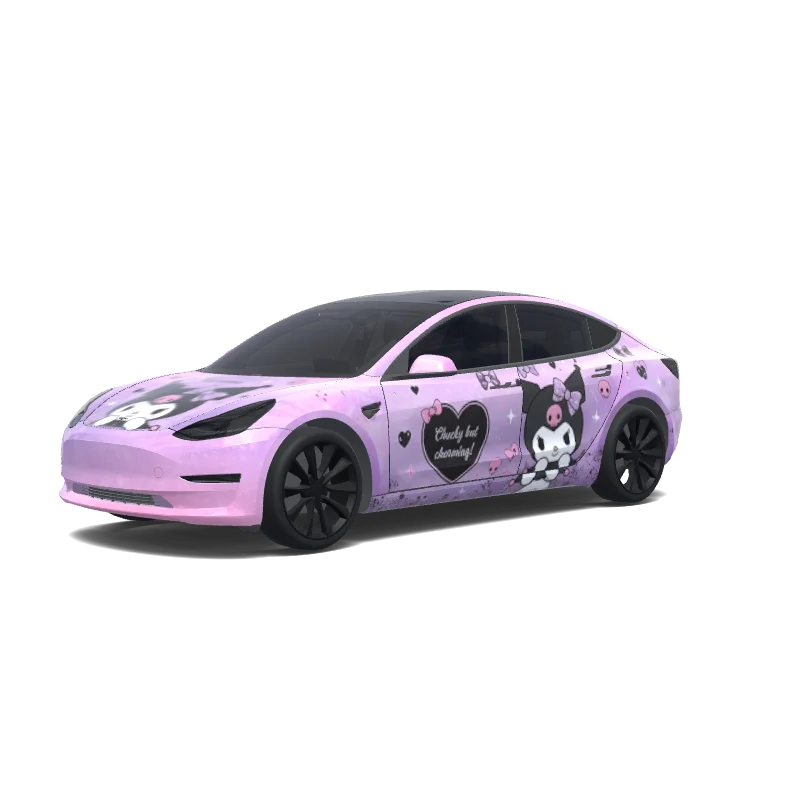
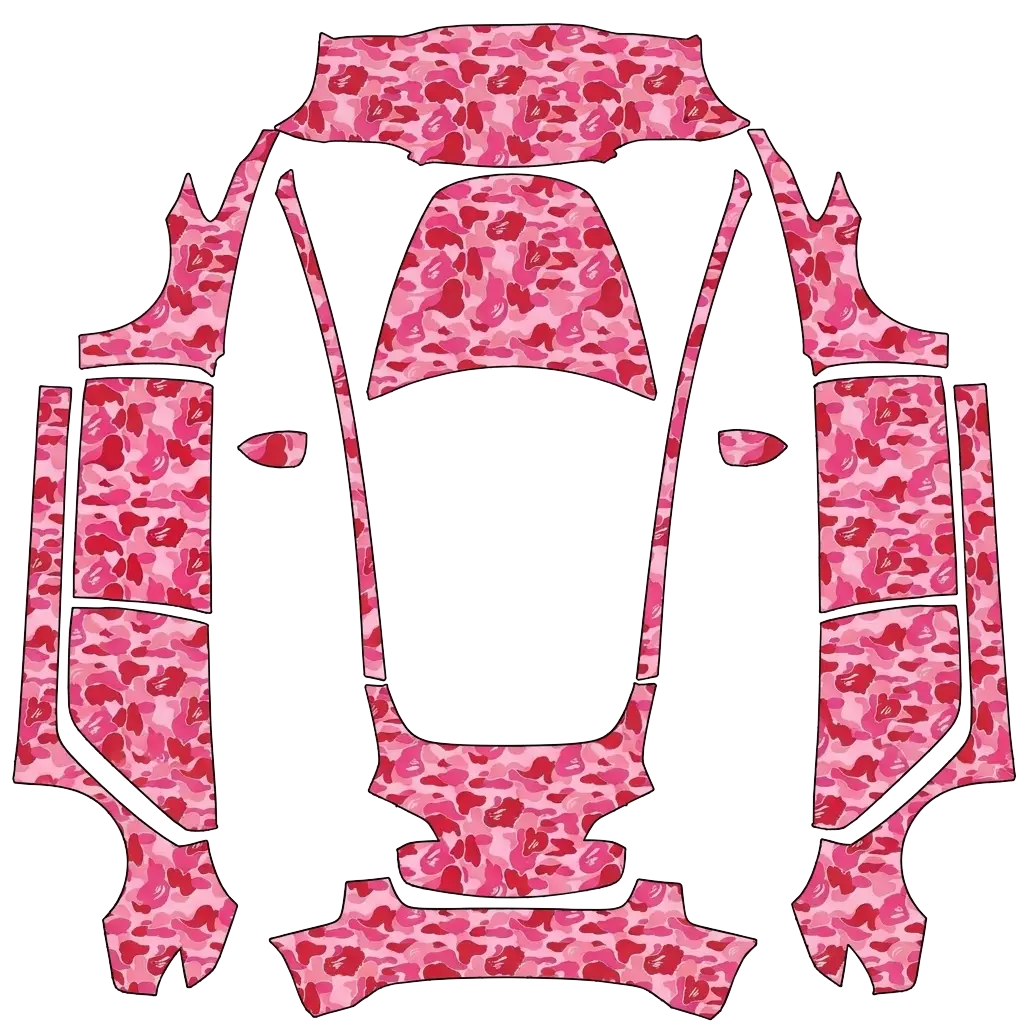
Pink wraps sit between pastel and hot, and the shade decides which one you get.
14 designs in the gallery · free PNG downloads · every file fits the Paint Shop template for its model.

Model Y
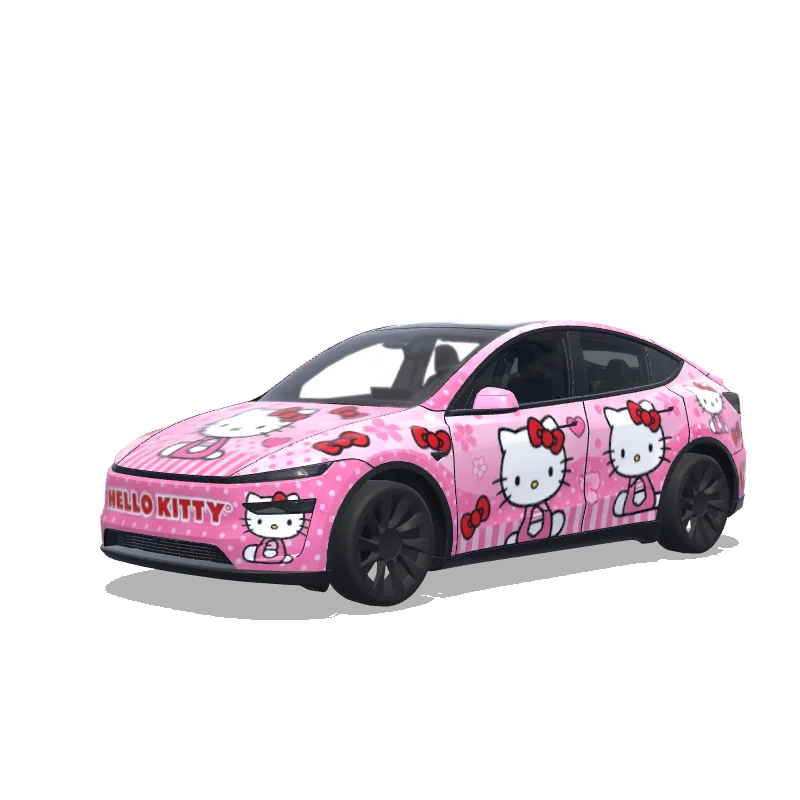
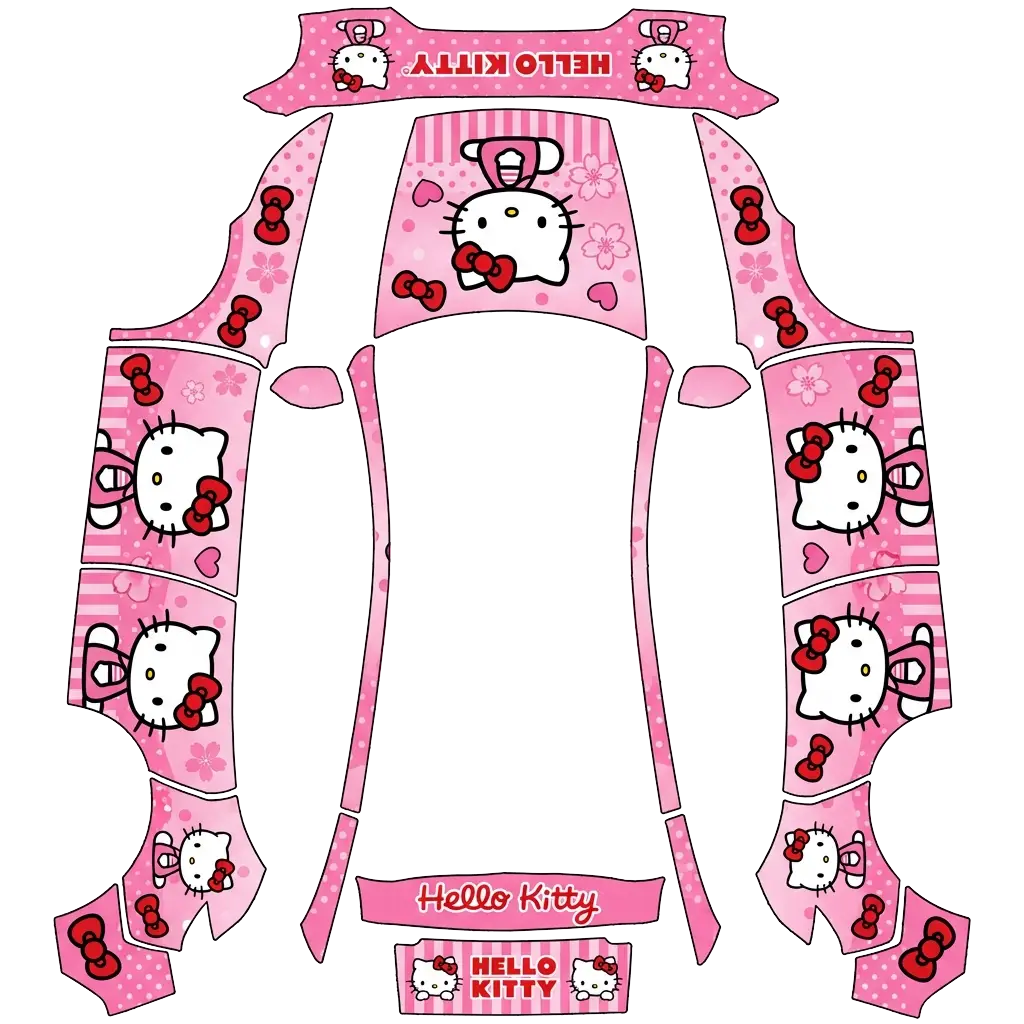
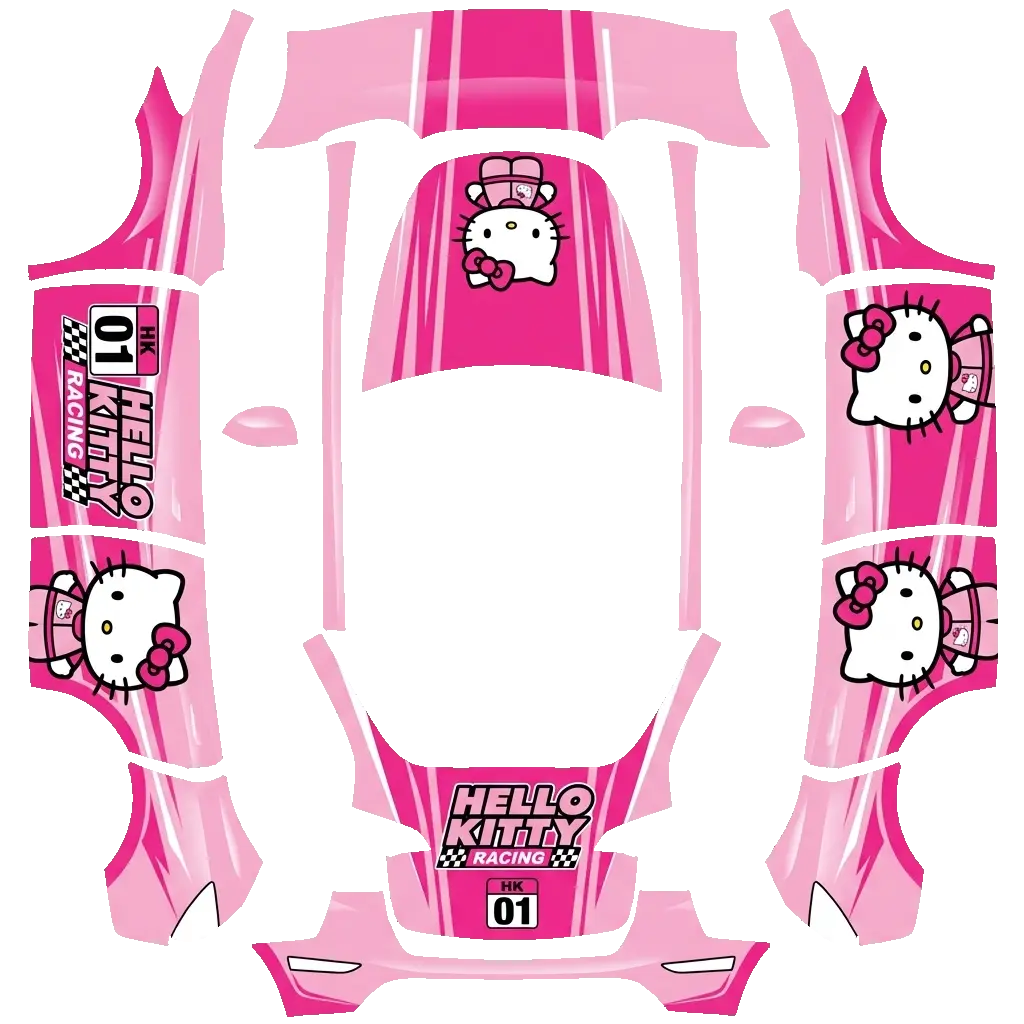
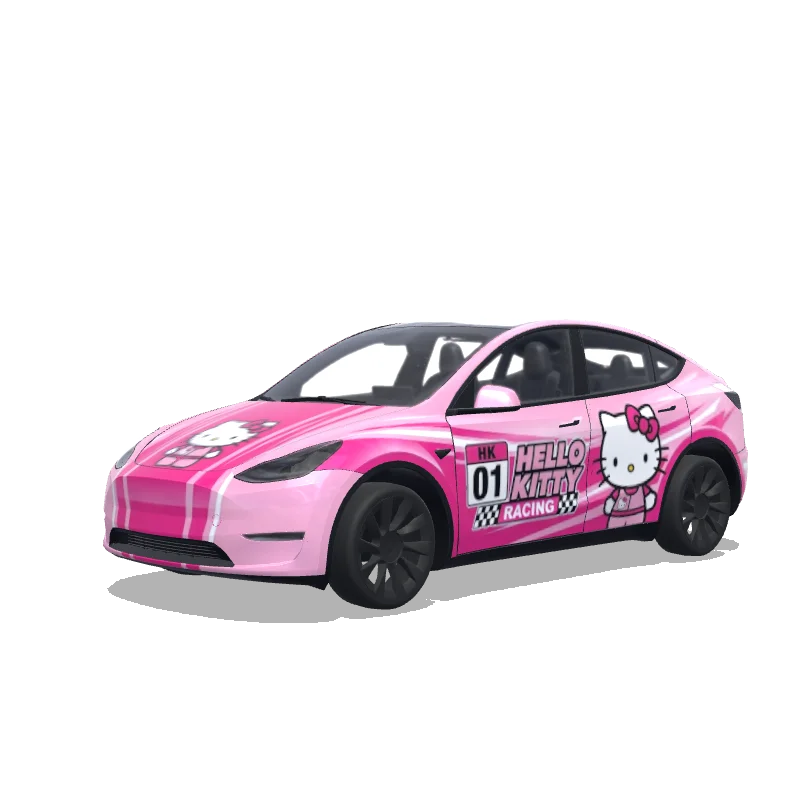
make hello kitty wrap and make it as if its a fast car/sports car, color everything baby pink

Model Y (2025+)
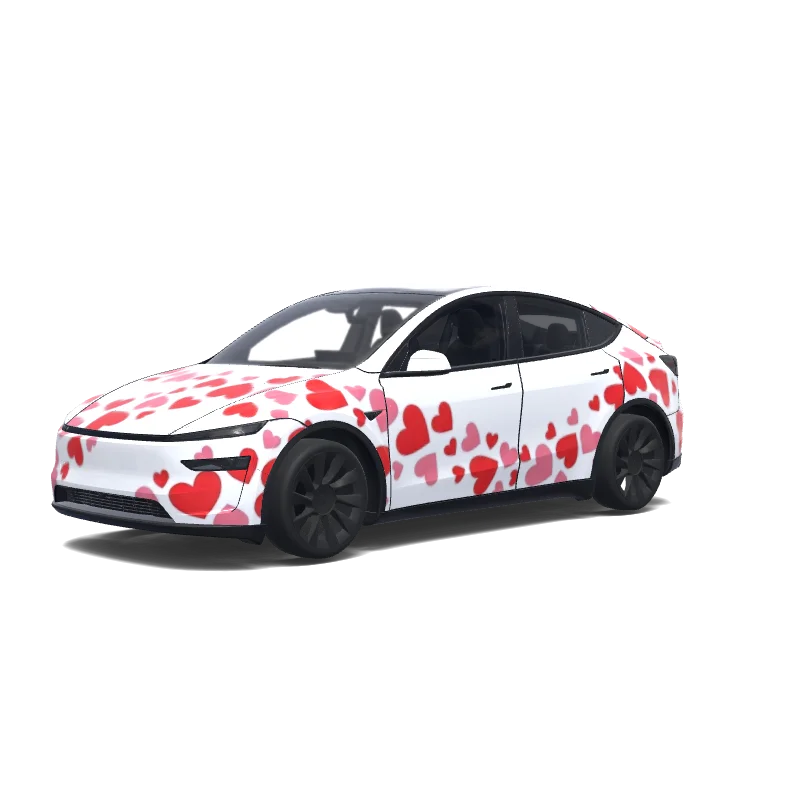
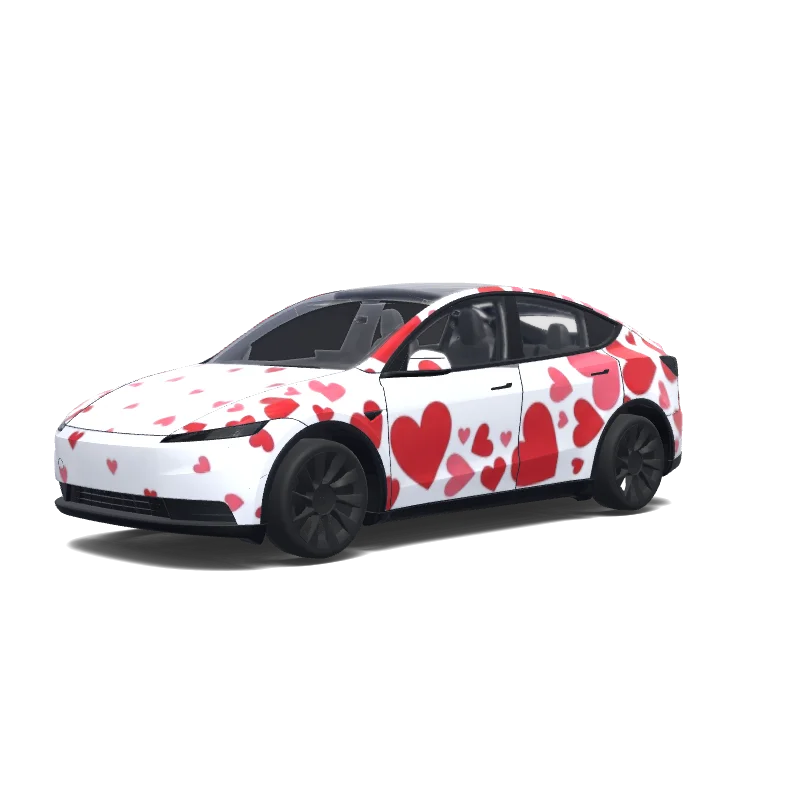
Create a bold Tesla Model Y wrap with one huge BMW logo as the centerpiece, covering a large part of the side doors. White base with many red and pink hearts of different sizes flowing around the BMW logo. Make the BMW logo dominant, sharp and clearly recognizable. Romantic, playful but premium. Hearts scattered across front, sides and rear. Clean professional automotive vinyl wrap, continuous across body panels..

Model 3
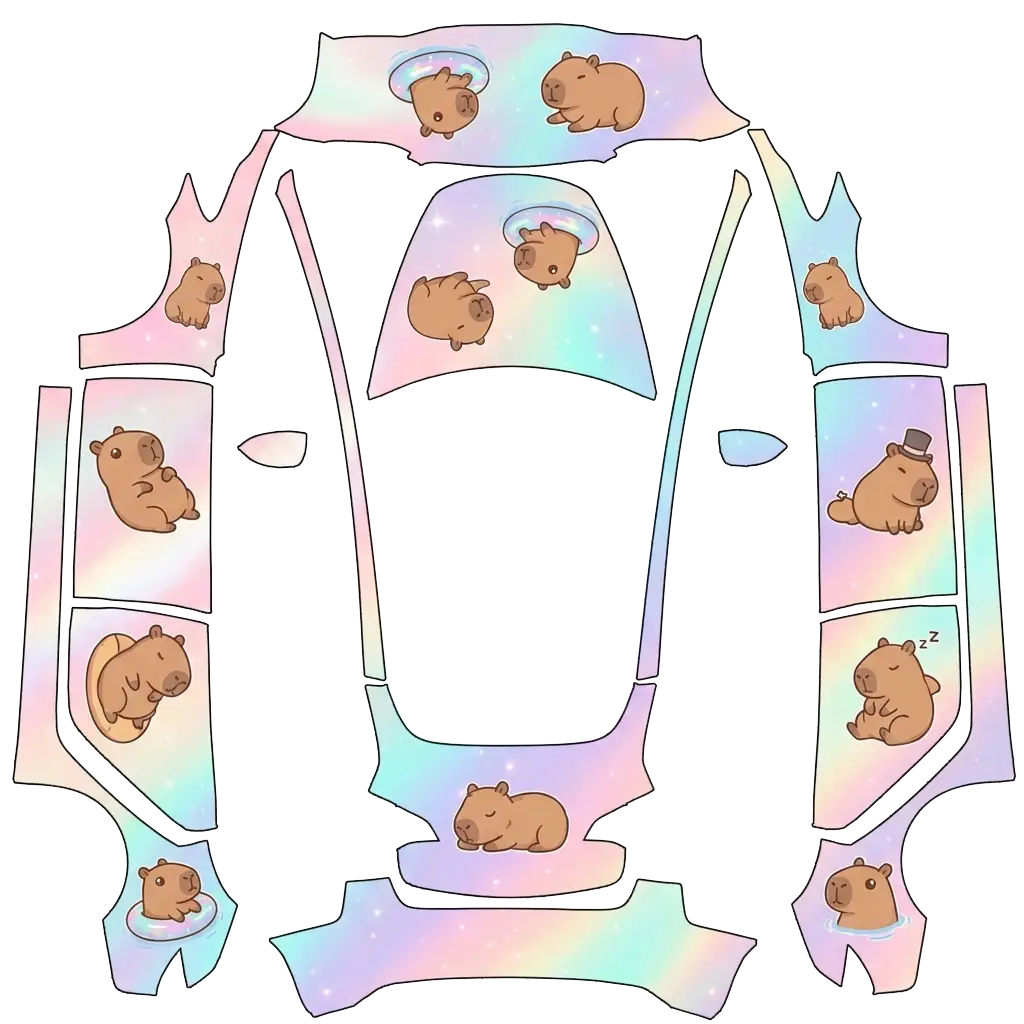
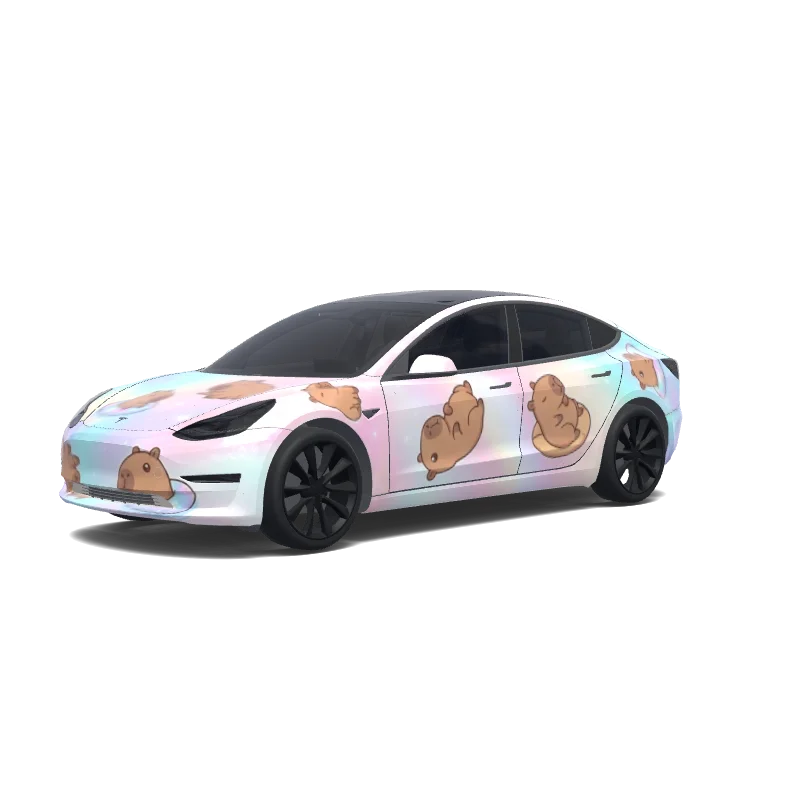
"Full vehicle wrap design for a Tesla Model Y, opal-themed holographic finish — pearlescent color-shifting gradient blending soft pink, milky white, aqua, lavender, and pale gold, like the inside of an opal gemstone, with a subtle sparkly iridescent shimmer. Featuring cute cartoonish capybaras in a chibi style — rounded bodies, big friendly eyes, simple clean linework — scattered playfully across the car's body panels: some lounging, some floating in tiny inner tubes, some napping, one wearing a.

Model 3
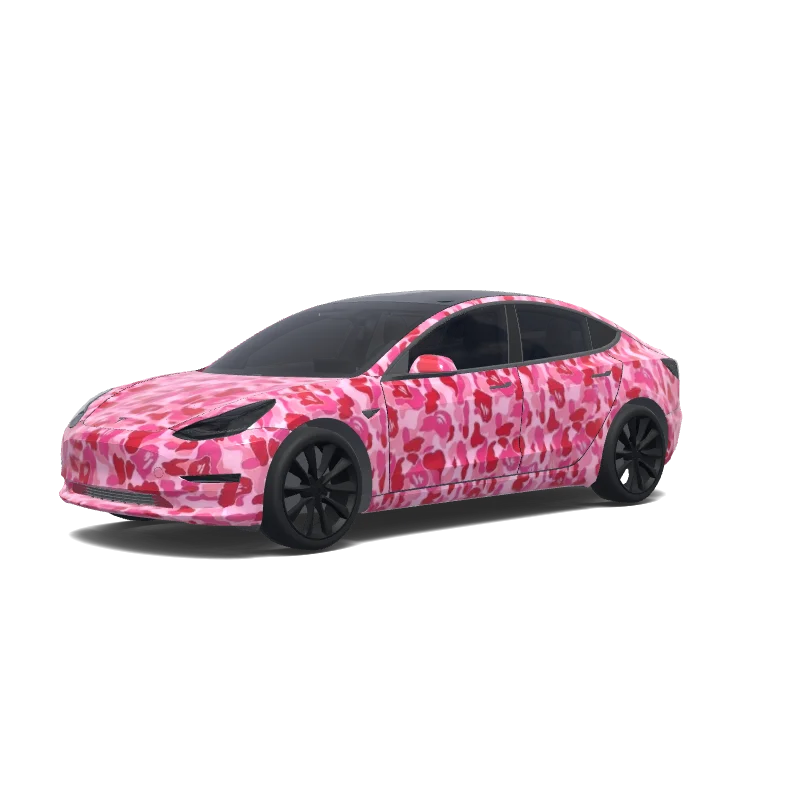
Use the uploaded photo as a strong visual reference. Extract its colors, textures, pattern language, and overall aesthetic. Generate a Tesla Paint Shop vehicle wrap for the selected model. Fill the UV template areas cleanly, preserve transparent and non-template areas, and output a complete wrap PNG suitable for 3D preview and download.
Model Y (2025+)
covered with hearts. Use a clean white base with many red and pink hearts in different sizes flowing naturally across the entire car. Mix small, medium and a few large hearts, with an elegant scattered pattern rather than a repetitive wallpaper. Make some hearts overlap and create a flowing composition from the front bumper toward the rear. Keep the roof mostly clean. Cute, modern and premium, but not childish. Make the design continuous across all separate body panels of the wrap template..
Looking for another model? Browse the full gallery or pick a model above.
Every model has its own Paint Shop template, so a pink design drawn for one car will not fit another.
A real PNG no larger than 1 MB, with each side between 512 and 1024 px. Model 3, Model Y, Model S and Model X use 1024×1024; Cybertruck uses 1024×768. The file name must be 30 characters or fewer, using letters, numbers, spaces, underscores or dashes.
Export the PNG, then upload it in the Tesla app under Creations → Wrap → Upload (app 4.59.0 and later, up to 10 wraps), or copy it into a folder named Wraps at the root of a USB drive (up to 10), and pick it in Toybox → Paint Shop.
Yes. Open the design in the editor, adjust the panels, text or colors, and export again. The editor keeps your layers, so a small change does not mean starting over.
New to Paint Shop? Read the upload guide, check your file with the PNG checker, or start from a free design.
Comments
Loading…