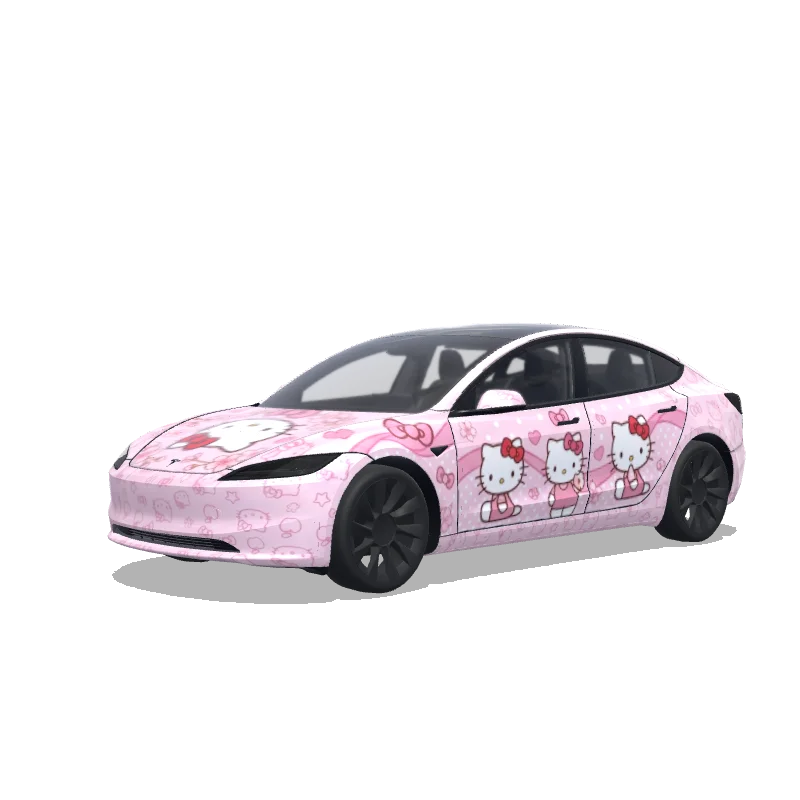
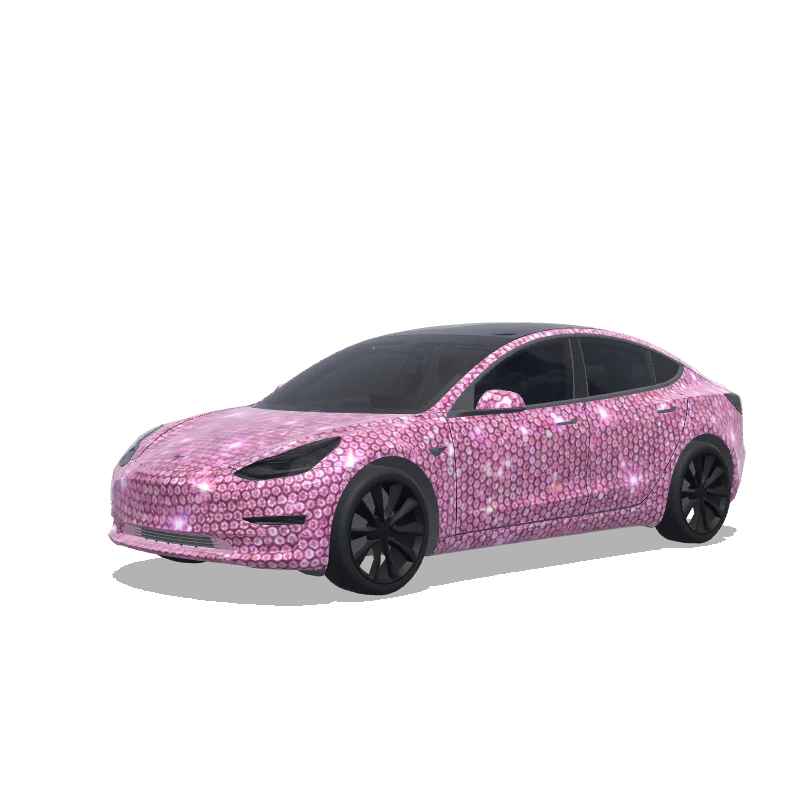
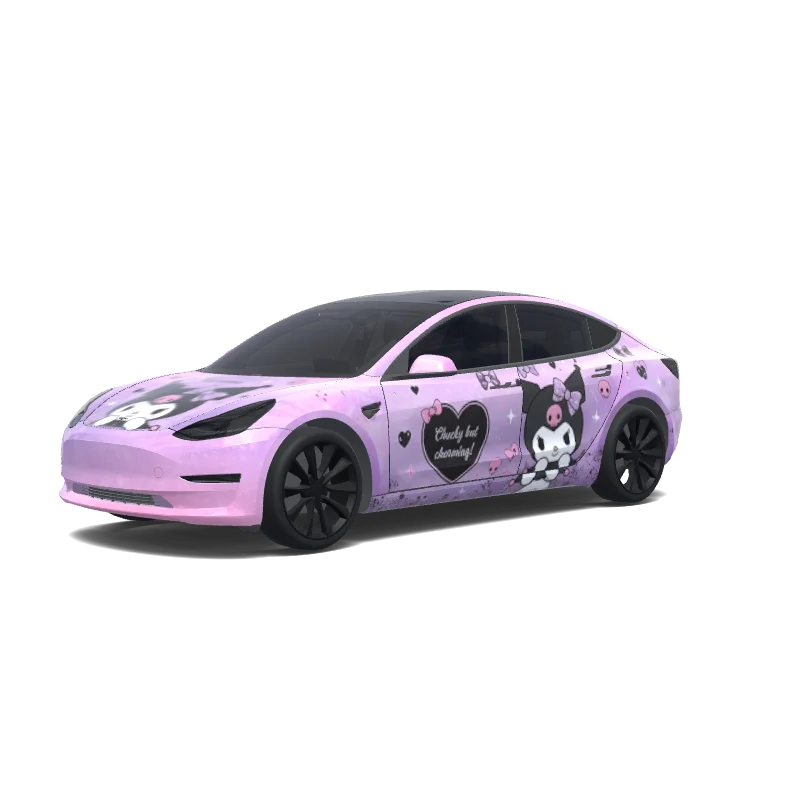
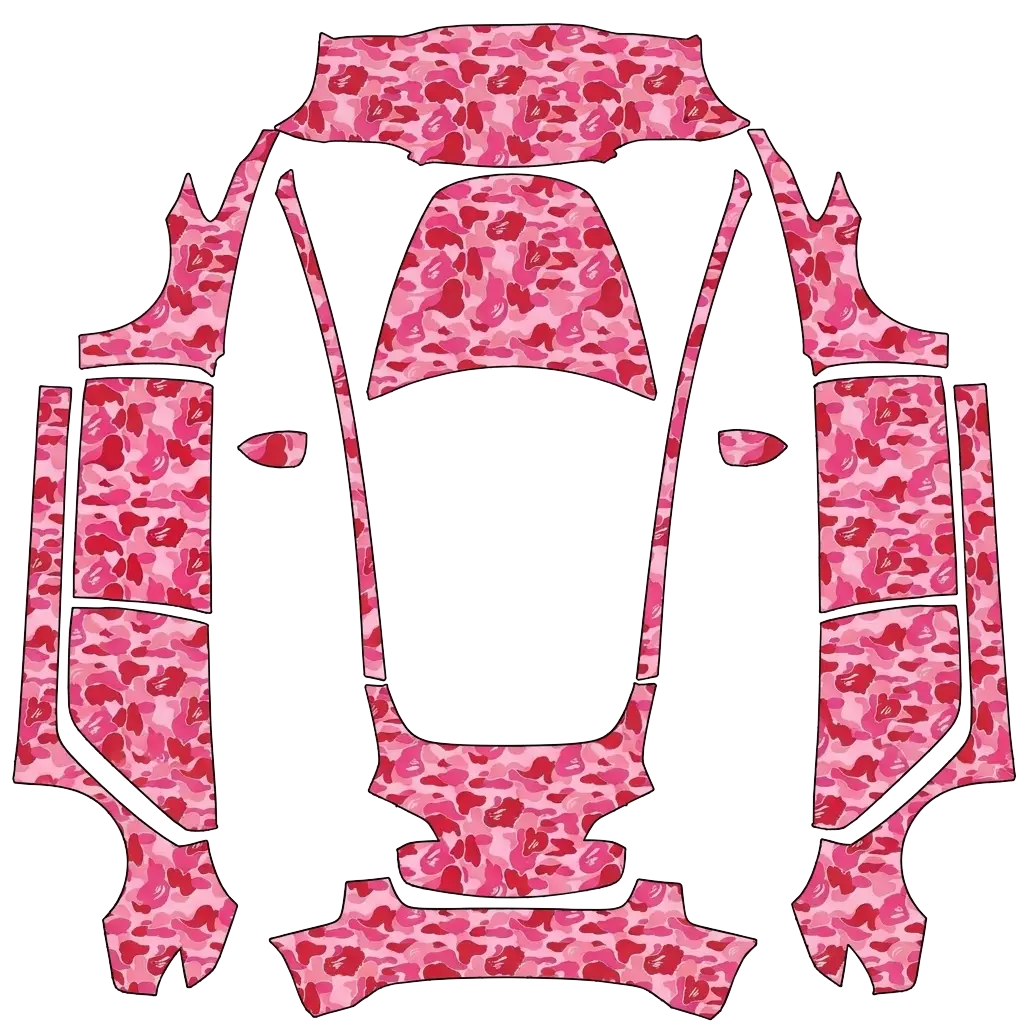
Pink wraps sit between pastel and hot, and the shade decides which one you get.
5 designs in the gallery for Model 3 · free PNG downloads · every file fits the Paint Shop template for its model.
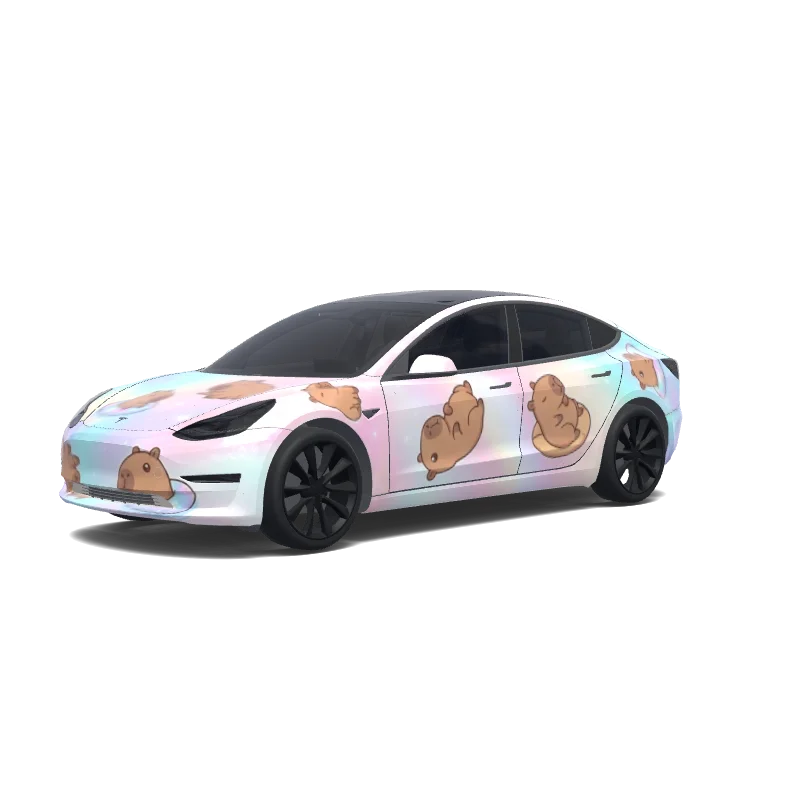

Model 3
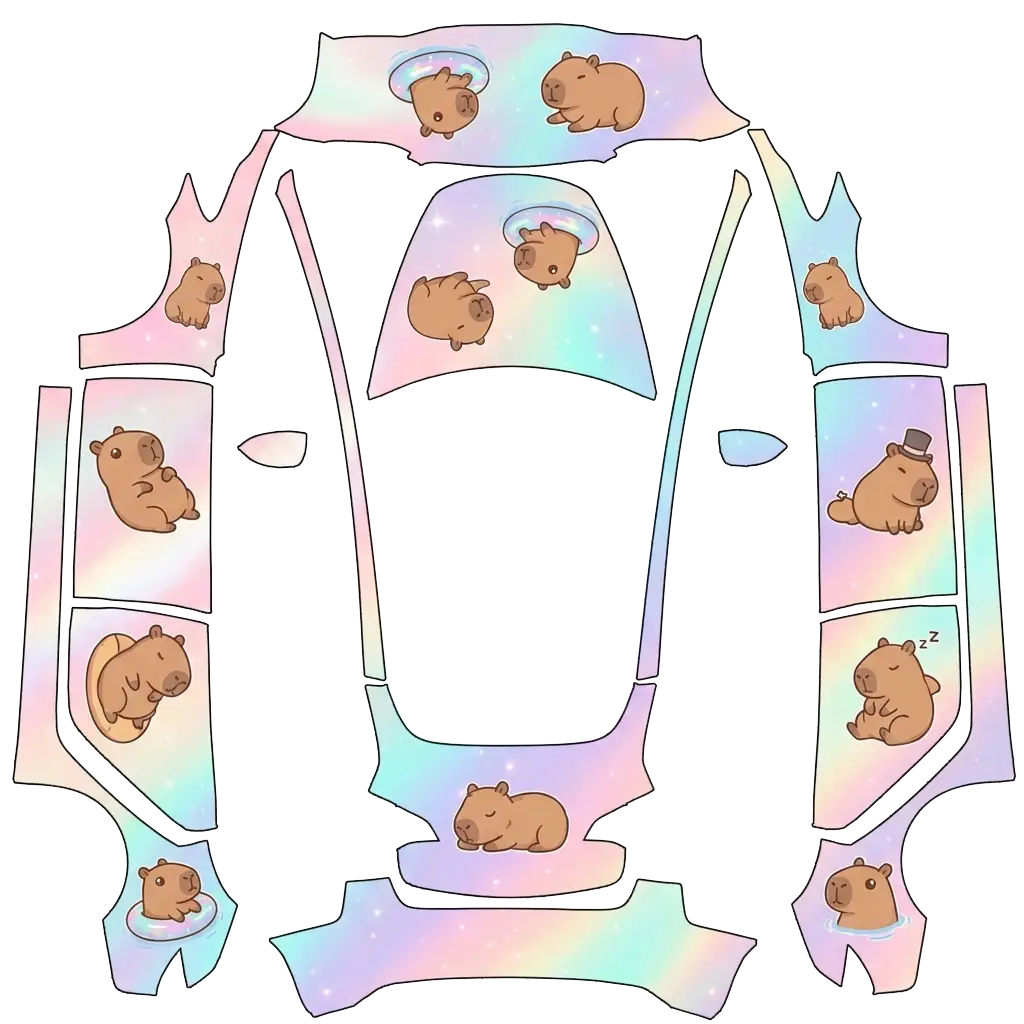
"Full vehicle wrap design for a Tesla Model Y, opal-themed holographic finish — pearlescent color-shifting gradient blending soft pink, milky white, aqua, lavender, and pale gold, like the inside of an opal gemstone, with a subtle sparkly iridescent shimmer. Featuring cute cartoonish capybaras in a chibi style — rounded bodies, big friendly eyes, simple clean linework — scattered playfully across the car's body panels: some lounging, some floating in tiny inner tubes, some napping, one wearing a.
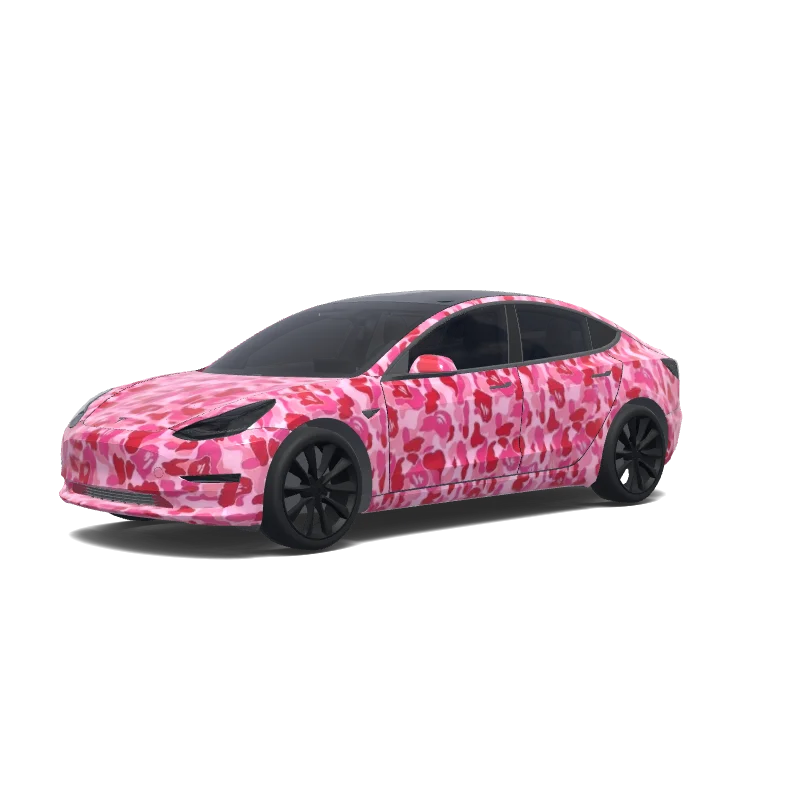

Model 3
Use the uploaded photo as a strong visual reference. Extract its colors, textures, pattern language, and overall aesthetic. Generate a Tesla Paint Shop vehicle wrap for the selected model. Fill the UV template areas cleanly, preserve transparent and non-template areas, and output a complete wrap PNG suitable for 3D preview and download.
Looking for another model? Browse the full gallery or pick a model above.
A real PNG no larger than 1 MB, with each side between 512 and 1024 px. Model 3, Model Y, Model S and Model X use 1024×1024; Cybertruck uses 1024×768. The file name must be 30 characters or fewer, using letters, numbers, spaces, underscores or dashes.
Export the PNG, then upload it in the Tesla app under Creations → Wrap → Upload (app 4.59.0 and later, up to 10 wraps), or copy it into a folder named Wraps at the root of a USB drive (up to 10), and pick it in Toybox → Paint Shop.
Yes. Open the design in the editor, adjust the panels, text or colors, and export again. The editor keeps your layers, so a small change does not mean starting over.
New to Paint Shop? Read the upload guide, check your file with the PNG checker, or start from a free design.
Comments
Loading…