Model 3 Superhero wrap designs

Superhero wraps are character and emblem designs: a chest emblem on the hood, a suit pattern on the flanks.

12 designs in the gallery for Model 3 · free PNG downloads · every file fits the Paint Shop template for its model.

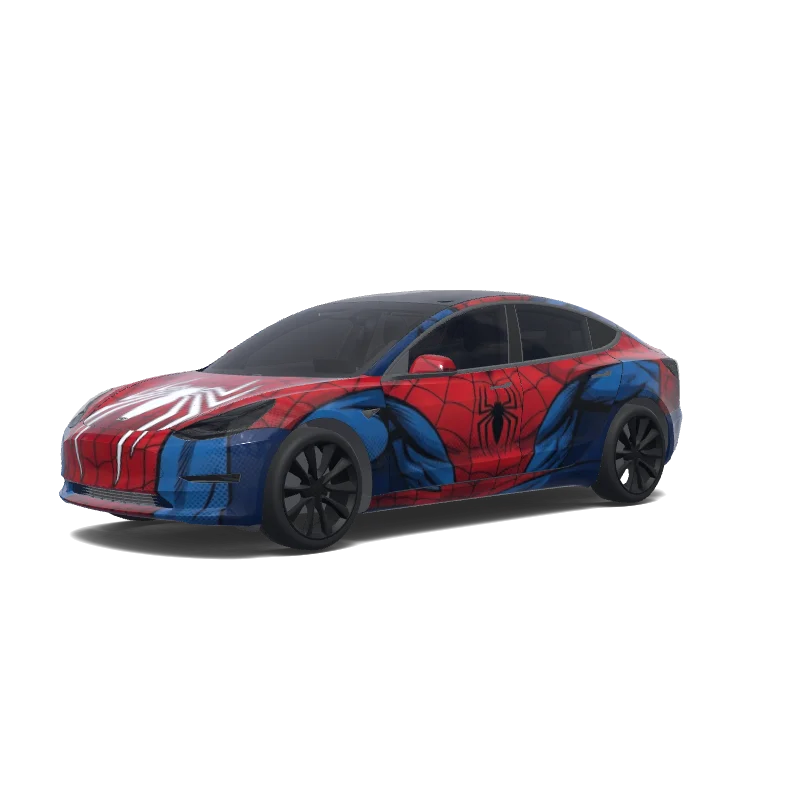
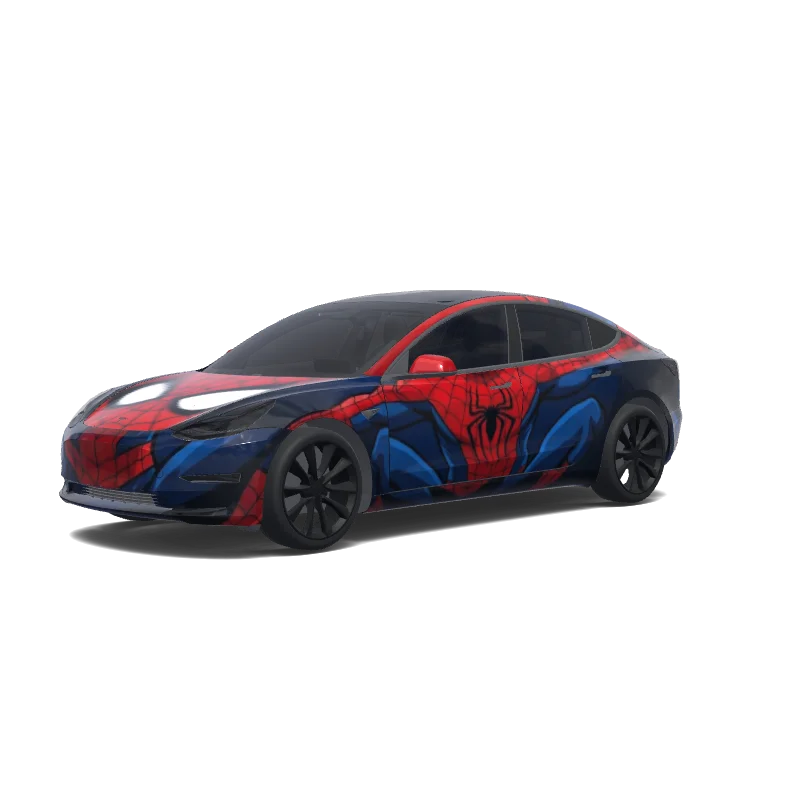
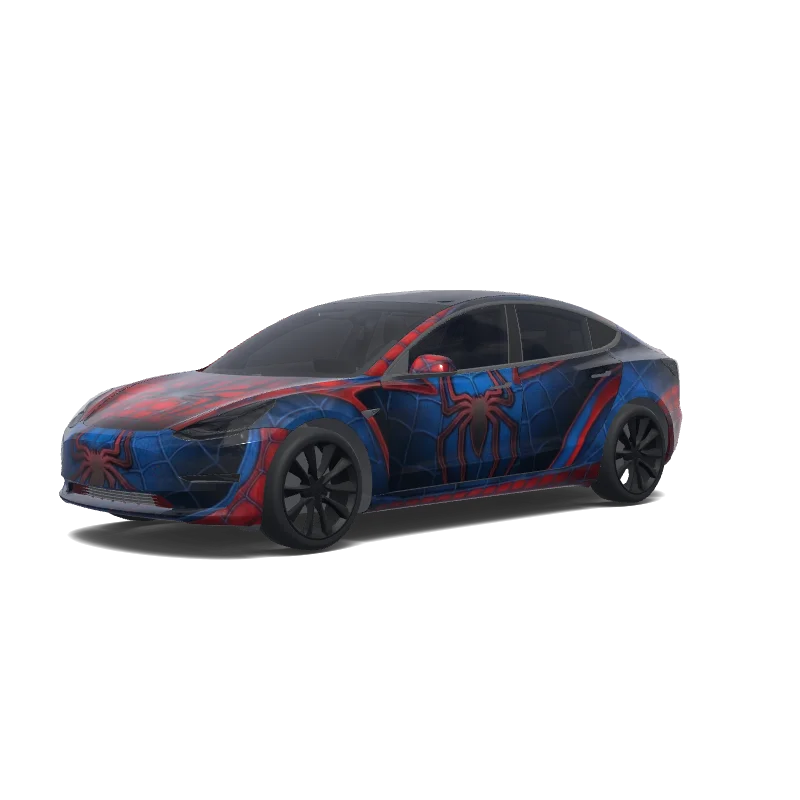
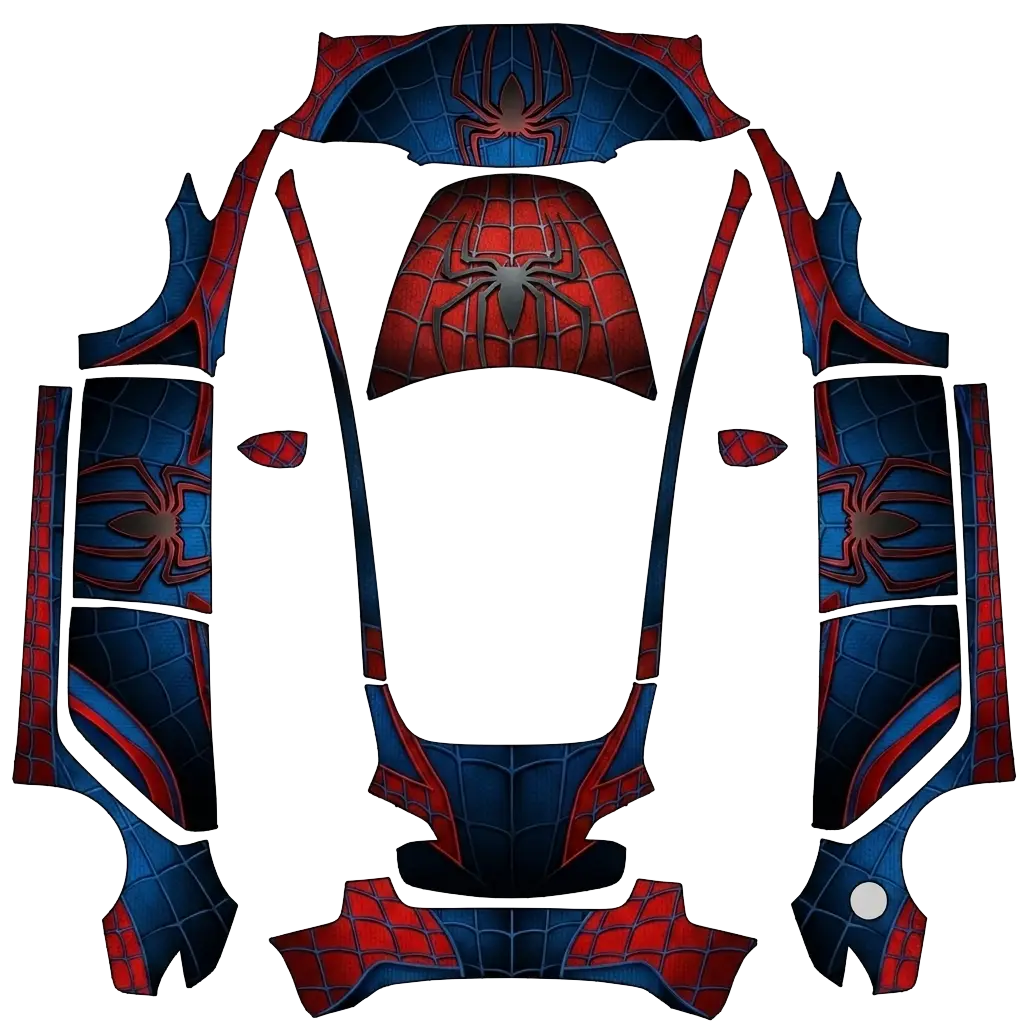
Spider-Man Full Body — Model 3 wrap
Massimiliano Segalini (Massi)
AI

Model 3

Falla tutta in stile spiderman.

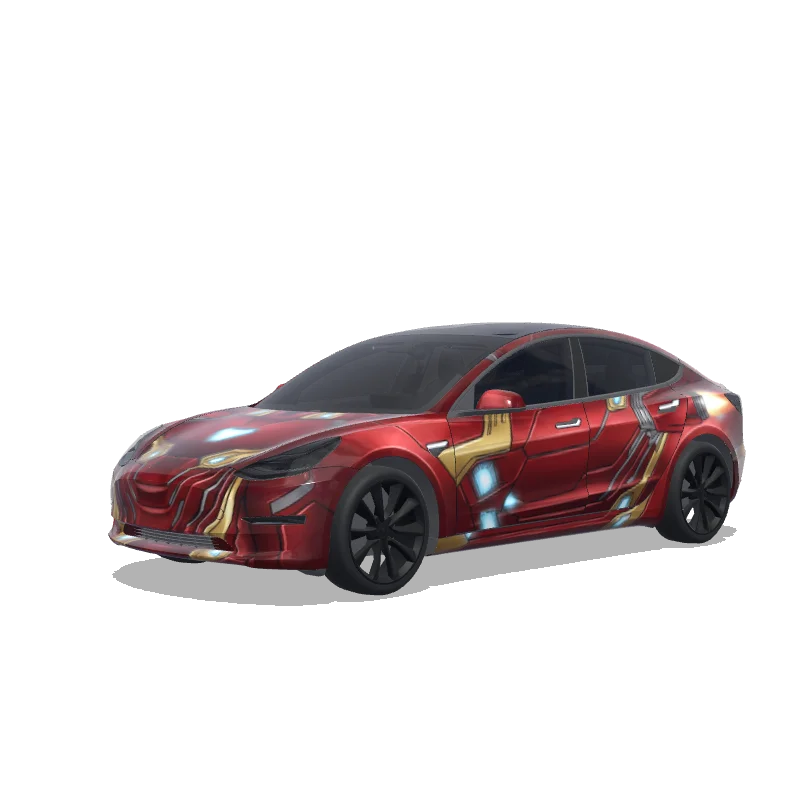
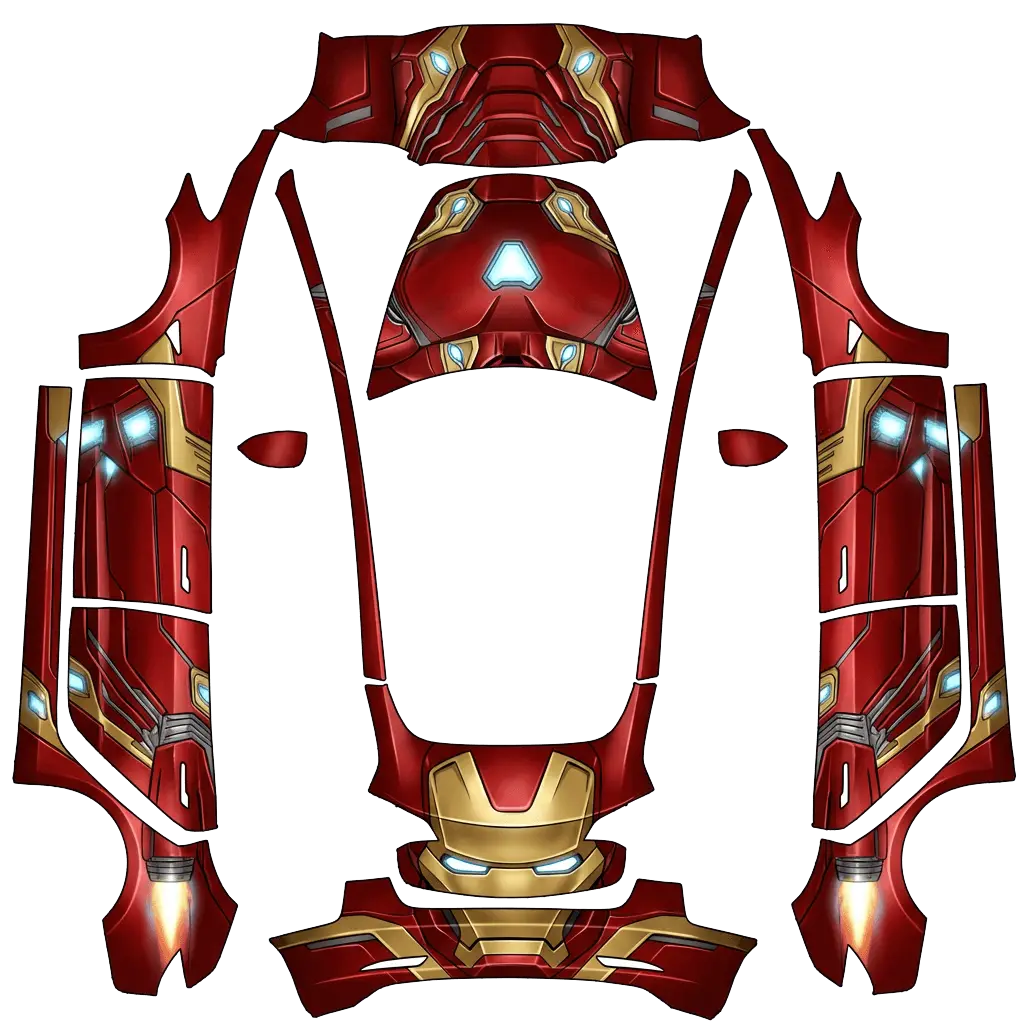
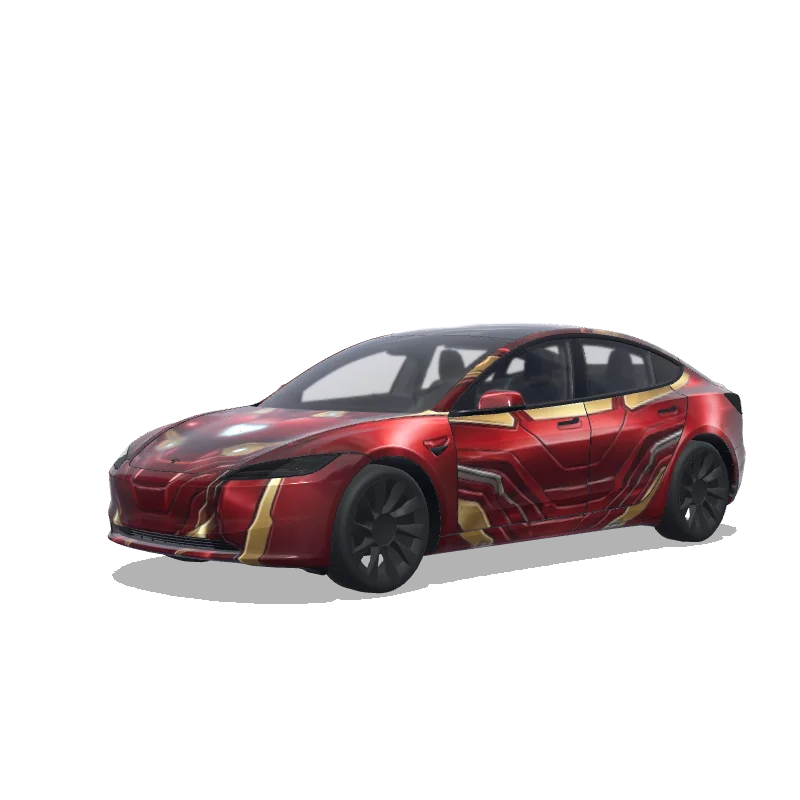
Marvel Iron Man Paint — Model 3 wrap
Louis
AI

Model 3

Marvel Iron Man car paint job

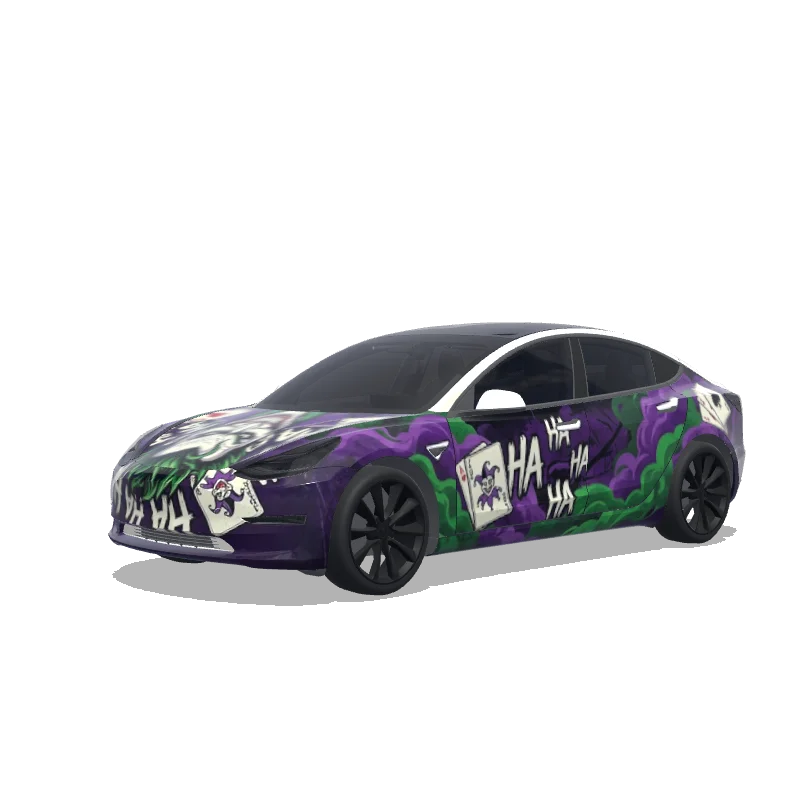
Gotham Joker Style — Model 3 wrap
Louis
AI

Model 3

Gotham Joker style

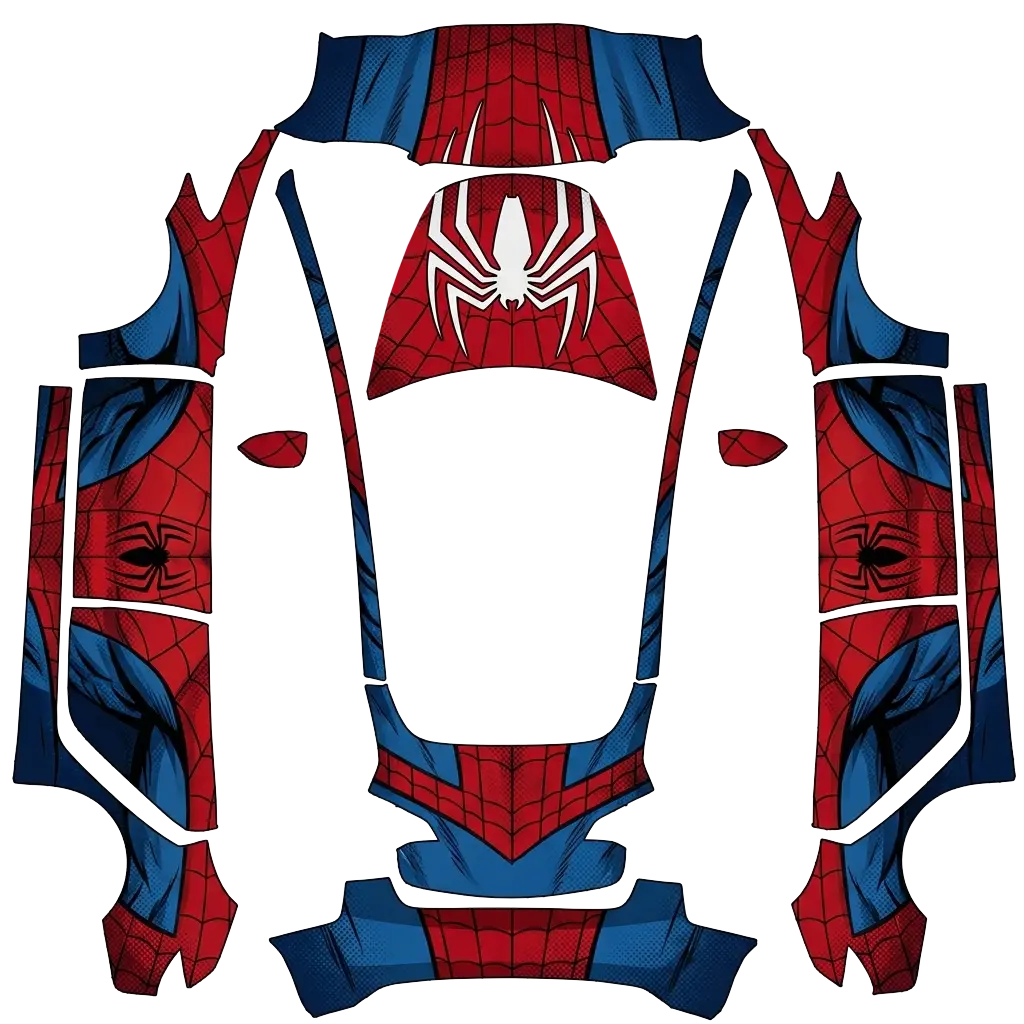
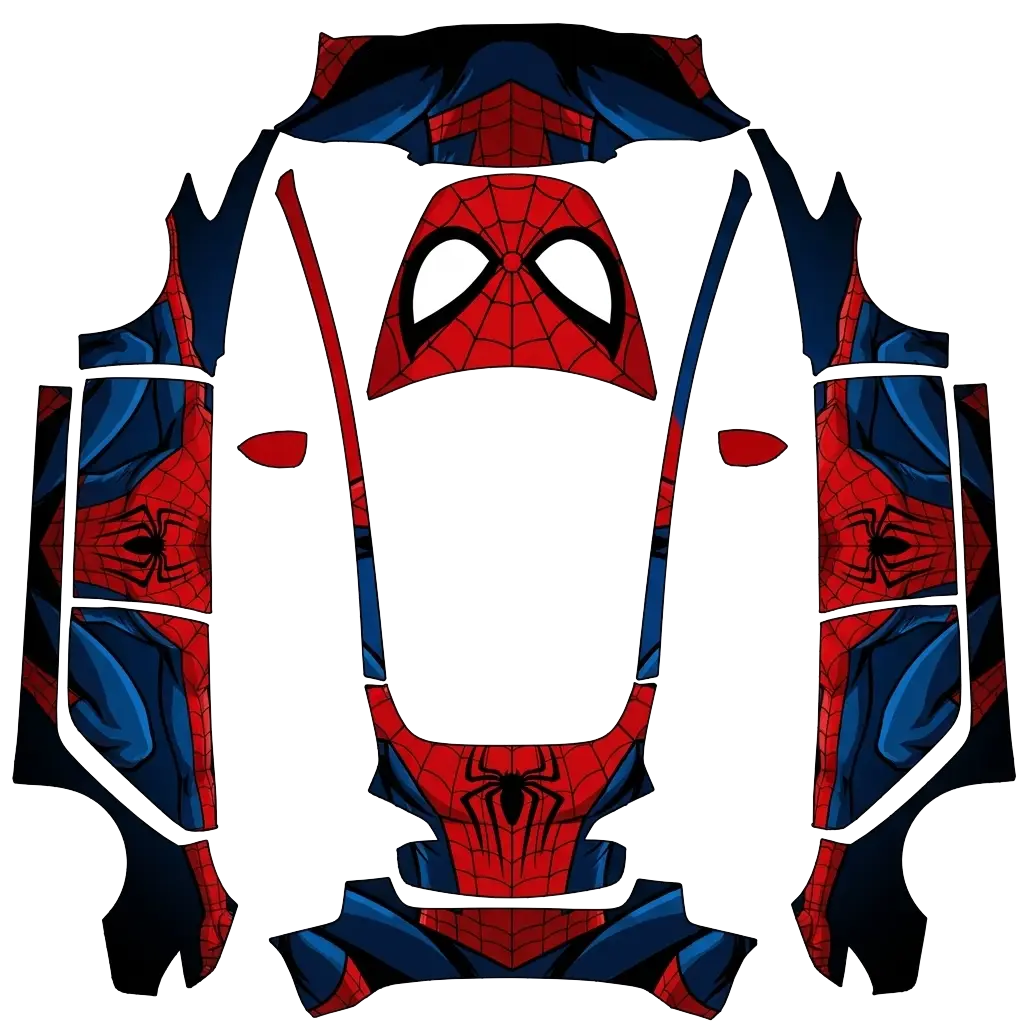
Spider-Man Eyes on Hood — Model 3 wrap
Lewis Duncan (Pho2u)
AI

Model 3

Spider-Man design with eyes on the hood make sure the rear isn’t white. Colors: red, blue, black.

Iron Man Red and Gold — Model 3 (2024+) wrap
pila mama
AI

Model 3 (2024+)

Iron man

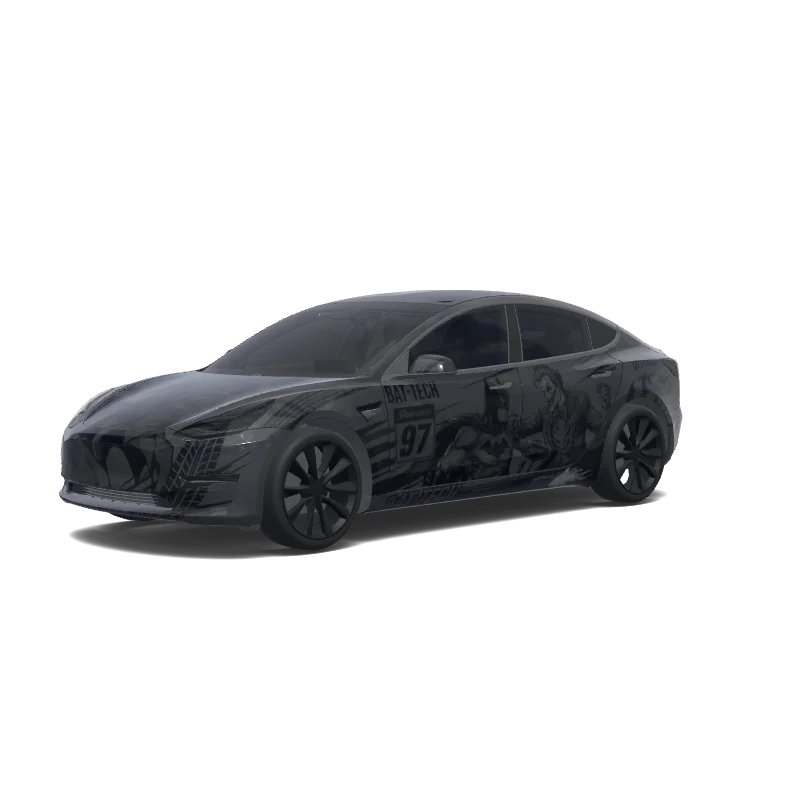
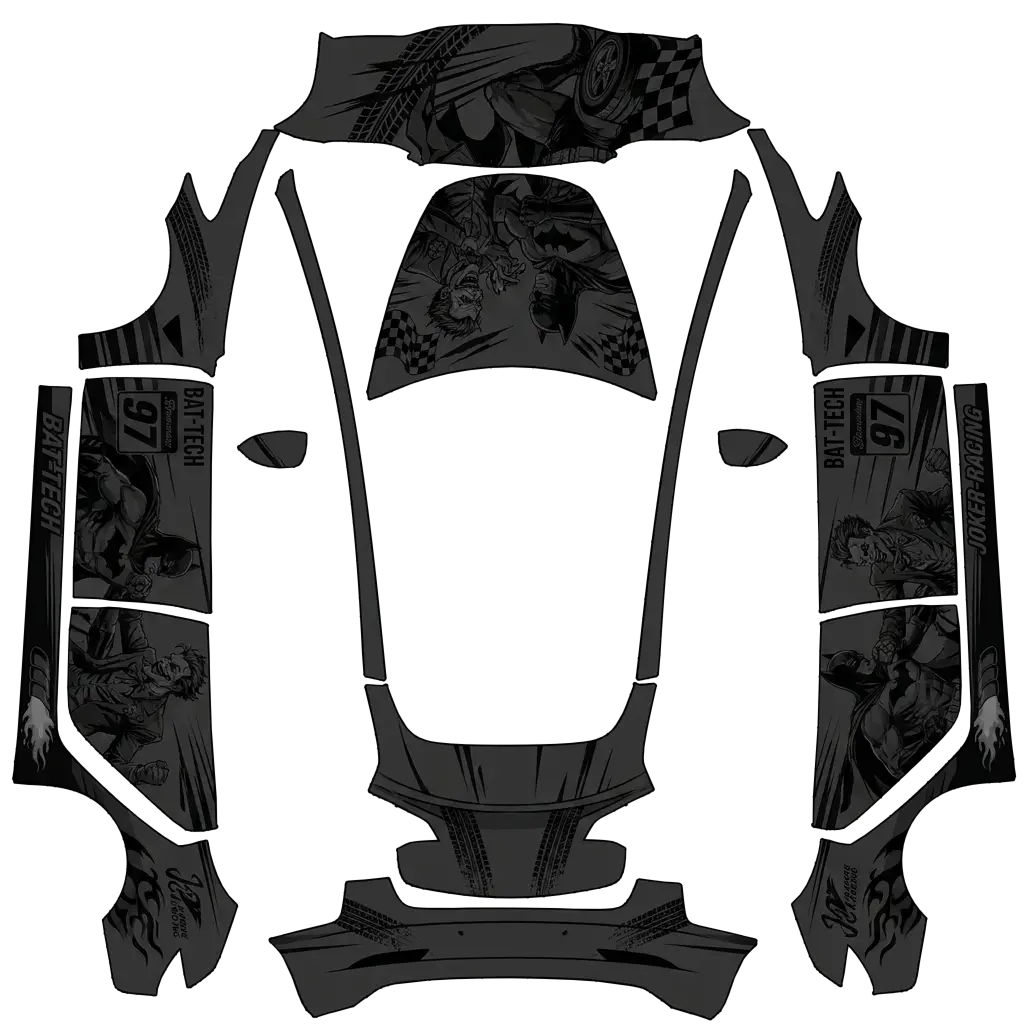
 — Model 3 wrap
Hector
AI

Model 3

Batman y joker peleando , coche de carreras. Colors: black.

Distressed Spider-Man — Model 3 wrap
c
AI

Model 3

Add the logo to the hood

 — Model 3 wrap
Ahmed Kassab
AI

Model 3

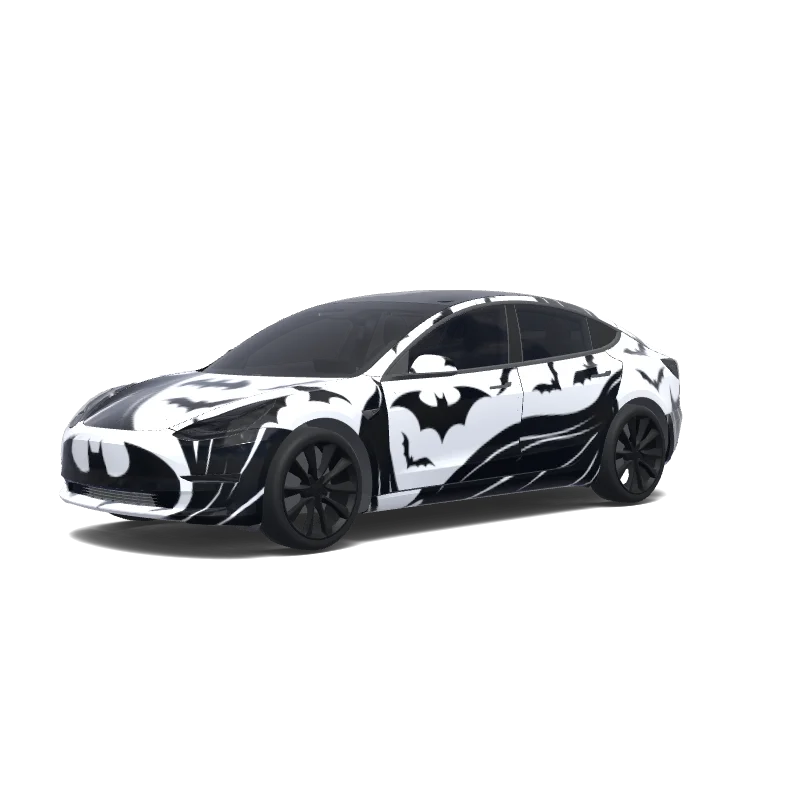
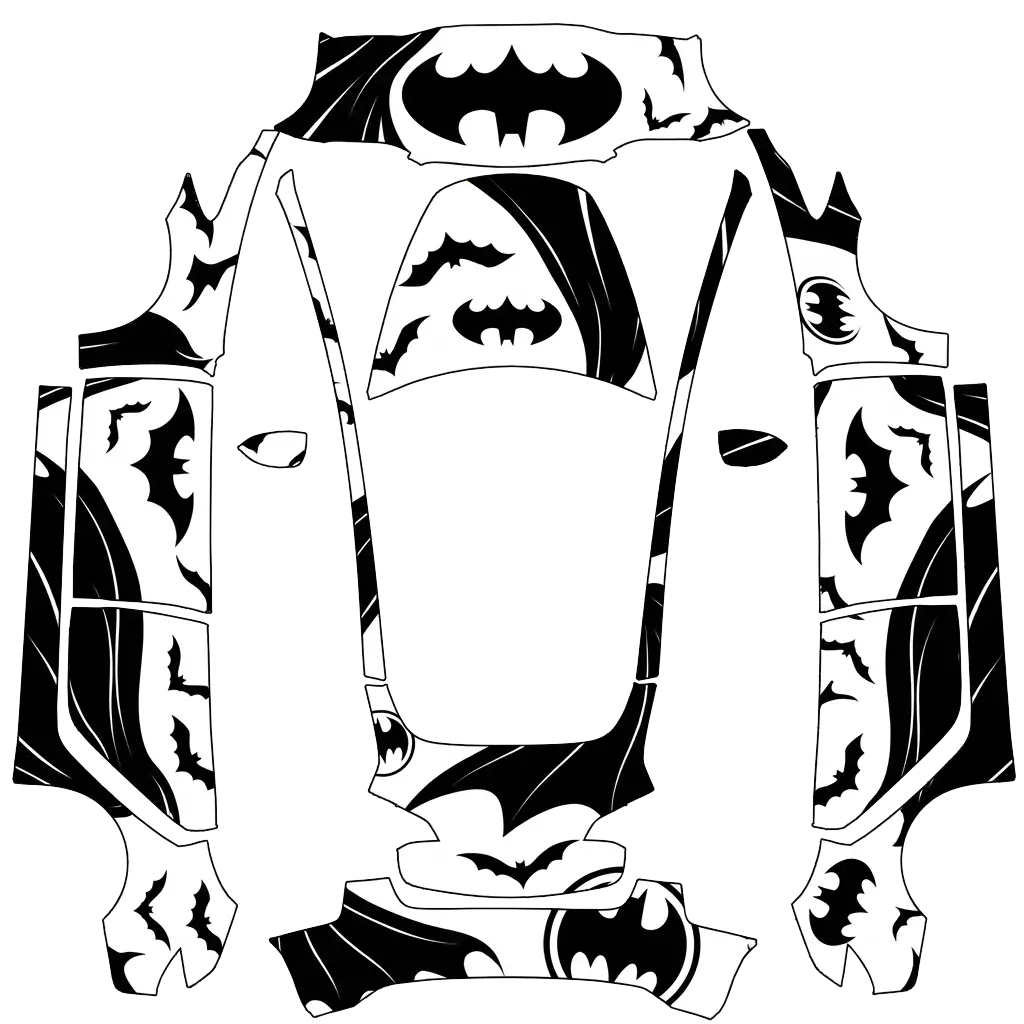
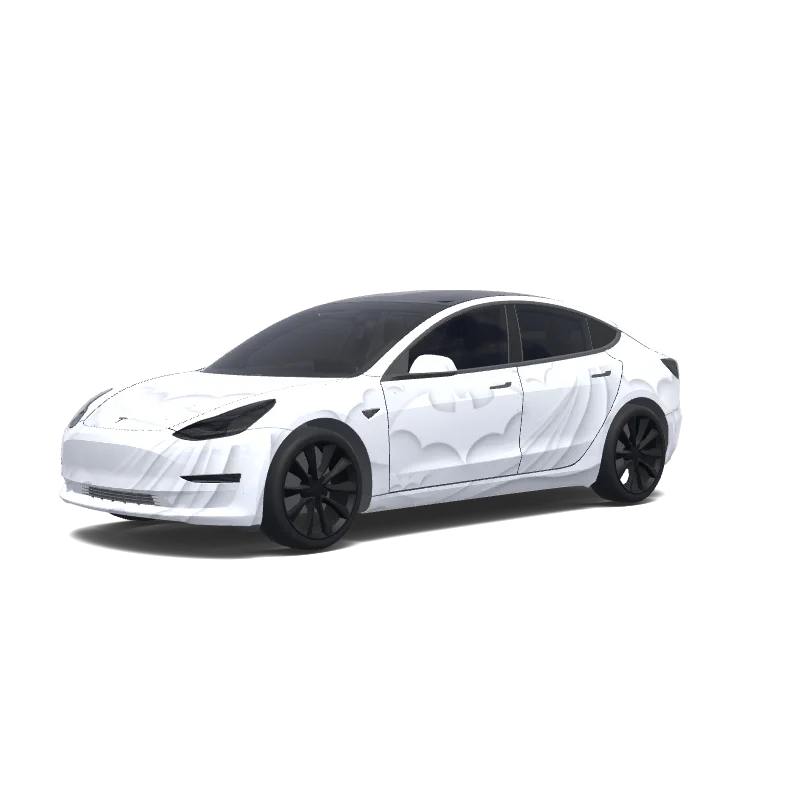
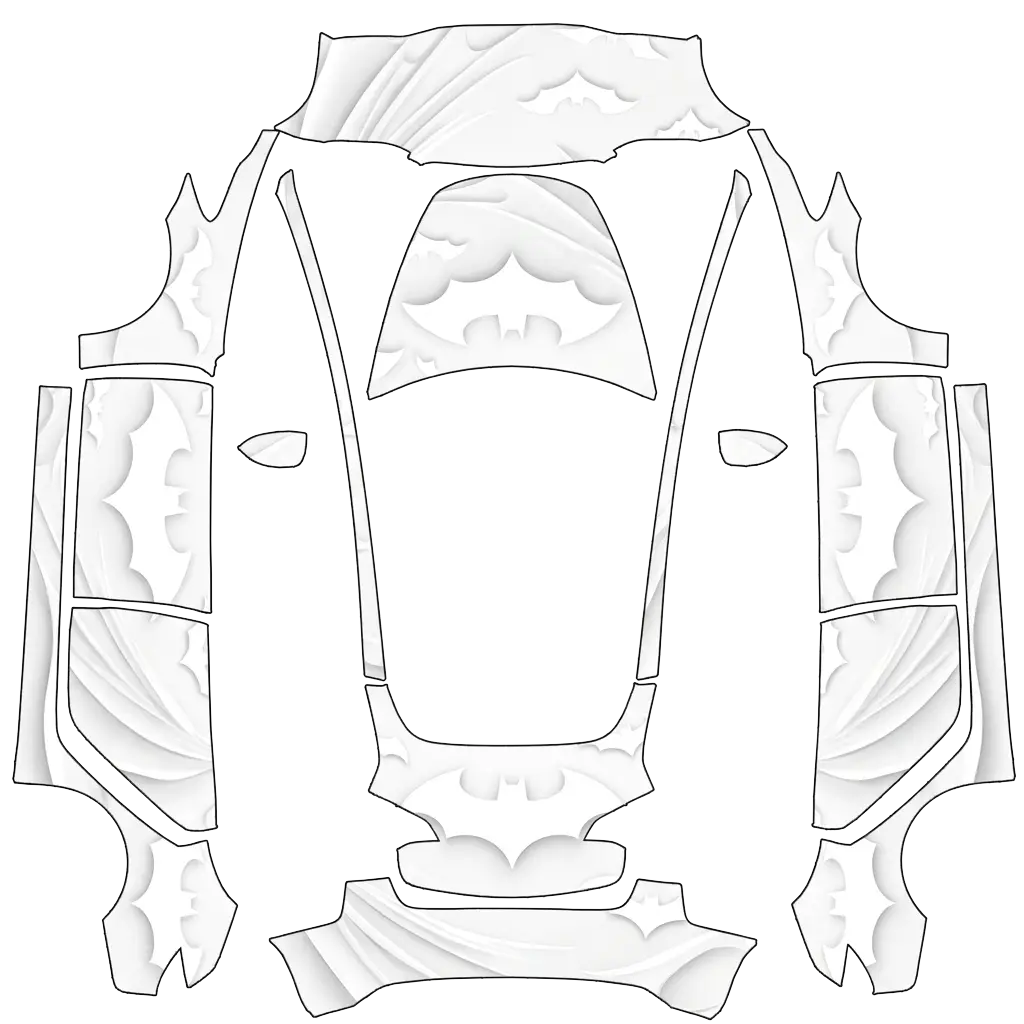
Batman keeping the background white. Colors: white, black.

 — Model 3 wrap
Yasser Qasem
AI

Model 3

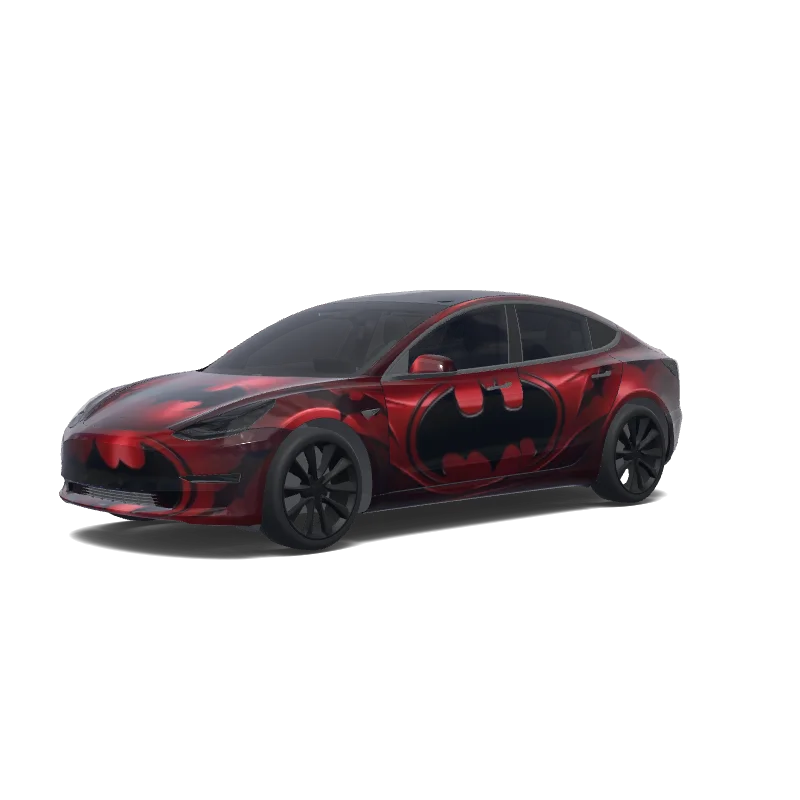
Metallic red with the Batman theme. Colors: red.

 — Model 3 wrap
Ahmed Kassab
AI

Model 3

Batman keeping the background white. Colors: white.

 — Model 3 wrap
Hector
AI

Model 3

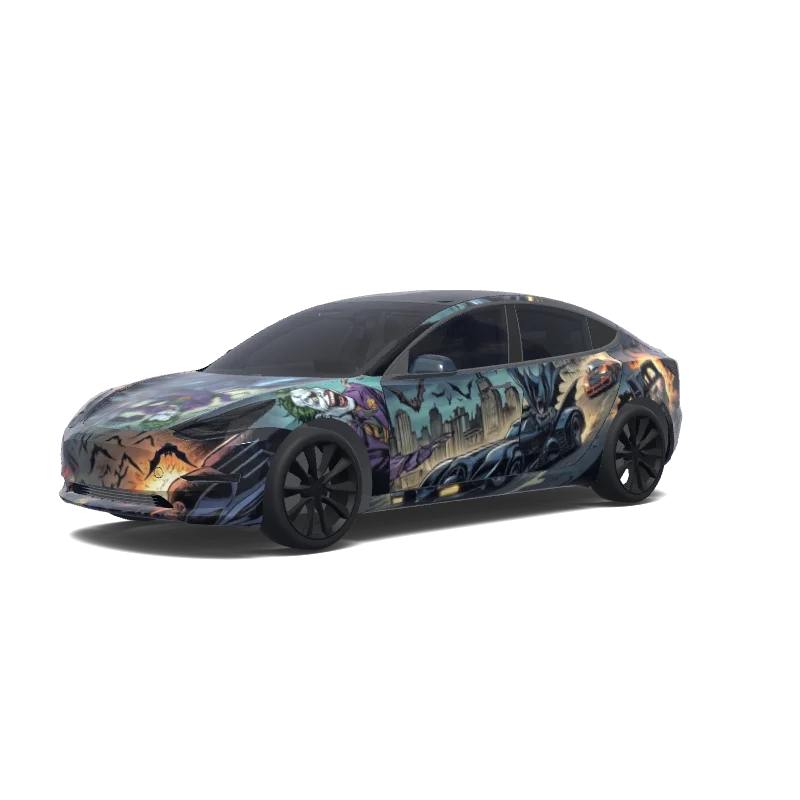
Batman y joker en el batmóvil , con murciélagos y coche de carreras.

 — Model 3 wrap
Hector
AI

Model 3

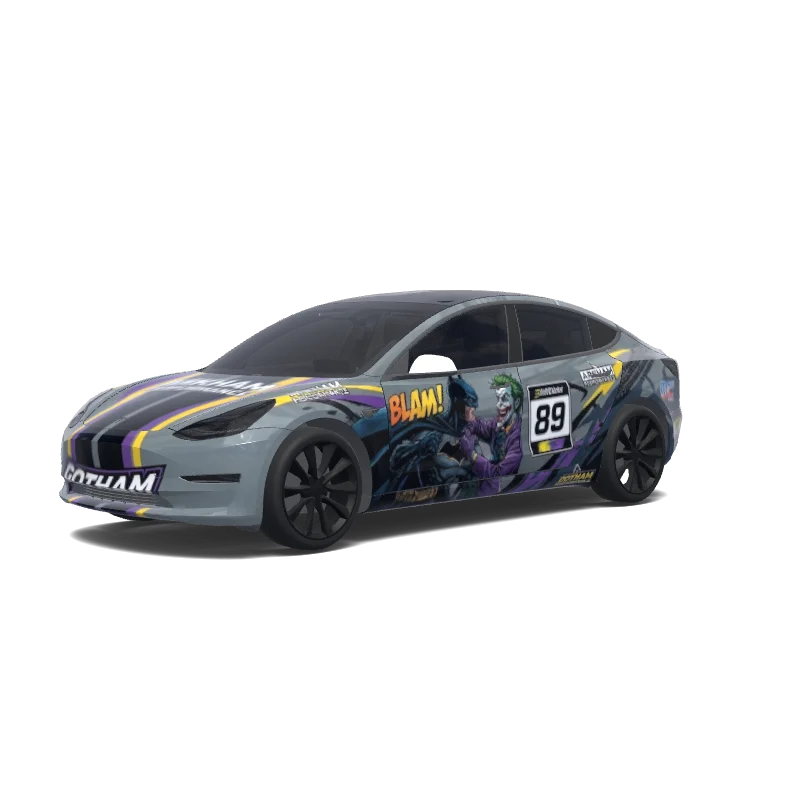
Batman y joker peleando , coche de carreras y fondo gris mate.

Looking for another model? Browse the full gallery or pick a model above.

Making a superhero wrap that survives the car

Related styles

RacingAnimePoliceStripesLightning McQueenMatteGeometricHello KittyAll designs

Questions

What size PNG does Paint Shop need?

A real PNG no larger than 1 MB, with each side between 512 and 1024 px. Model 3, Model Y, Model S and Model X use 1024×1024; Cybertruck uses 1024×768. The file name must be 30 characters or fewer, using letters, numbers, spaces, underscores or dashes.

How do I get the wrap onto the car?

Export the PNG, then upload it in the Tesla app under Creations → Wrap → Upload (app 4.59.0 and later, up to 10 wraps), or copy it into a folder named Wraps at the root of a USB drive (up to 10), and pick it in Toybox → Paint Shop.

Can I change the design after downloading?

Yes. Open the design in the editor, adjust the panels, text or colors, and export again. The editor keeps your layers, so a small change does not mean starting over.

New to Paint Shop? Read the upload guide, check your file with the PNG checker, or start from a free design.