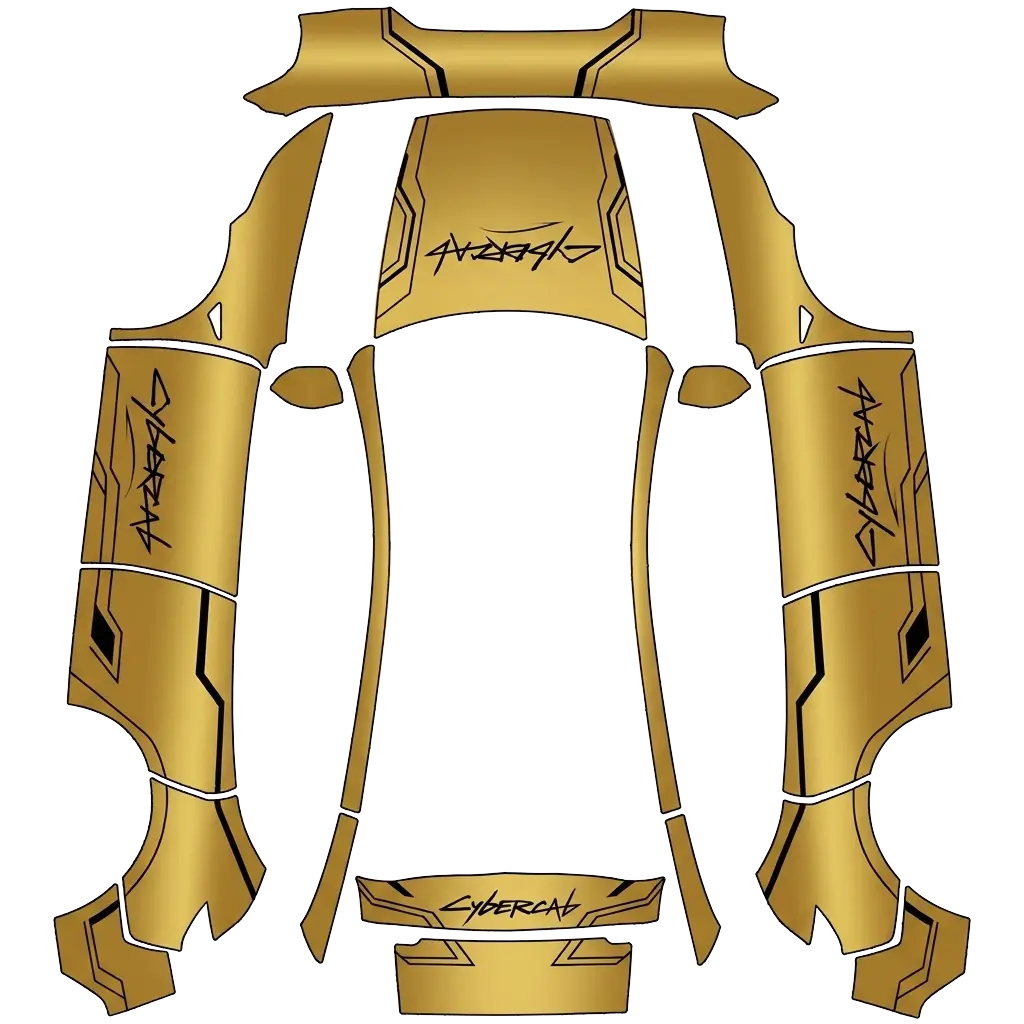
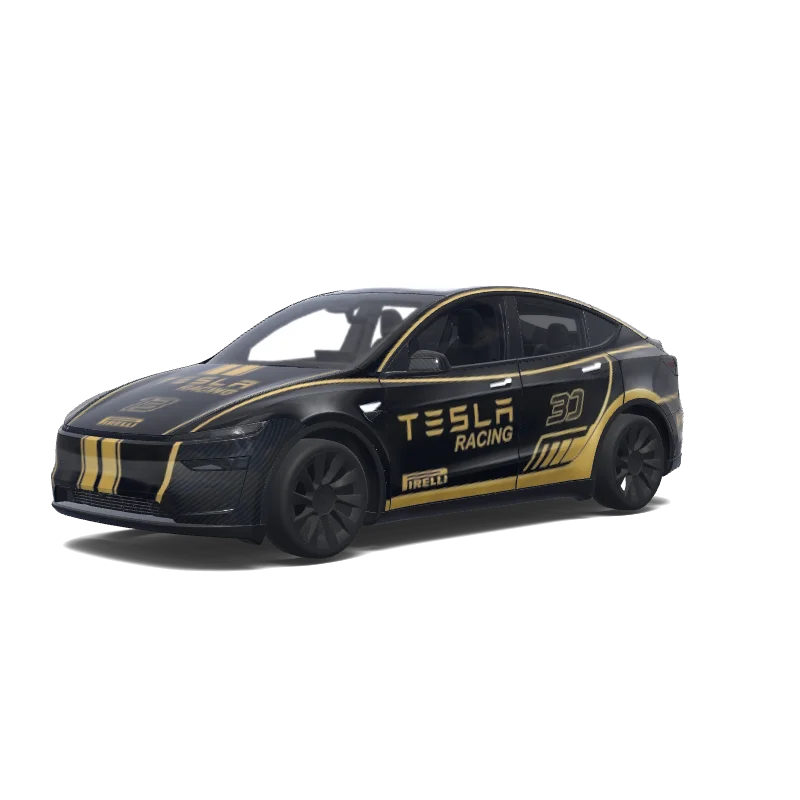
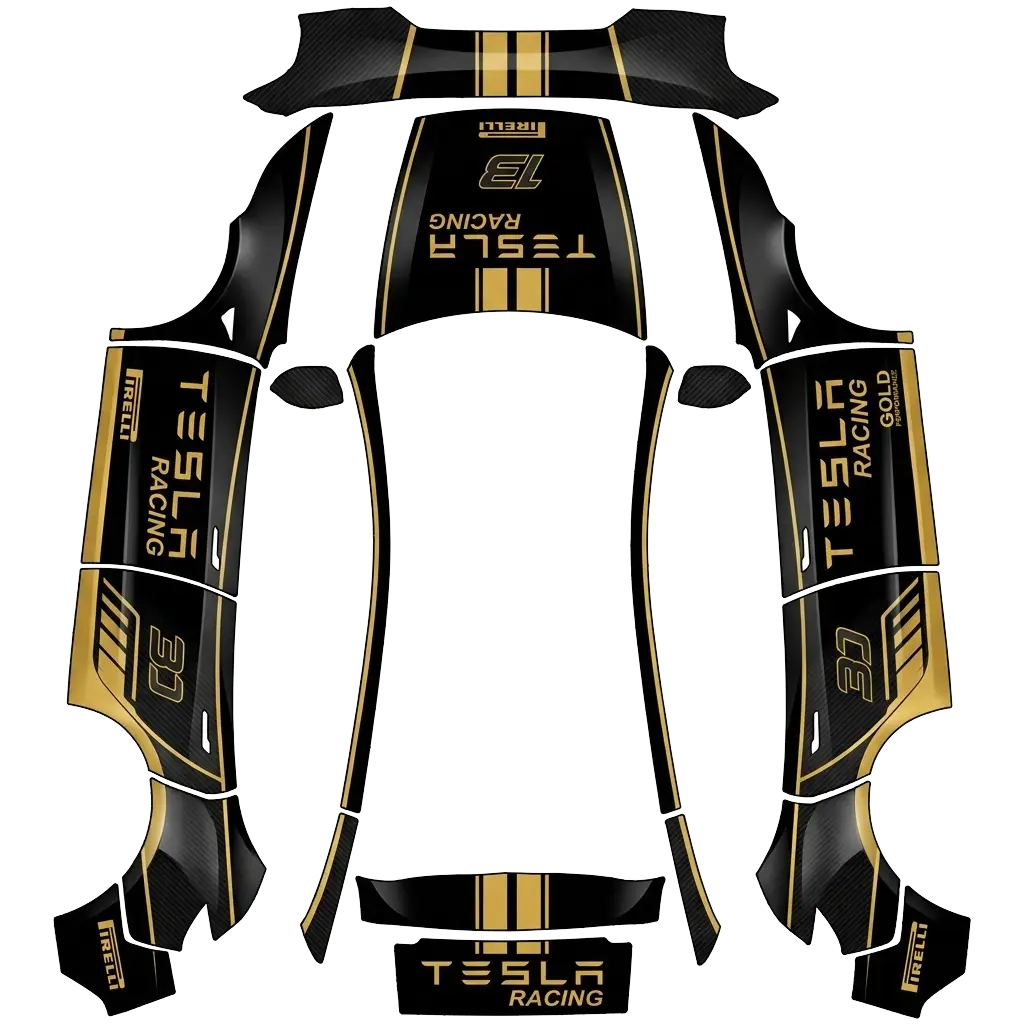
Gold wraps are metallic, not yellow: the color only reads as gold when there is a dark base and a highlight.
4 designs in the gallery for Model Y · free PNG downloads · every file fits the Paint Shop template for its model.
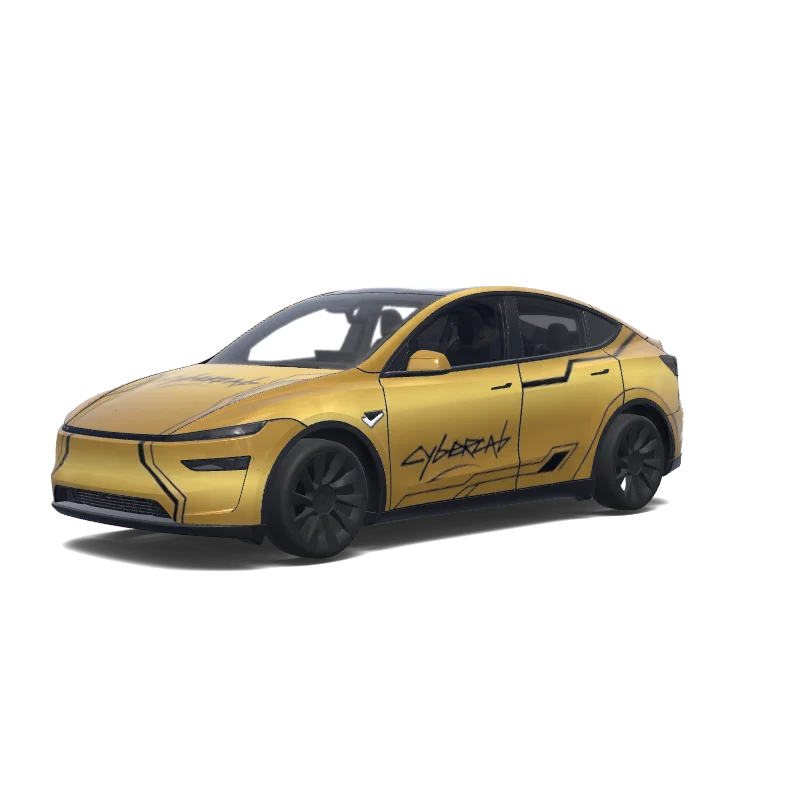

Model Y (2025+)
Use the uploaded photo as a strong visual reference. Extract its colors, textures, pattern language, and overall aesthetic. Generate a Tesla Paint Shop vehicle wrap for the selected model. Fill the UV template areas cleanly, preserve transparent and non-template areas, and output a complete wrap PNG suitable for 3D preview and download.
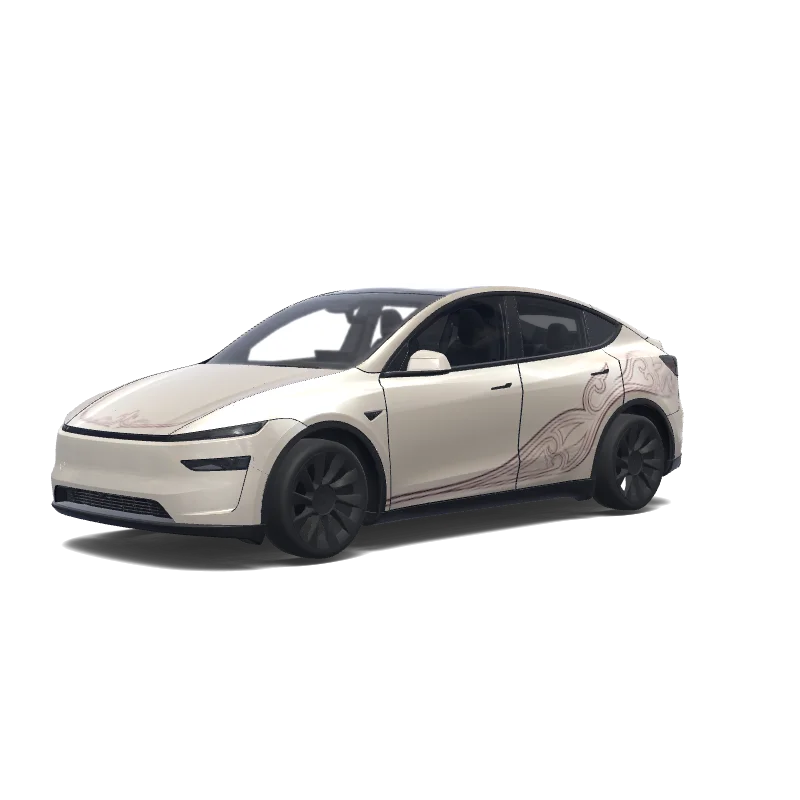

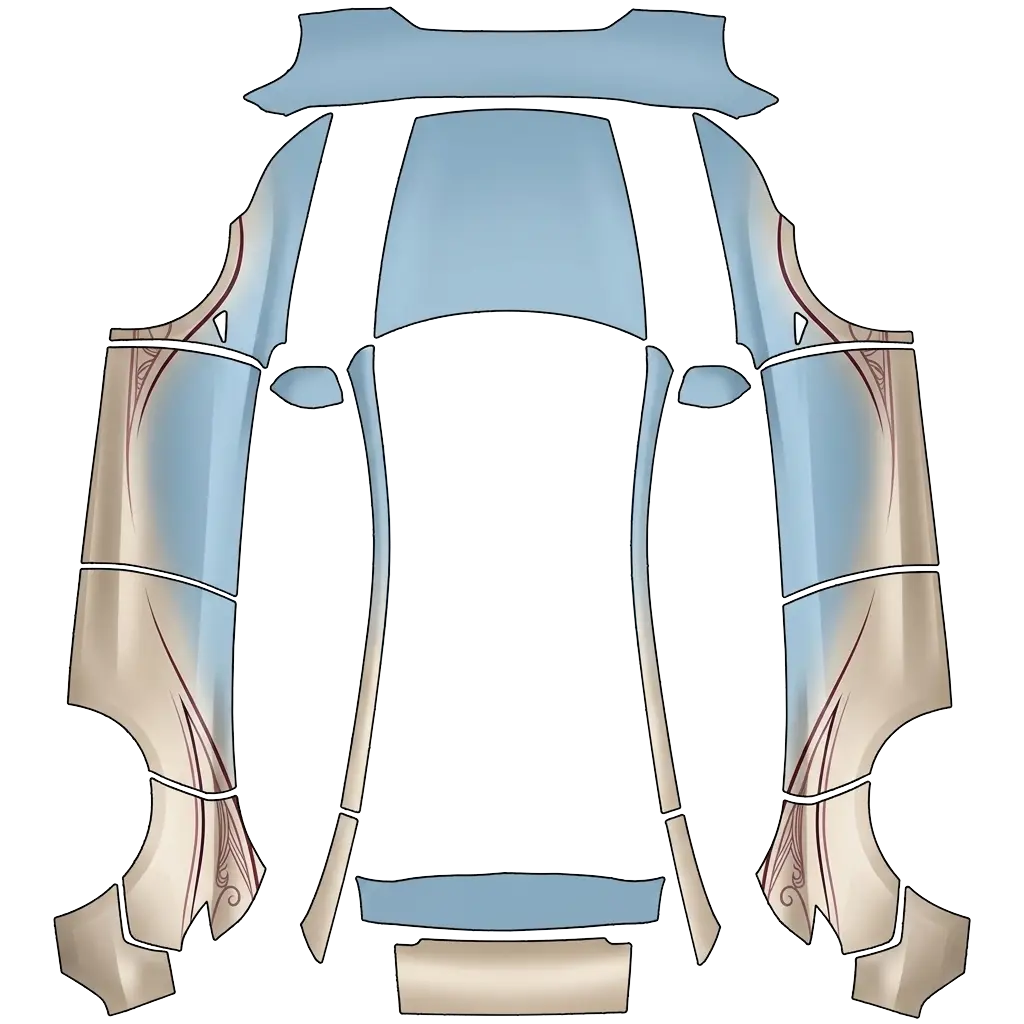
Model Y (2025+)
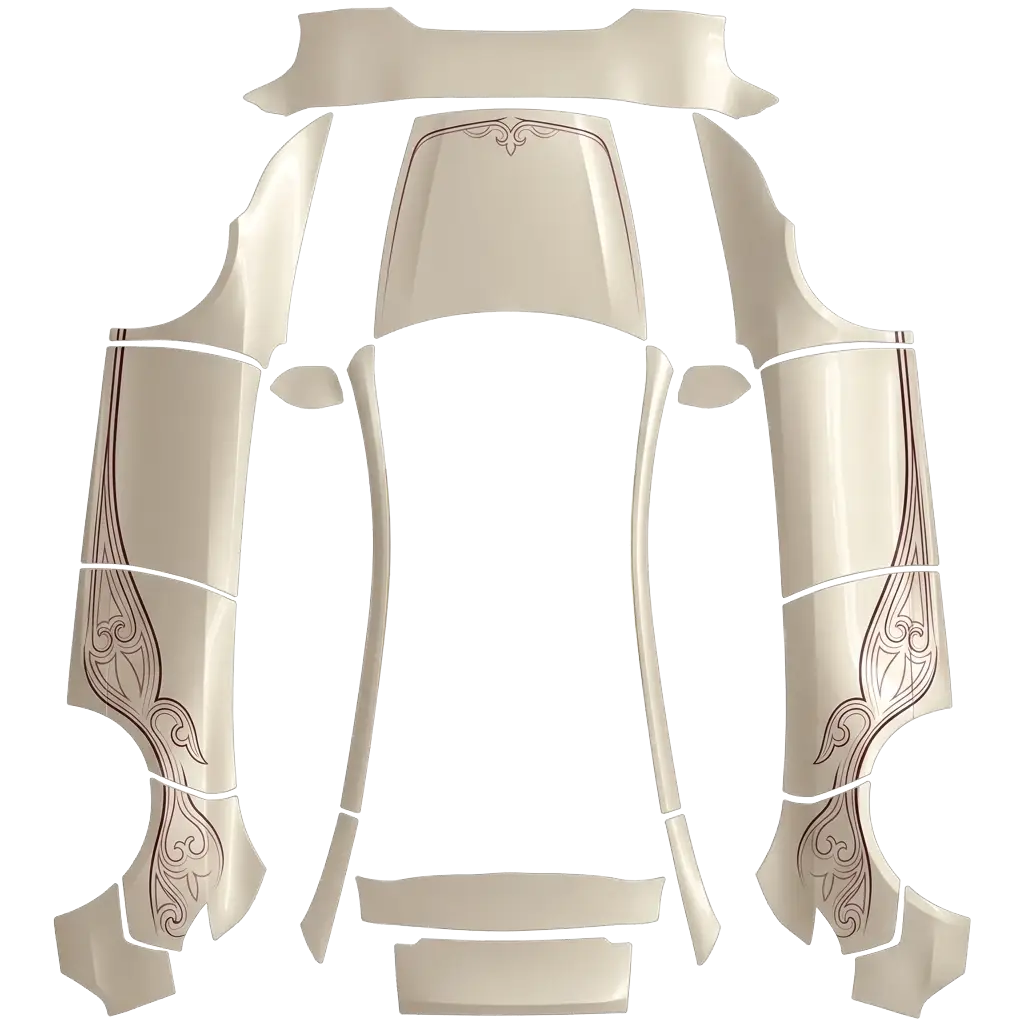
Create an elegant Tesla Model Y Juniper wrap with a warm pearl champagne/ivory base. Use refined Batak Toba Gorga and Ulos-inspired linework in burgundy, wine and soft maroon. Keep motifs sparse, delicate and flowing along the lower sides, rear quarters and subtle hood accent, leaving large clean body areas. Luxury fashion aesthetic, understated and sophisticated, never busy. Photorealistic premium automotive CGI, realistic reflections. Show front 3/4, side and rear views..
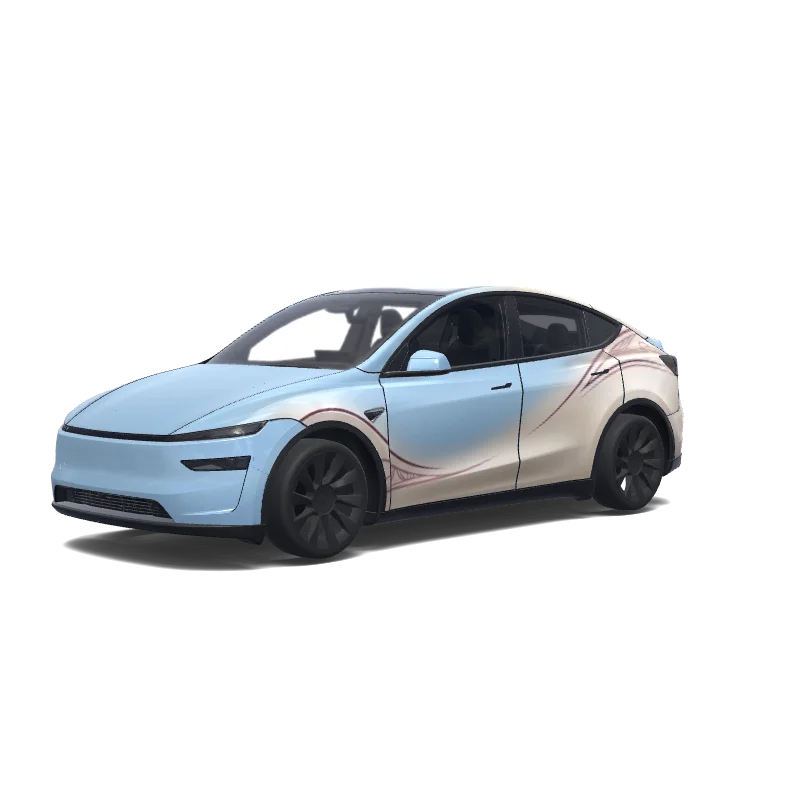
Model Y (2025+)
Create an elegant Tesla Model Y Juniper wrap retaining Glacier Blue, but reduce its visible area slightly from the reference. Expand the warm pearl champagne sections upward across the lower doors, fenders and rear quarters, blending softly into the blue. Add sparse Batak Toba Gorga linework in burgundy, wine and soft maroon. Keep large clean areas, graceful flowing curves, understated luxury, balanced colors, never busy. Photorealistic premium automotive CGI..
Looking for another model? Browse the full gallery or pick a model above.
A real PNG no larger than 1 MB, with each side between 512 and 1024 px. Model 3, Model Y, Model S and Model X use 1024×1024; Cybertruck uses 1024×768. The file name must be 30 characters or fewer, using letters, numbers, spaces, underscores or dashes.
Export the PNG, then upload it in the Tesla app under Creations → Wrap → Upload (app 4.59.0 and later, up to 10 wraps), or copy it into a folder named Wraps at the root of a USB drive (up to 10), and pick it in Toybox → Paint Shop.
Yes. Open the design in the editor, adjust the panels, text or colors, and export again. The editor keeps your layers, so a small change does not mean starting over.
New to Paint Shop? Read the upload guide, check your file with the PNG checker, or start from a free design.
Comments
Loading…