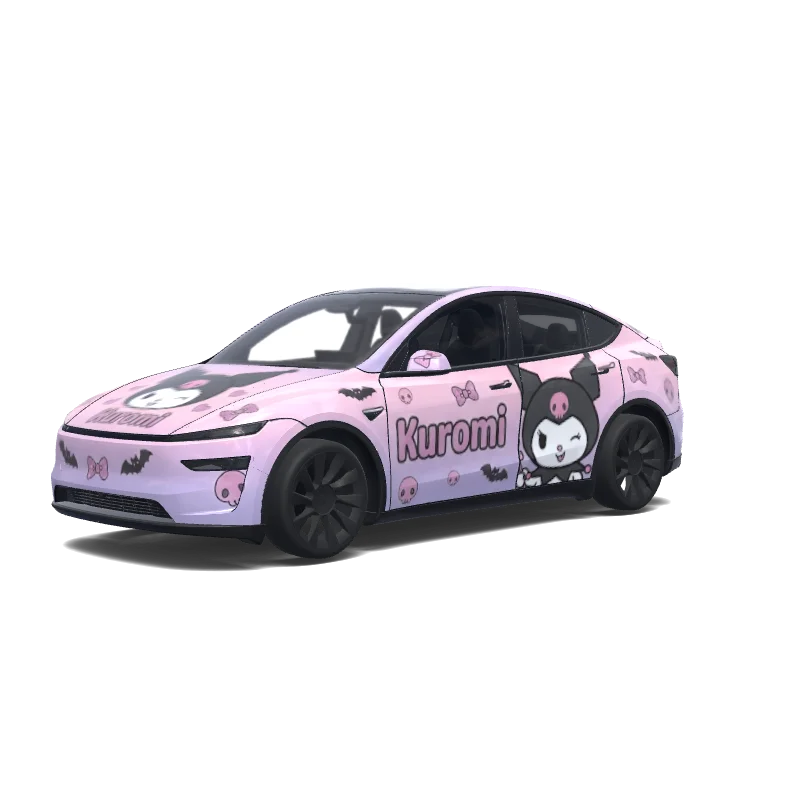
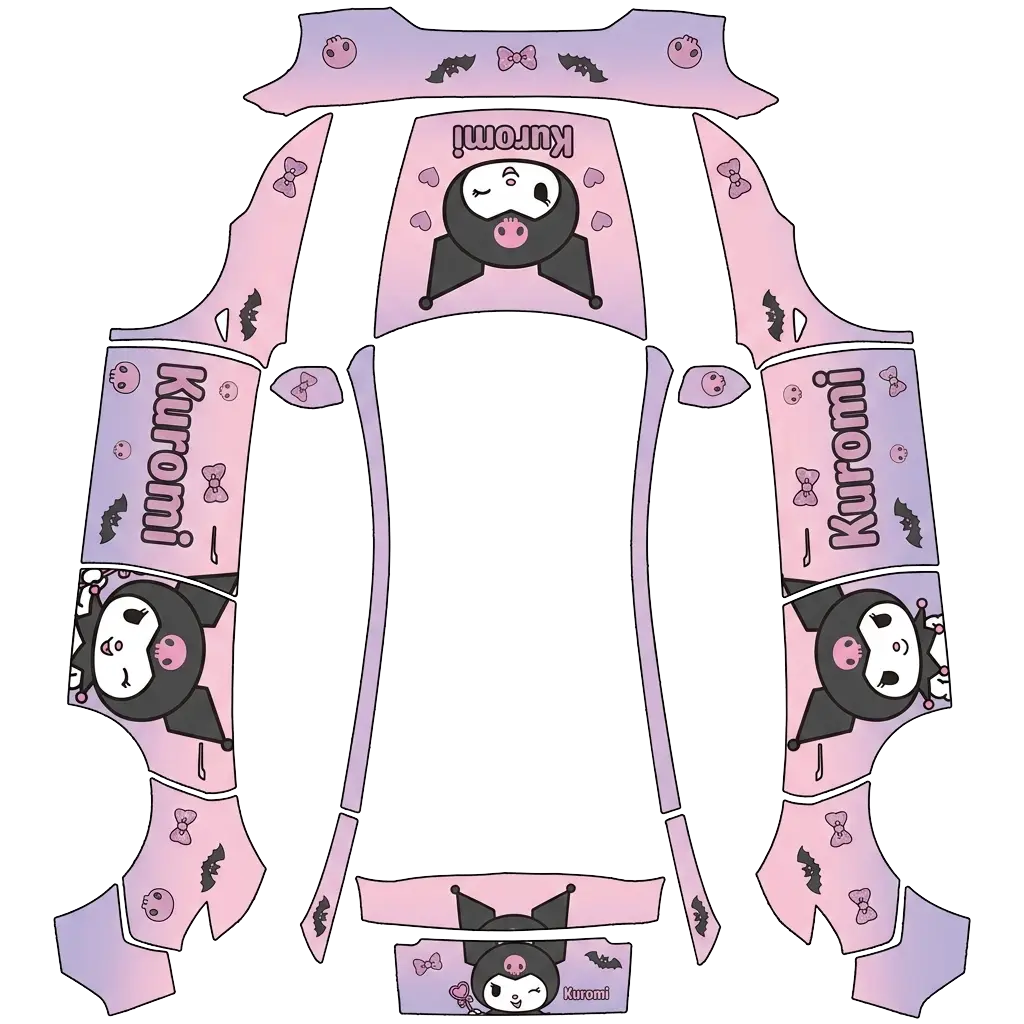
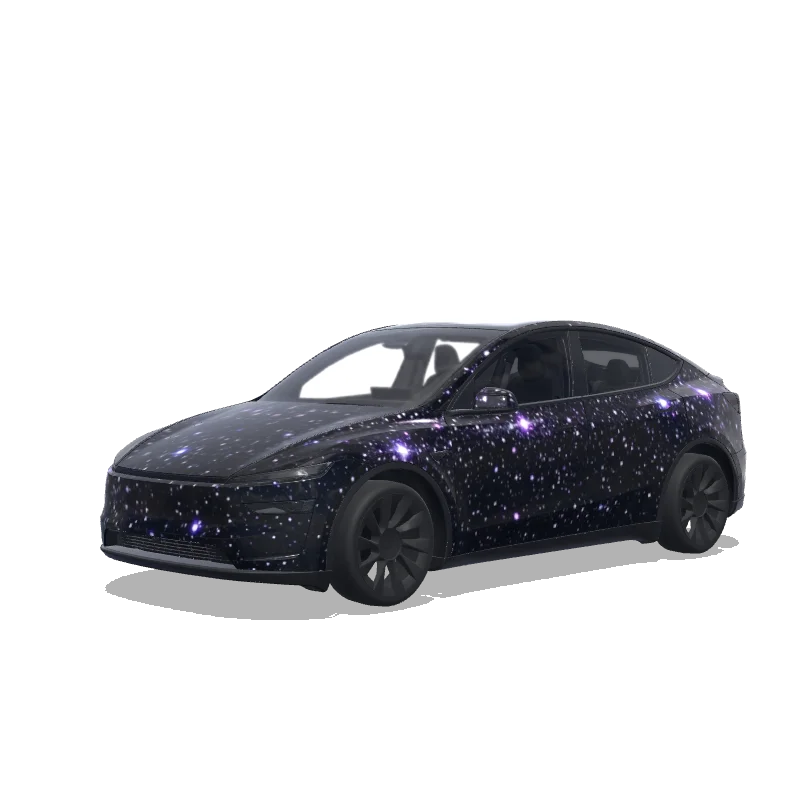
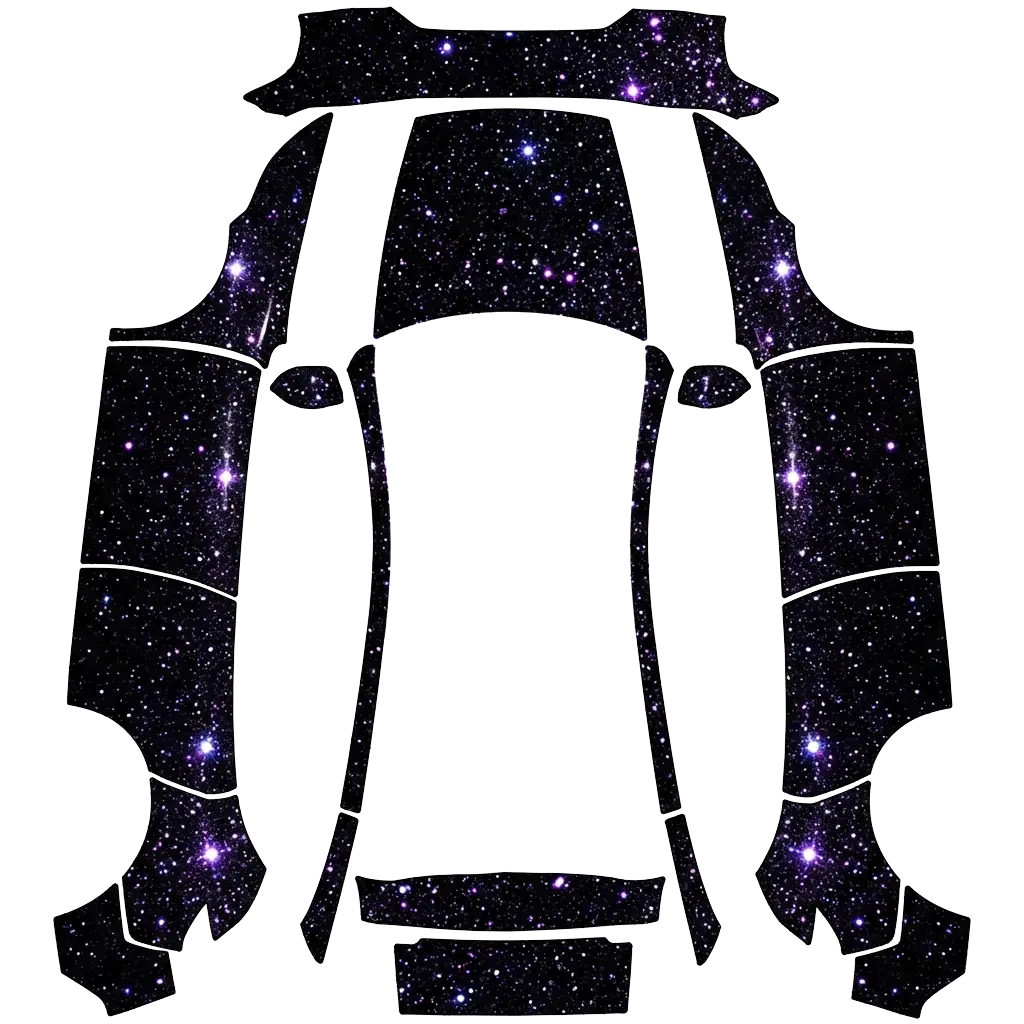
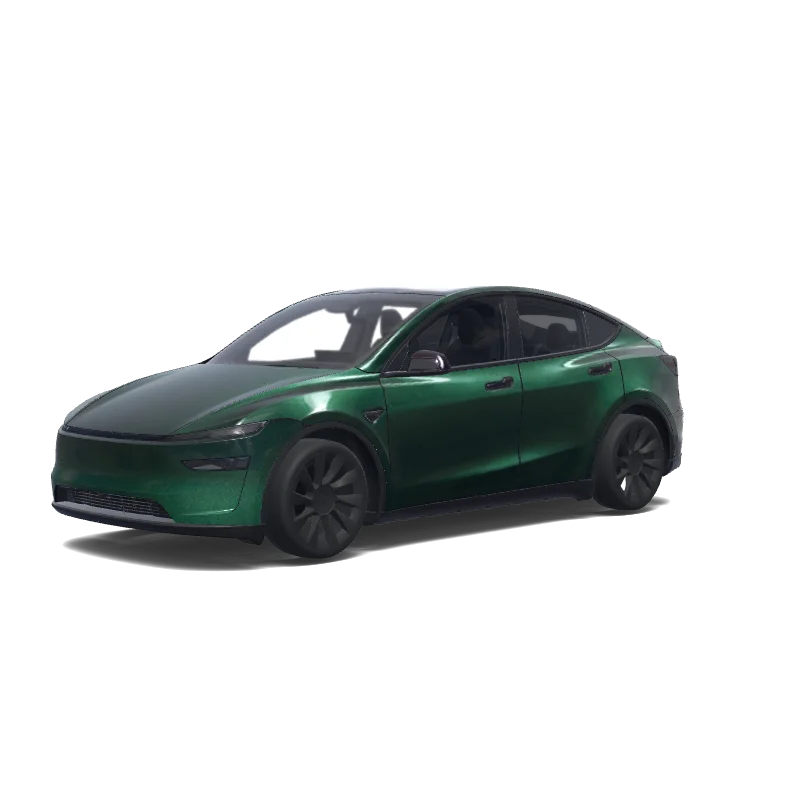
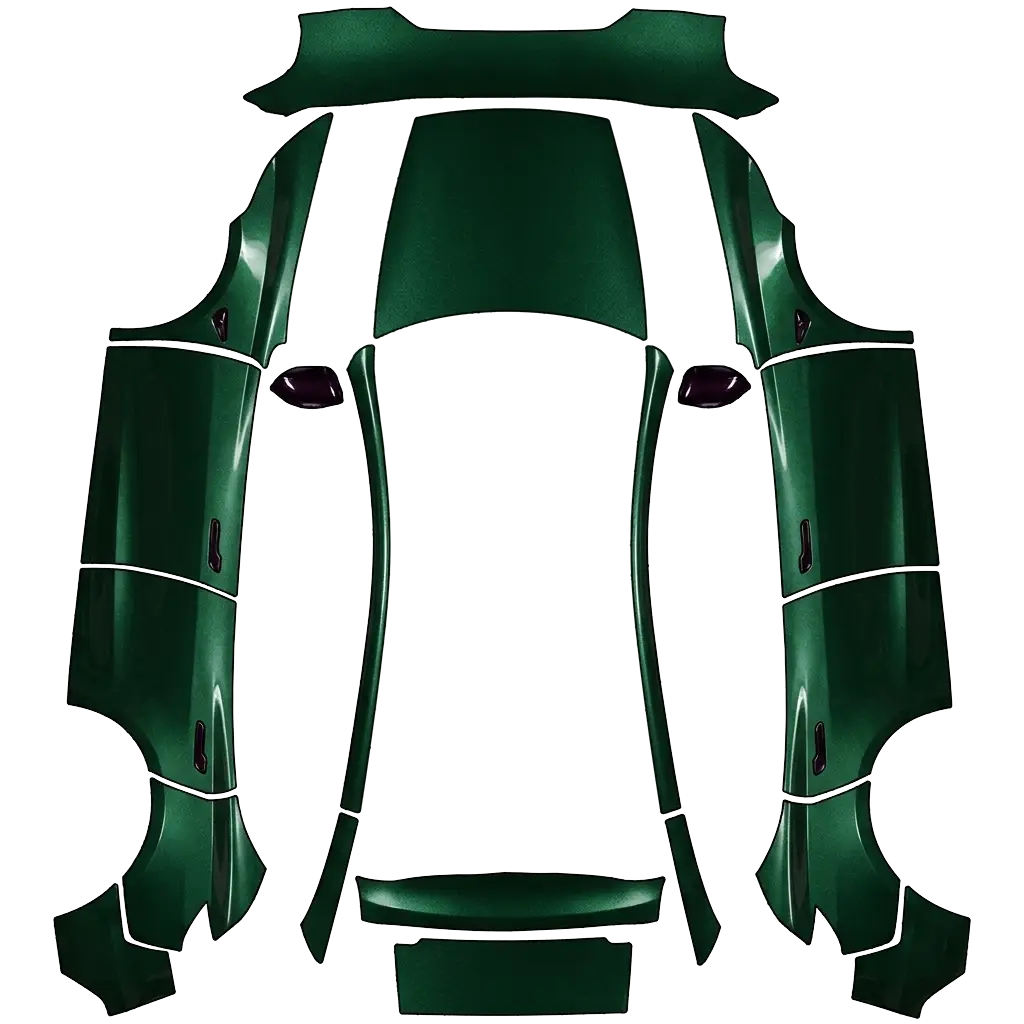
Purple wraps sit between luxury and gaming: deep violet reads premium, magenta reads arcade.
4 designs in the gallery for Model Y · free PNG downloads · every file fits the Paint Shop template for its model.
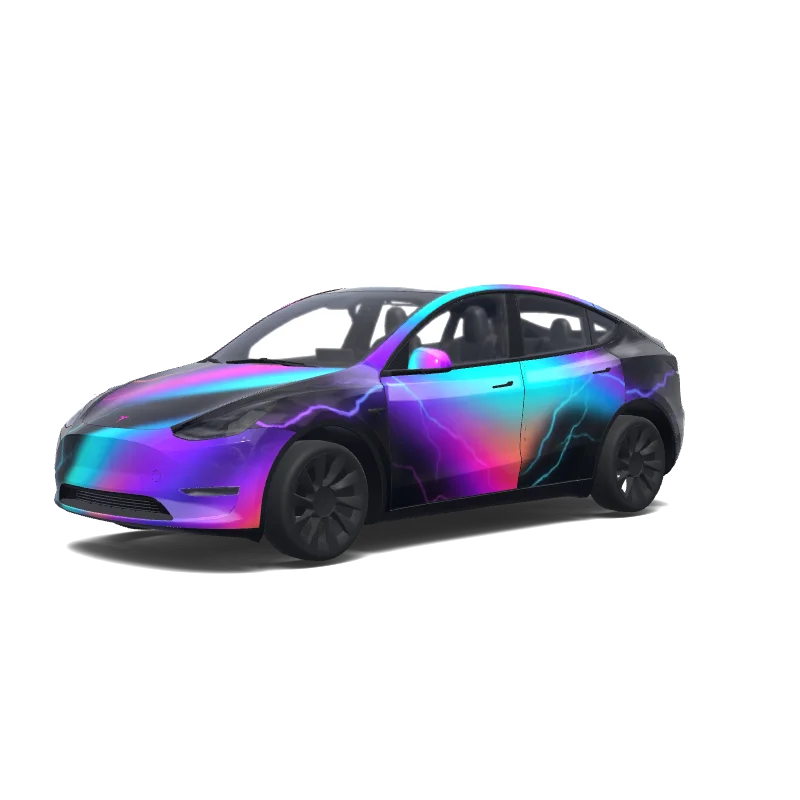

Model Y
High-contrast holographic car wrap in UV layout, featuring iridescent neon gradients (purple, blue, cyan, magenta, orange) with glossy reflective surface, smooth color transitions, and subtle lightning-like streaks on a black background, futuristic and cyberpunk style..
Looking for another model? Browse the full gallery or pick a model above.
A real PNG no larger than 1 MB, with each side between 512 and 1024 px. Model 3, Model Y, Model S and Model X use 1024×1024; Cybertruck uses 1024×768. The file name must be 30 characters or fewer, using letters, numbers, spaces, underscores or dashes.
Export the PNG, then upload it in the Tesla app under Creations → Wrap → Upload (app 4.59.0 and later, up to 10 wraps), or copy it into a folder named Wraps at the root of a USB drive (up to 10), and pick it in Toybox → Paint Shop.
Yes. Open the design in the editor, adjust the panels, text or colors, and export again. The editor keeps your layers, so a small change does not mean starting over.
New to Paint Shop? Read the upload guide, check your file with the PNG checker, or start from a free design.
Comments
Loading…