Silver and gray wraps are the neutral option: gunmetal, anthracite and brushed steel. They photograph well and hide dirt.
9 designs in the gallery for Model Y · free PNG downloads · every file fits the Paint Shop template for its model.

Model Y
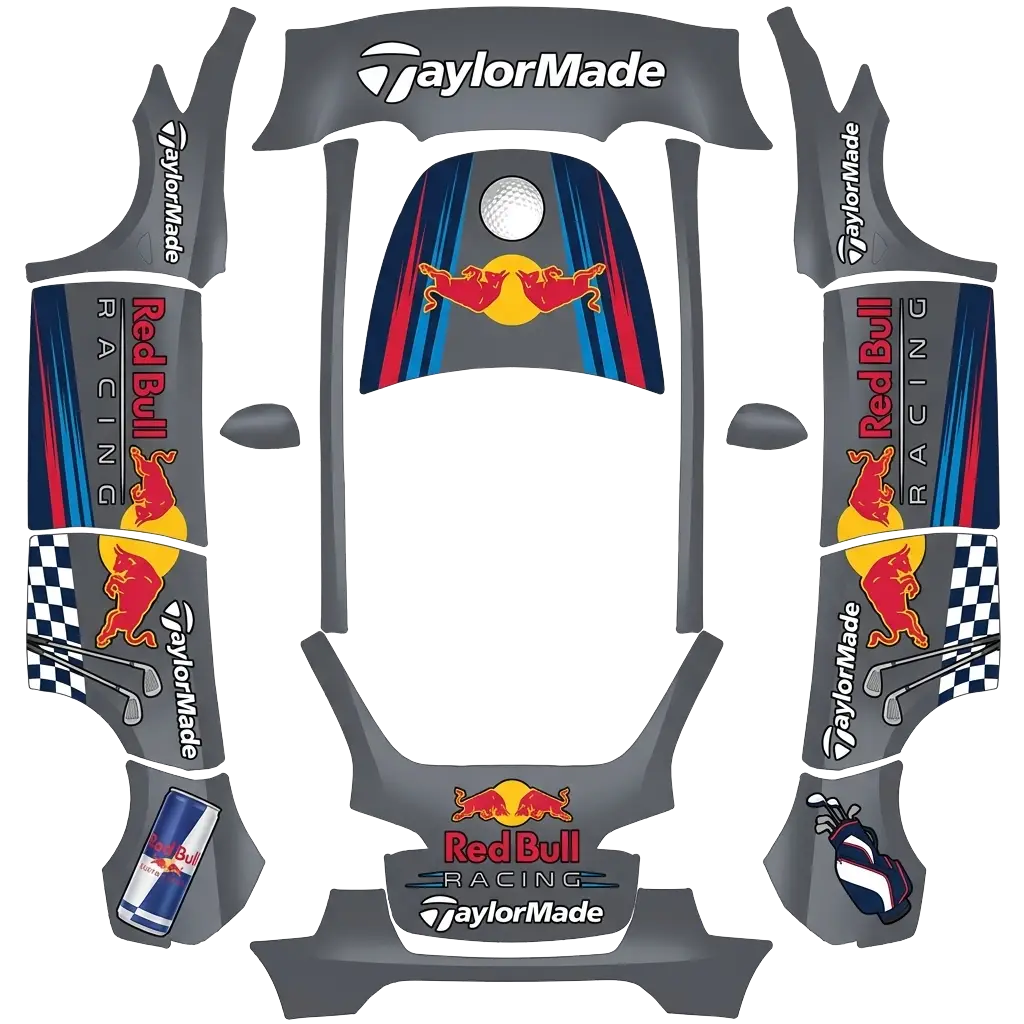
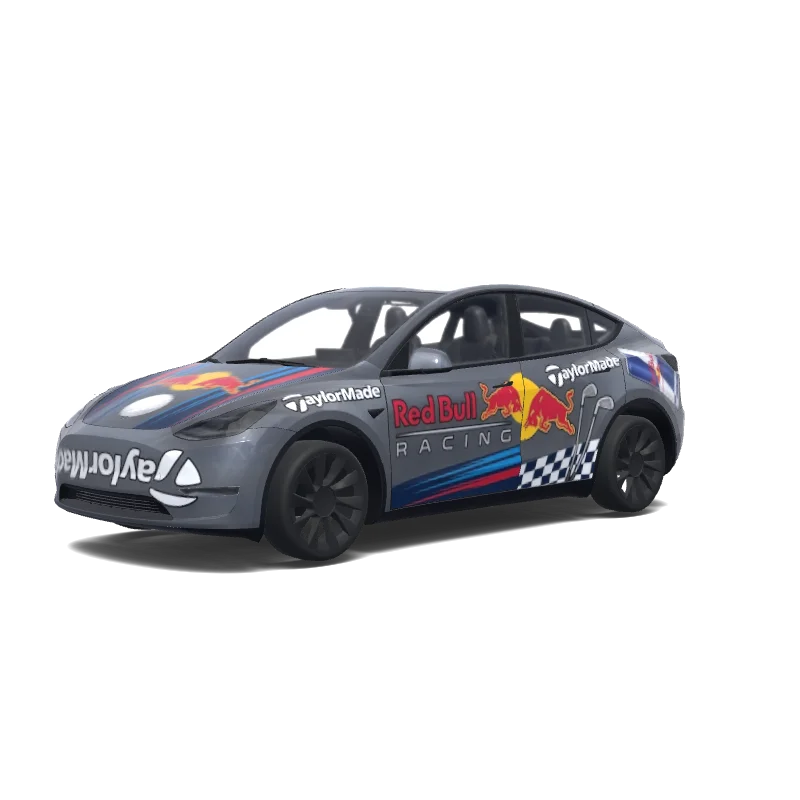
Taylormade golf and Red Bull racing collab. Use Teslas Midnight silver metallic PMNG for the color. Make sure all logo are oriented correctly from the viewers point of view..
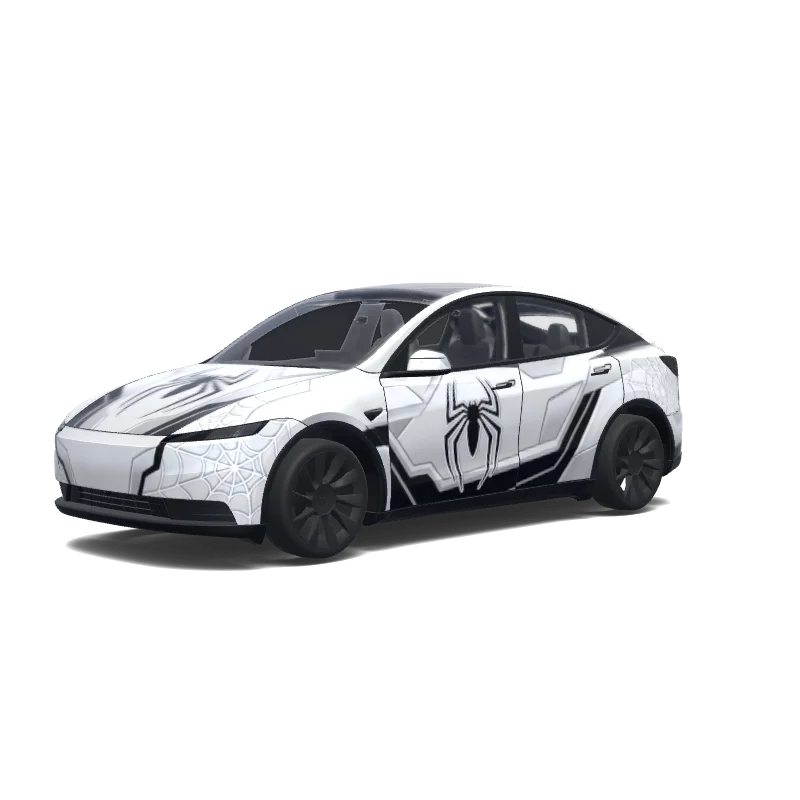

Model Y (2025+)
White and Black Spiderman themed a futuristic white spider-themed superhero suit, with the Spiderman logos. Keep the vehicle's pearl white base color and create a sleek high-tech appearance using layered matte white, gloss white, and satin silver textures. Add aggressive black aerodynamic panel lines, futuristic geometric patterns, and subtle web-inspired graphics integrated into the body panels. The design should feel like advanced technology mixed.
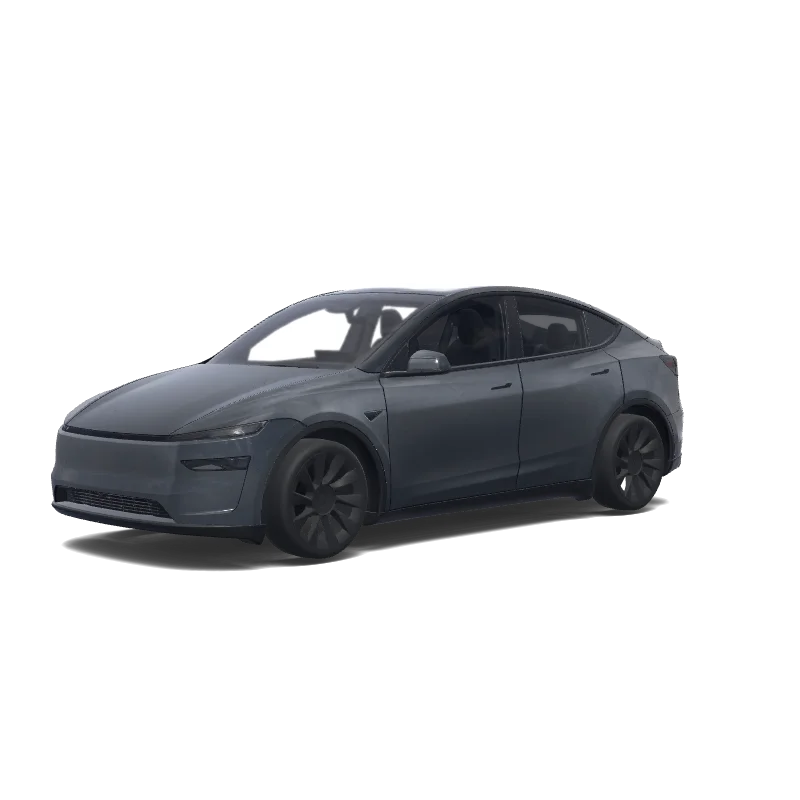

Model Y (2025+)
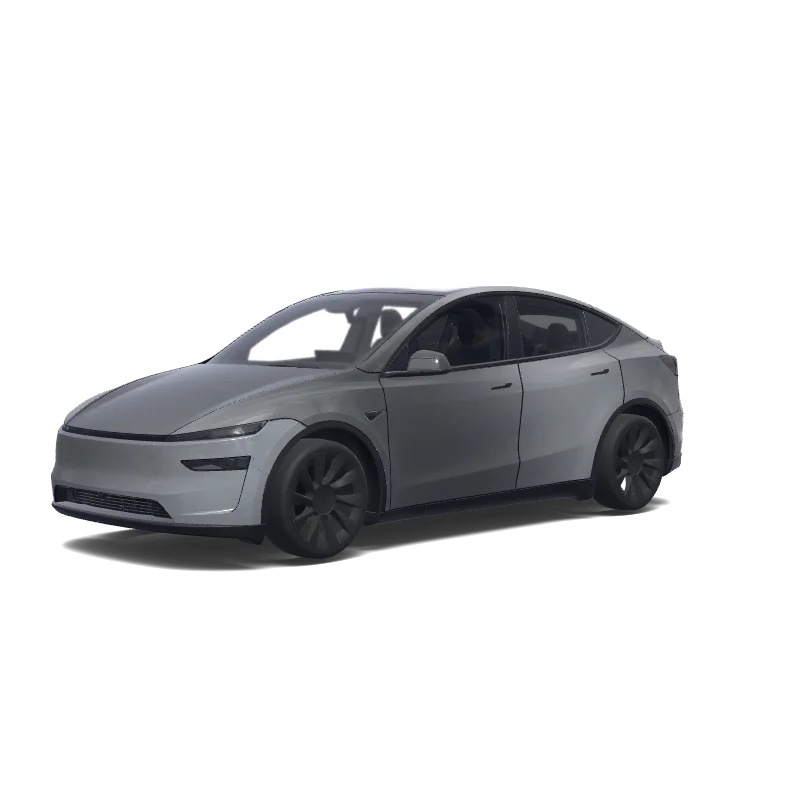
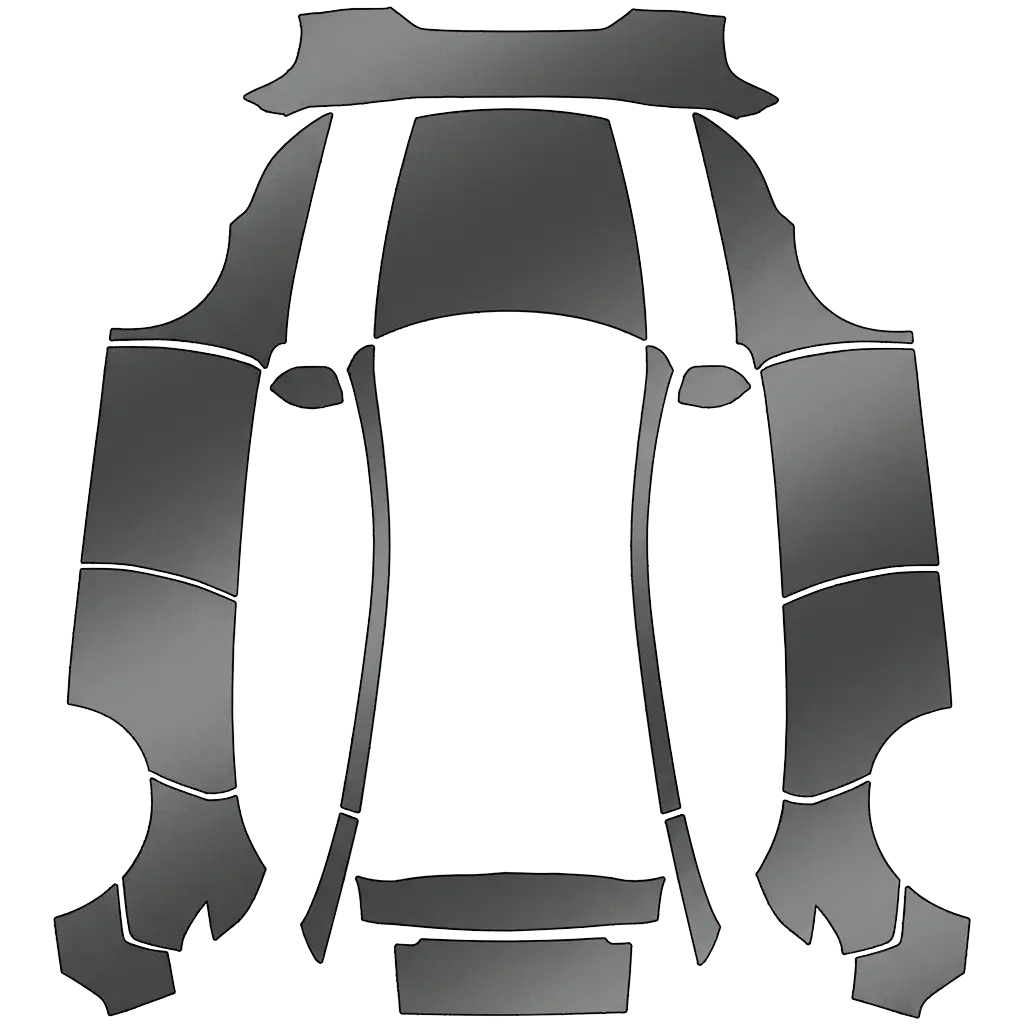
stealth gray with a frost satin full body wrap be sure to include the mirrors as well.
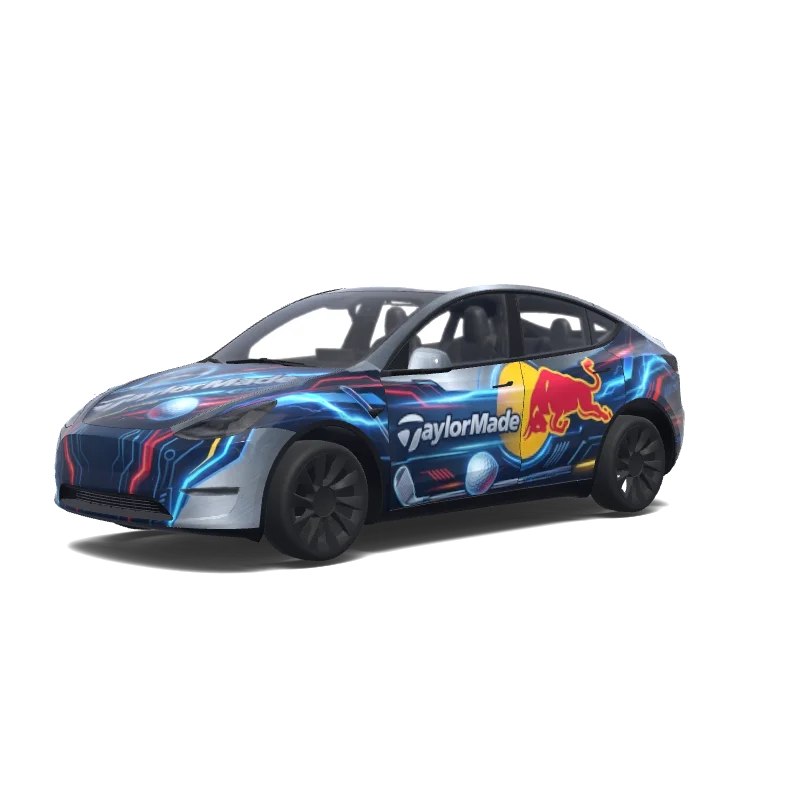
Model Y
Taylormade golf and Red Bull racing collab. Use Teslas Midnight silver metallic (PMNG) for the color. Make sure all logo are oriented correctly from the viewers point of view. Get creative and make it futuristic. Included a Tesla logo on the bottom. Make sure the top logo reads left to right..
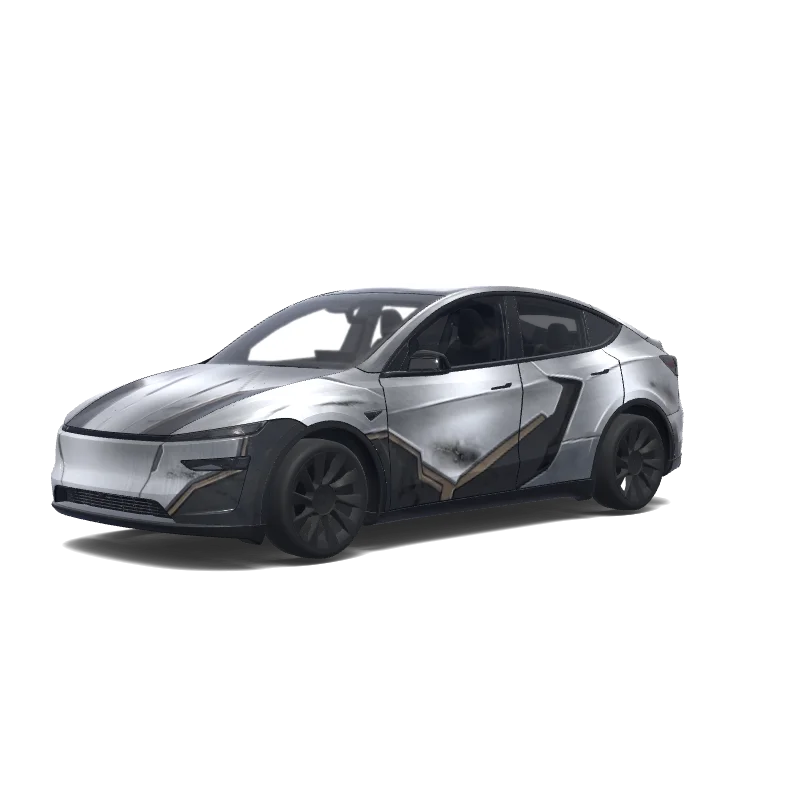

Model Y (2025+)
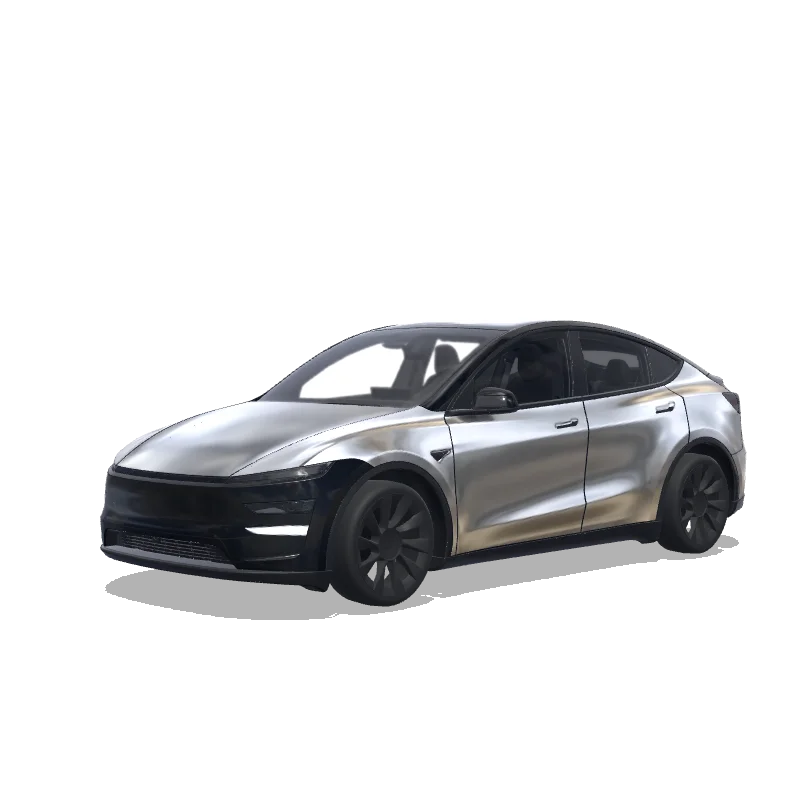
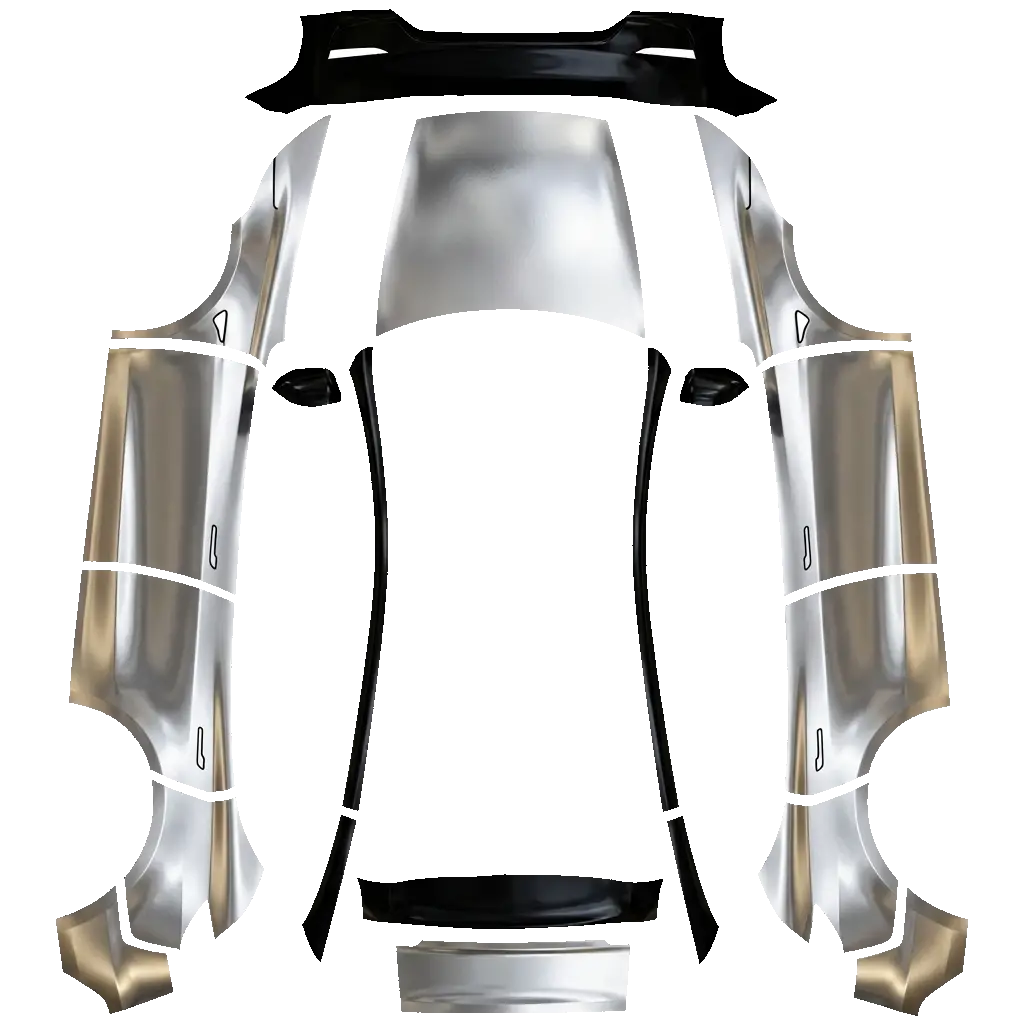
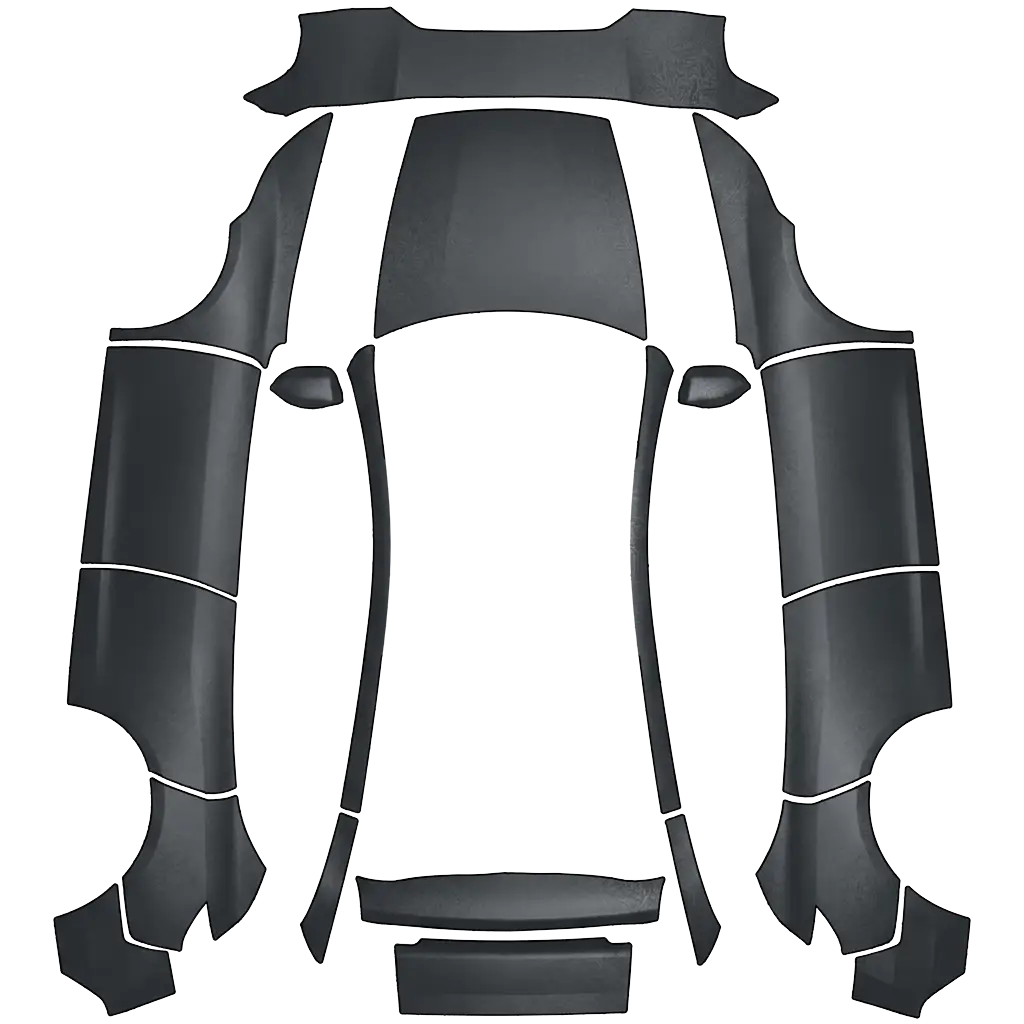
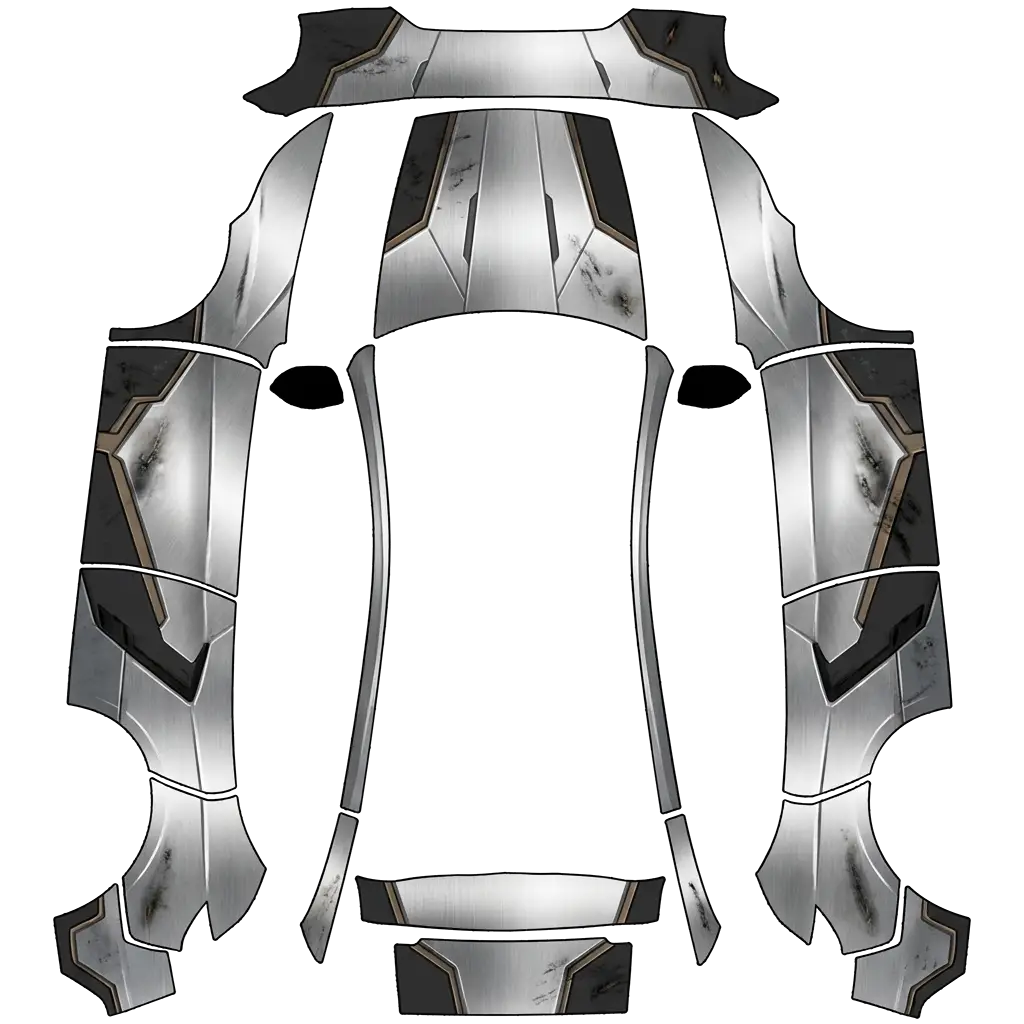
Create a futuristic armored bounty hunter-inspired vehicle wrap with brushed silver metallic armor panels, charcoal gray geometric sections, subtle battle-worn textures, dark black accents and minimal muted bronze details. Use sharp angular patterns inspired by science fiction armor. Keep the design sleek, aggressive and sophisticated, with realistic metallic textures. No characters, faces, logos or text..
Looking for another model? Browse the full gallery or pick a model above.
A real PNG no larger than 1 MB, with each side between 512 and 1024 px. Model 3, Model Y, Model S and Model X use 1024×1024; Cybertruck uses 1024×768. The file name must be 30 characters or fewer, using letters, numbers, spaces, underscores or dashes.
Export the PNG, then upload it in the Tesla app under Creations → Wrap → Upload (app 4.59.0 and later, up to 10 wraps), or copy it into a folder named Wraps at the root of a USB drive (up to 10), and pick it in Toybox → Paint Shop.
Yes. Open the design in the editor, adjust the panels, text or colors, and export again. The editor keeps your layers, so a small change does not mean starting over.
New to Paint Shop? Read the upload guide, check your file with the PNG checker, or start from a free design.
Comments
Loading…