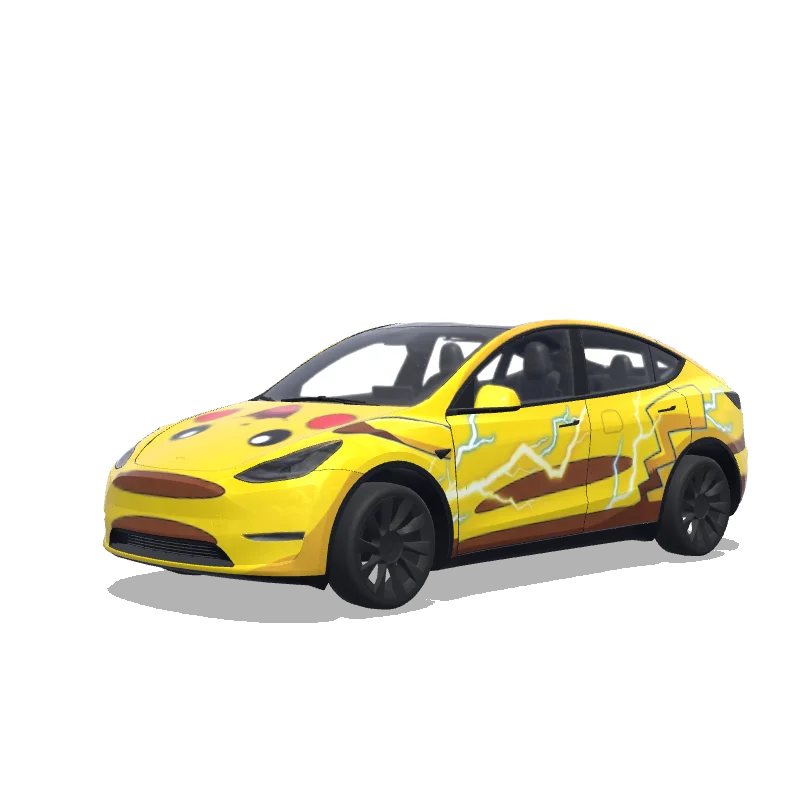
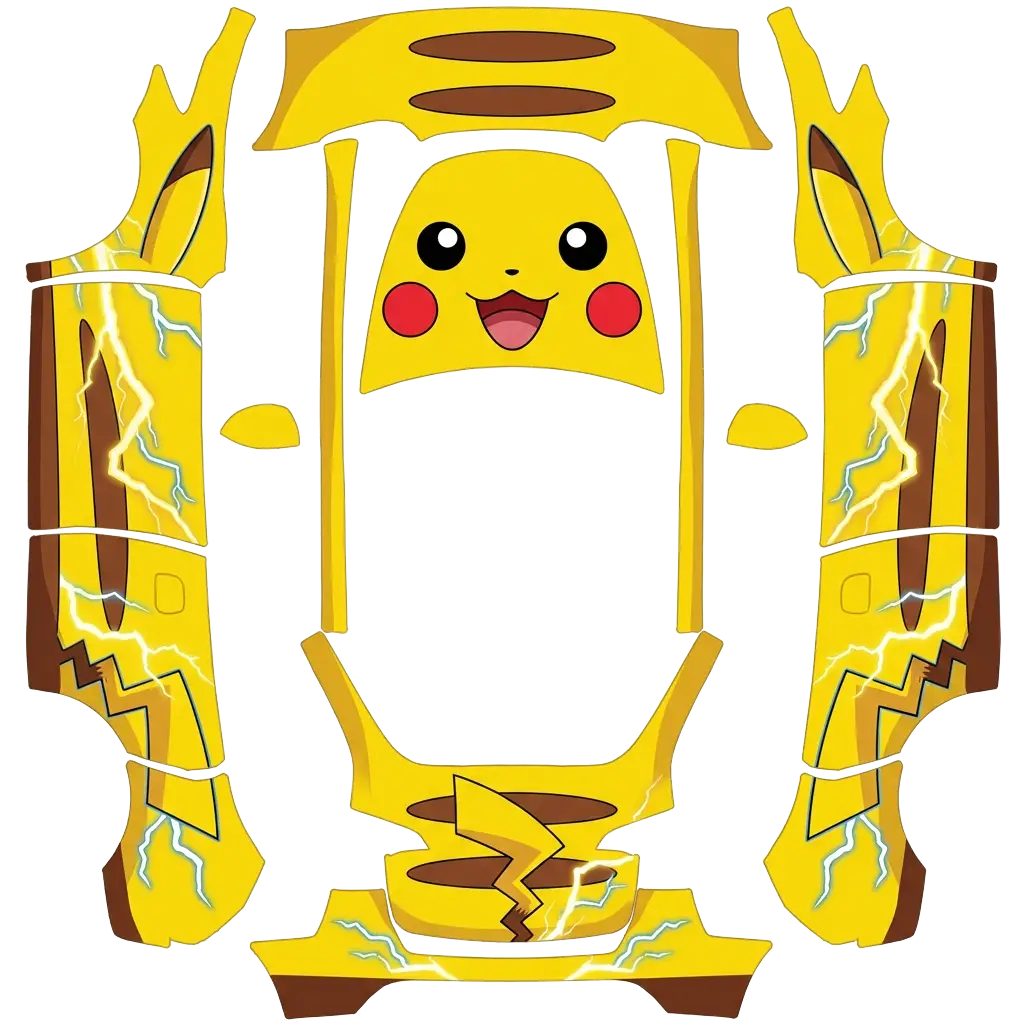
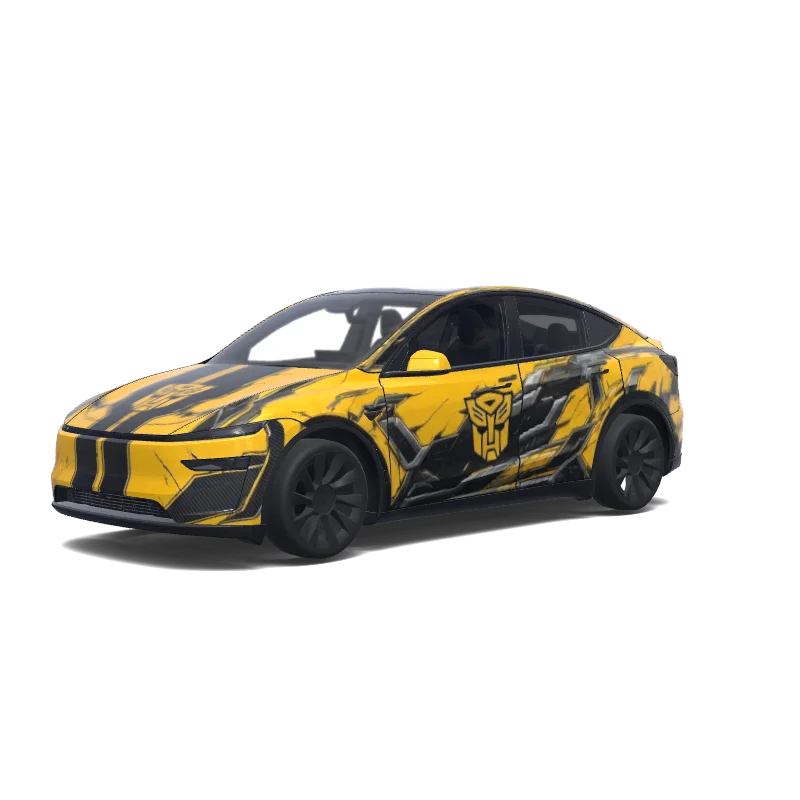
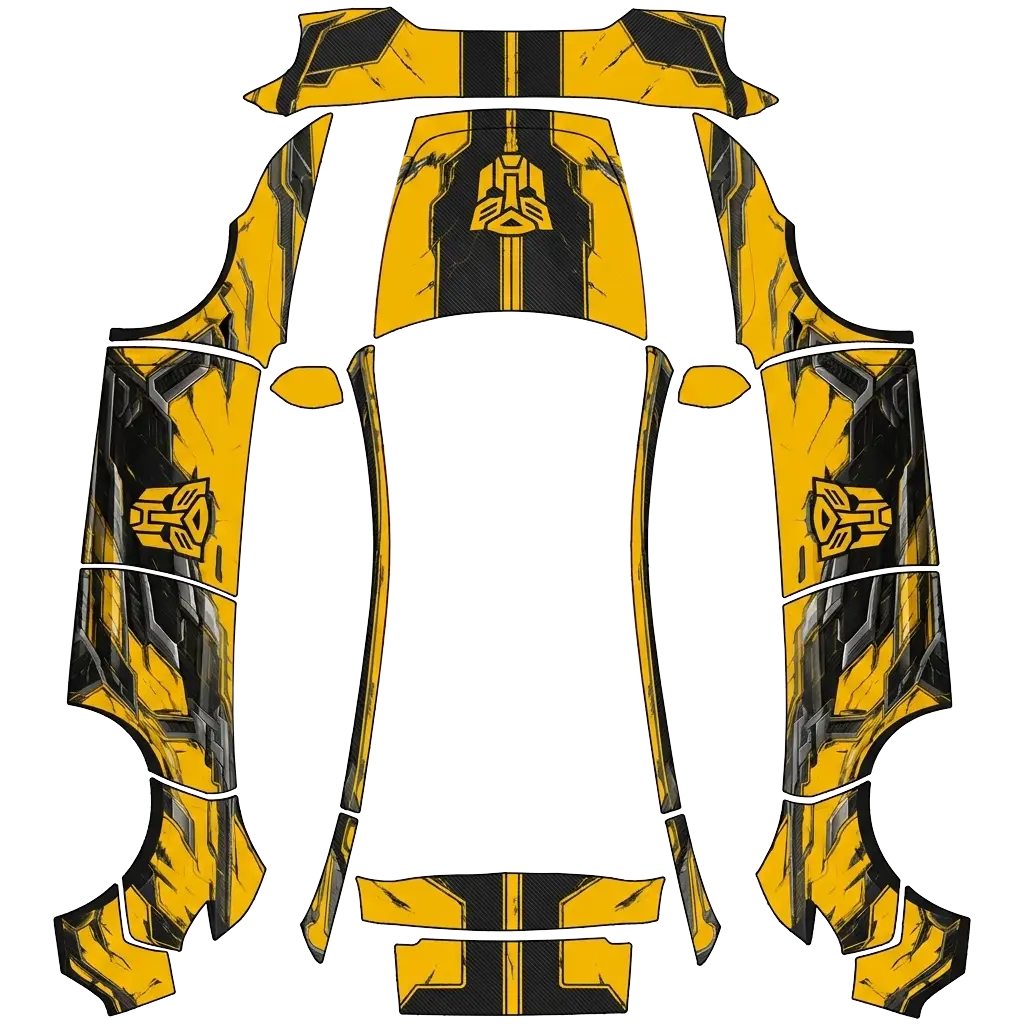
Yellow wraps are loud by definition: taxi yellow, mustard, or a pale lemon. The shade decides whether it looks sporty or like a cab.
6 designs in the gallery for Model Y · free PNG downloads · every file fits the Paint Shop template for its model.
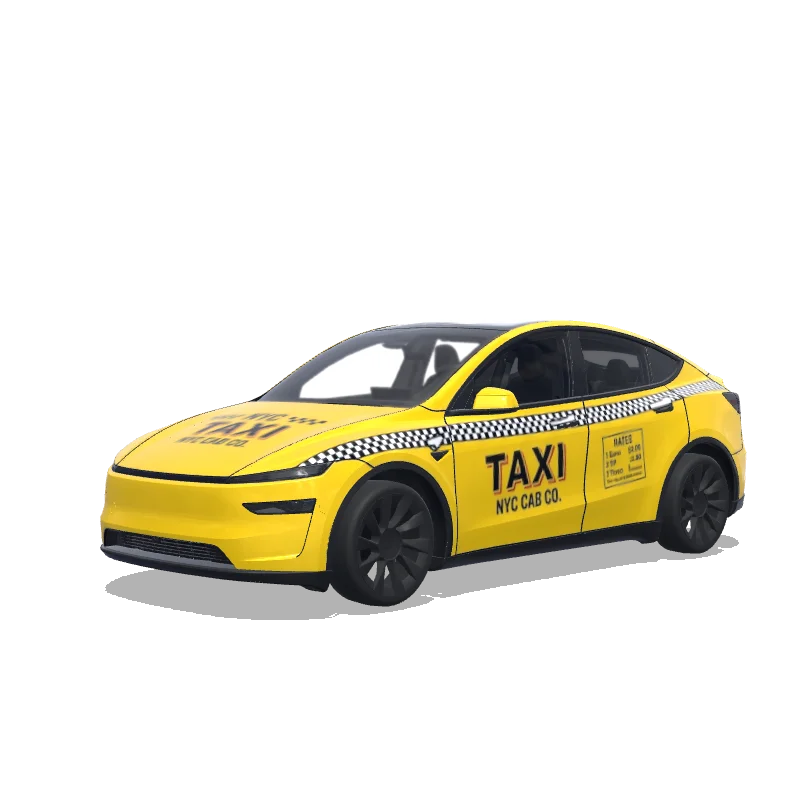

Model Y (2025+)
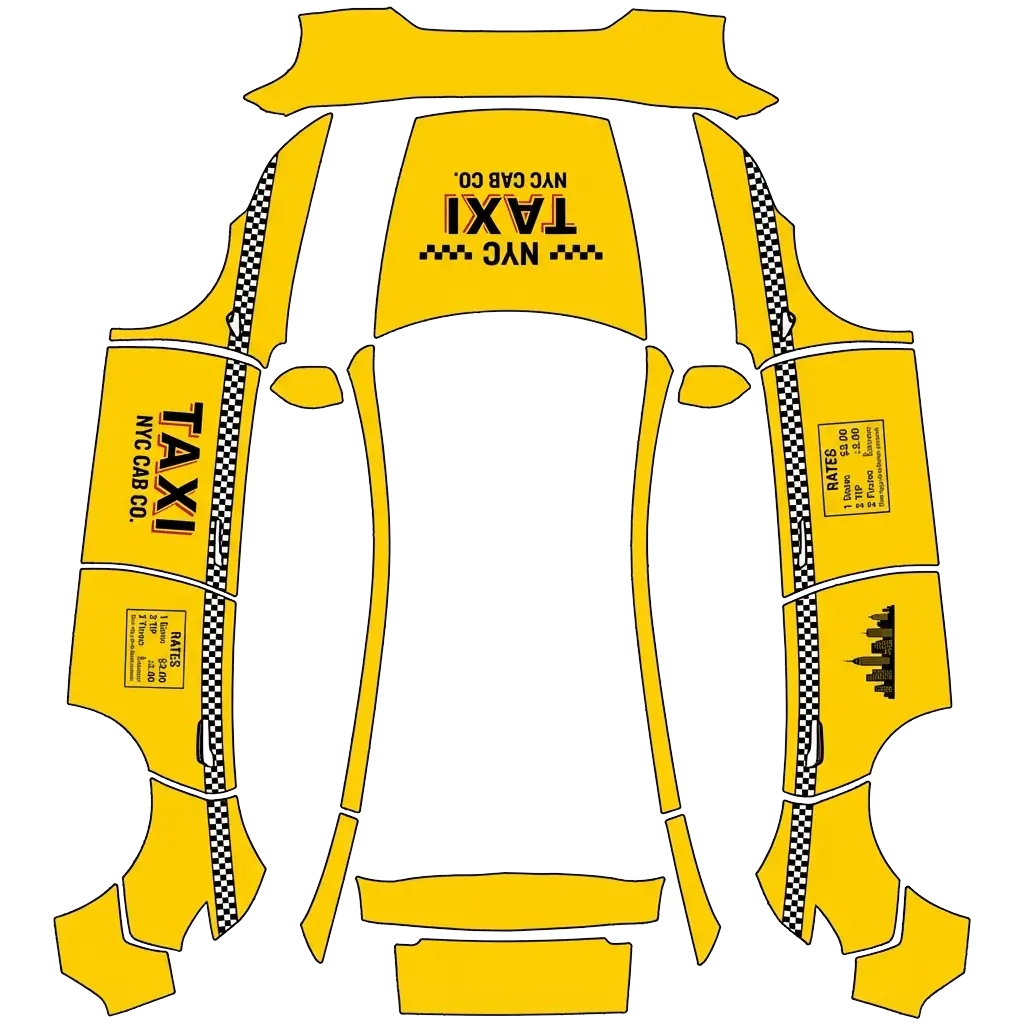
Classic taxi cab wrap design in yellow with checkered patterns, taxi signs and city cab graphics
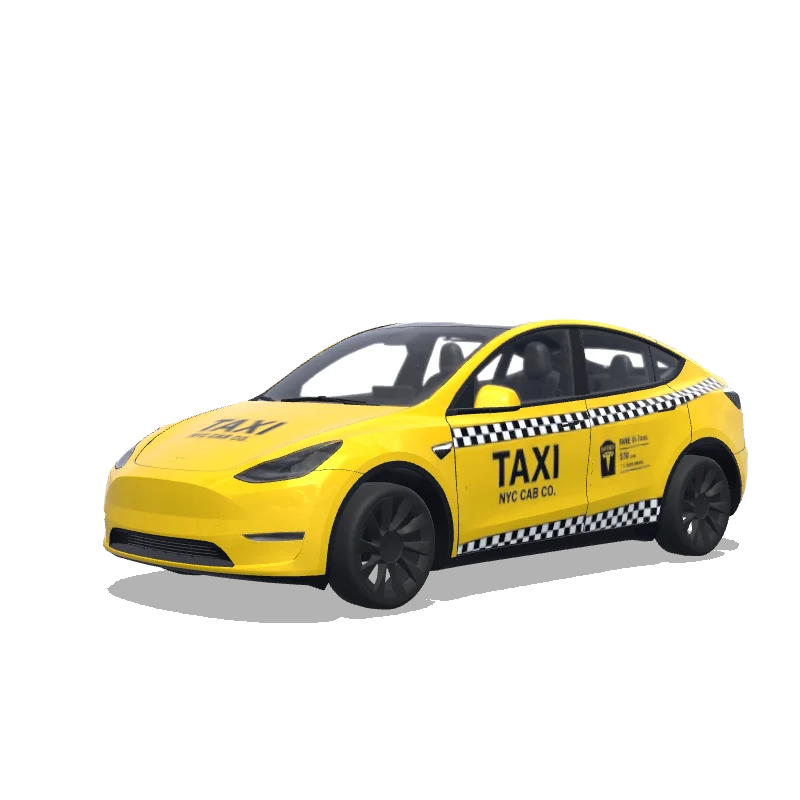

Model Y
Classic taxi cab wrap design in yellow with checkered patterns, taxi signs and city cab graphics
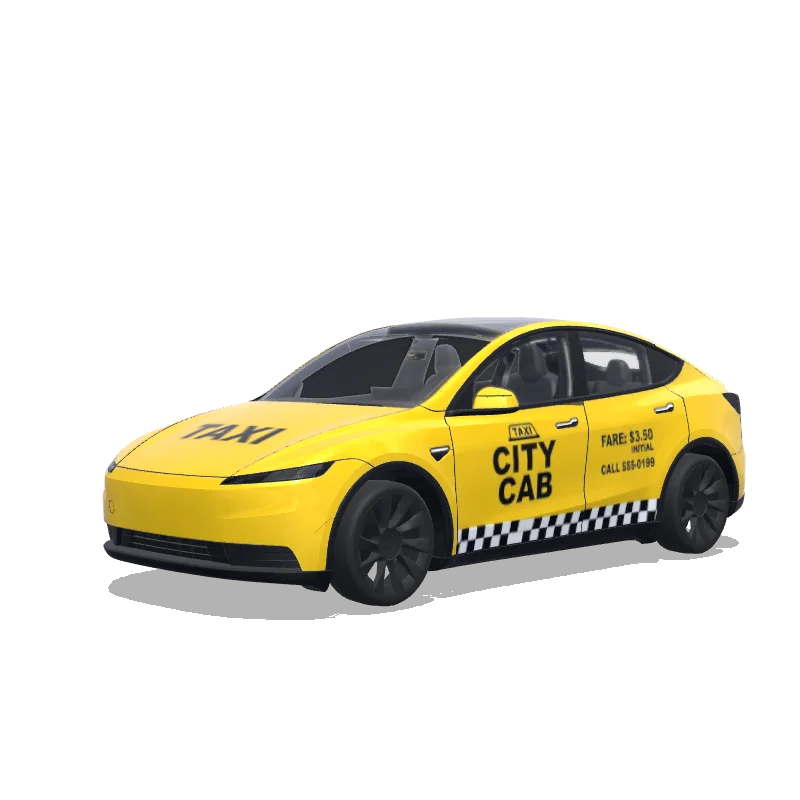

Model Y (2025+)
Classic taxi cab wrap design in yellow with checkered patterns, taxi signs and city cab graphics
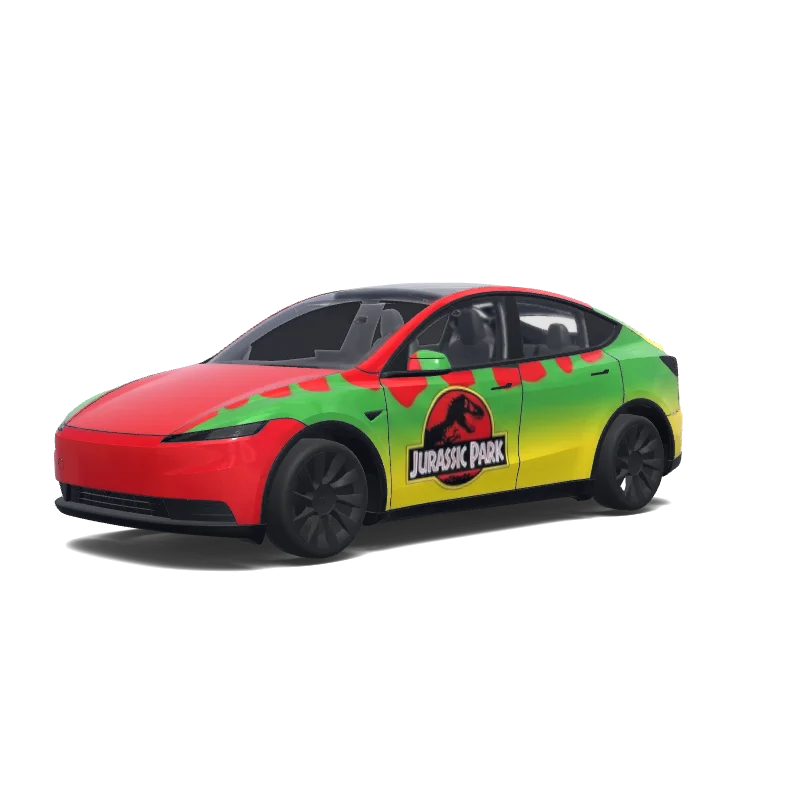

Model Y (2025+)
“the classic Jurassic Park car from when they drive past the t-rex. the one with red on top, green in the middle and yellow on the bottom. it is important that there is a Jurassic Park logo on the door and the text "Jurassic Park" on both sides. and a logo without text on the radiator. Need to be the actual design from the movie”.
Looking for another model? Browse the full gallery or pick a model above.
A real PNG no larger than 1 MB, with each side between 512 and 1024 px. Model 3, Model Y, Model S and Model X use 1024×1024; Cybertruck uses 1024×768. The file name must be 30 characters or fewer, using letters, numbers, spaces, underscores or dashes.
Export the PNG, then upload it in the Tesla app under Creations → Wrap → Upload (app 4.59.0 and later, up to 10 wraps), or copy it into a folder named Wraps at the root of a USB drive (up to 10), and pick it in Toybox → Paint Shop.
Yes. Open the design in the editor, adjust the panels, text or colors, and export again. The editor keeps your layers, so a small change does not mean starting over.
New to Paint Shop? Read the upload guide, check your file with the PNG checker, or start from a free design.
Comments
Loading…